
Overview
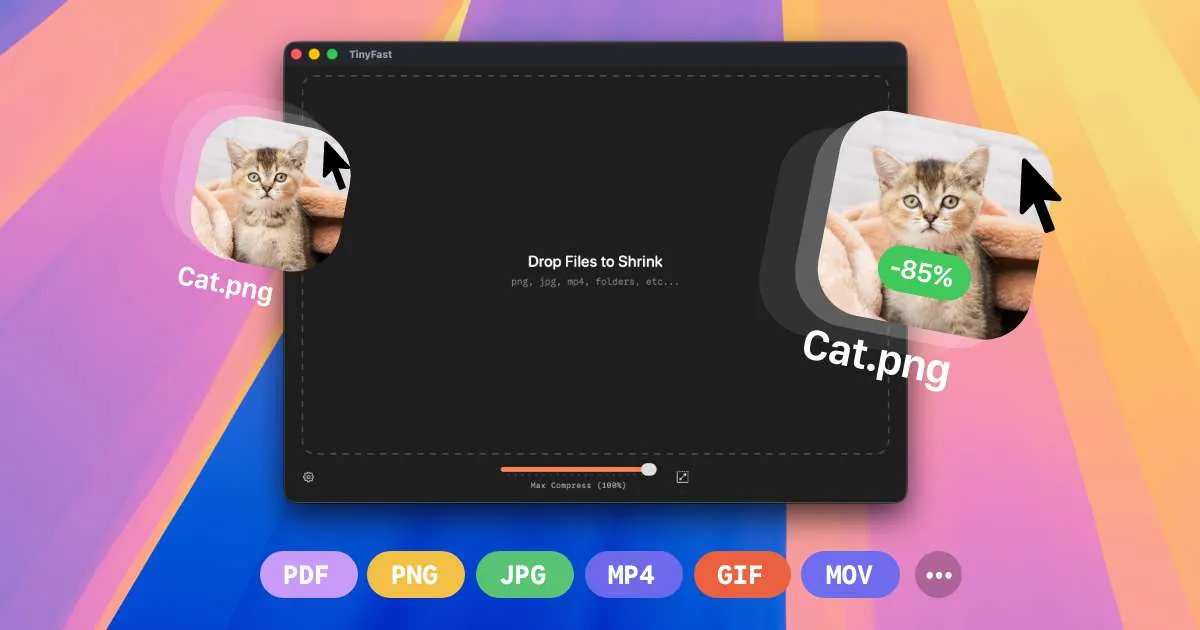
TinyFast is a macOS application designed to reduce the file size of images, videos, documents, and other file types directly on your Mac. It addresses a common pain point for professionals and everyday users who need to compress files without uploading them to online services, which can be slow, insecure, and privacy-invasive. The app positions itself as a fast, private, and simple alternative to web-based compression tools, emphasizing that files never leave the device. With support for a wide range of formats including PNG, JPEG, TIFF, HEIC, WebP, GIF, BMP, SVG, MP4, MOV, M4V, PDF, DOCX, JS, CSS, JSON, and MP3, TinyFast aims to be a universal compression utility for Mac users. The developer, Melvin Zammit, built it out of frustration with uploading sensitive assets to random websites, and the app reflects that focus on local processing and speed. In a market crowded with online compressors and other desktop tools, TinyFast differentiates itself through its privacy-first approach, batch processing capabilities, and a simple drag-and-drop interface.
Key Features
-
Drag-and-Drop Compression: The core workflow is incredibly simple: drag a file or folder onto the app, and it compresses it instantly. The website demonstrates this with videos showing files being dropped and compressed in seconds. This eliminates the need for complex settings or multi-step processes, making it accessible to users of all technical levels.
-
Batch Processing: TinyFast supports compressing entire folders at once, which is a huge time-saver for users dealing with large collections of images or videos. The website highlights "Bulk Folders" and "Bulk Image" options, indicating that users can drop multiple files or entire directories and get optimized output in one go. This is particularly useful for photographers, designers, and developers who need to optimize assets for web or storage.
-
Local and Private Processing: All compression happens on the user's Mac, with no uploads to cloud servers. This is a major selling point for professionals handling confidential documents, proprietary code, or sensitive media. The website explicitly states, "Your files never leave your machine. No uploads, no cloud servers. Total privacy by design." This addresses growing concerns about data security and privacy in cloud-based tools.