We compared nine social media schedulers on price, plan limits and workflow. Buffer wins on free publishing, Publer on cost per account, Metricool on analytics and Postiz on open source and AI agents.

Alternative.tools review team
Editorial team
We are the editorial team behind Alternative.tools, an independent platform that helps you find the best tools and their alternatives. We use AI to research and summarize newly launched websites, tools, and products, focusing on what each one does, who it's for, and which popular tools it can replace, so you can pick the right alternative faster, without the marketing spin.

We compared six AI voice to text tools on price, privacy and what they actually do. Wispr Flow wins for everyday dictation, Superwhisper for offline work, MacWhisper for a one-time licence and Otter for meetings.
We compared eight screen recorders on price, licence model and platform. Loom wins for team messages, Screen Studio for polished demos, OBS for free long recordings and CleanShot X for quick Mac clips.
Get Your Own Review
Get a dedicated SEO review article for your product or service and start ranking for “your brand + review” in search results.
Get Your Review ArticleThe best social media schedulers in 2026 are Buffer for free multi channel publishing, Publer for the lowest cost per account, Metricool for analytics and competitor tracking, Postiz for open source and AI agent workflows, and Planable for client approvals.
A scheduler is the cheapest piece of software most marketing teams buy, and it is also the one people most often overpay for. The gap between a $5 per month queue and a $149 per seat platform is rarely about publishing. Every tool here puts a post on a calendar and sends it at the right time. What you actually pay for is everything around that: how many accounts fit under one price, who can approve a post before it goes out, how far back the analytics reach, and whether the tool can be driven by an API or an AI agent instead of a human clicking through a composer.
So we compared nine schedulers on the numbers that change your bill and your workflow, not on feature lists. Buffer is the easiest starting point and still has the most usable free plan. Publer is the cheapest way to add accounts one at a time. Metricool is the one to pick when reporting drives the strategy, and Postiz is the only tool in this list you can read the source code of and host yourself.
Prices below were checked on November 19, 2026, on each vendor's own pricing page. Several of these vendors run regional pricing and seasonal discounts, so the number at your checkout may differ from the number on their public page.
| Tool | Best for | Free plan | Starts at |
|---|---|---|---|
| Buffer | Free publishing for one person teams | Yes, 3 channels | $5 per channel per month |
| Publer | Lowest cost per social account | Yes, 3 accounts, no X | $5 per month, 1 account |
| Metricool | Analytics and competitor tracking | Yes, 1 brand | $20 per month, 5 brands |
| Postiz | Open source, self hosting and AI agents | No, 7 day trial | $29 per month, 5 channels |
| Later | Instagram and visual planning | No, trial only | $18.75 per month, billed yearly |
| SocialBee | Evergreen content recycling | No, 14 day trial | $29 per month, 5 profiles |
| Typefully | Writing on X and LinkedIn | Yes, 10 posts per month | $99 per year |
| Planable | Review and approval workflows | First 50 posts free | $33 per workspace per month |
| Hootsuite | Bulk publishing across many accounts | No, 14 day trial | $99 per user per month, billed yearly |
Headline prices hide the limit that usually forces the upgrade. This is what the cheapest paid plan buys you on each tool.
| Tool | Accounts at entry price | Users at entry price | The limit to check first |
|---|---|---|---|
| Buffer | 1 channel, then $5 each | 1 on Essentials, unlimited on Team | Per channel pricing at 10 or more channels |
| Publer | 1 account, extras from $4 | 1, members cost extra | Recycling and advanced analytics need Business |
| Metricool | 5 brands | 1 | Approvals and the Looker Studio connector need Advanced |
| Postiz | 5 channels | Team plan upward | No free tier, the trial is 7 days |
| Later | 8 profiles in 1 social set |
We are a directory team, not a social agency, so we are explicit about the method. Every price, plan limit and trial length in this article comes from the vendor's own pricing page, read on November 19, 2026, and every feature claim comes from vendor documentation or a product page we can point to. Where a capability is sold as an add on or sits behind a higher tier, we say so, because that is where a scheduler quietly becomes expensive.
We weighted four things: total cost for a realistic setup rather than the headline number, how many accounts and seats fit under one price, how much of the workflow around publishing is included (approvals, analytics depth, recycling, inbox), and whether the tool is open to automation through an API, a CLI or an MCP server. That last point matters more each year, because a growing share of posts are now drafted by an AI assistant and need somewhere to land in a queue.
What we did not do is run six month side by side trials of all nine platforms. Nobody should claim that without receipts.
Pros
Cons
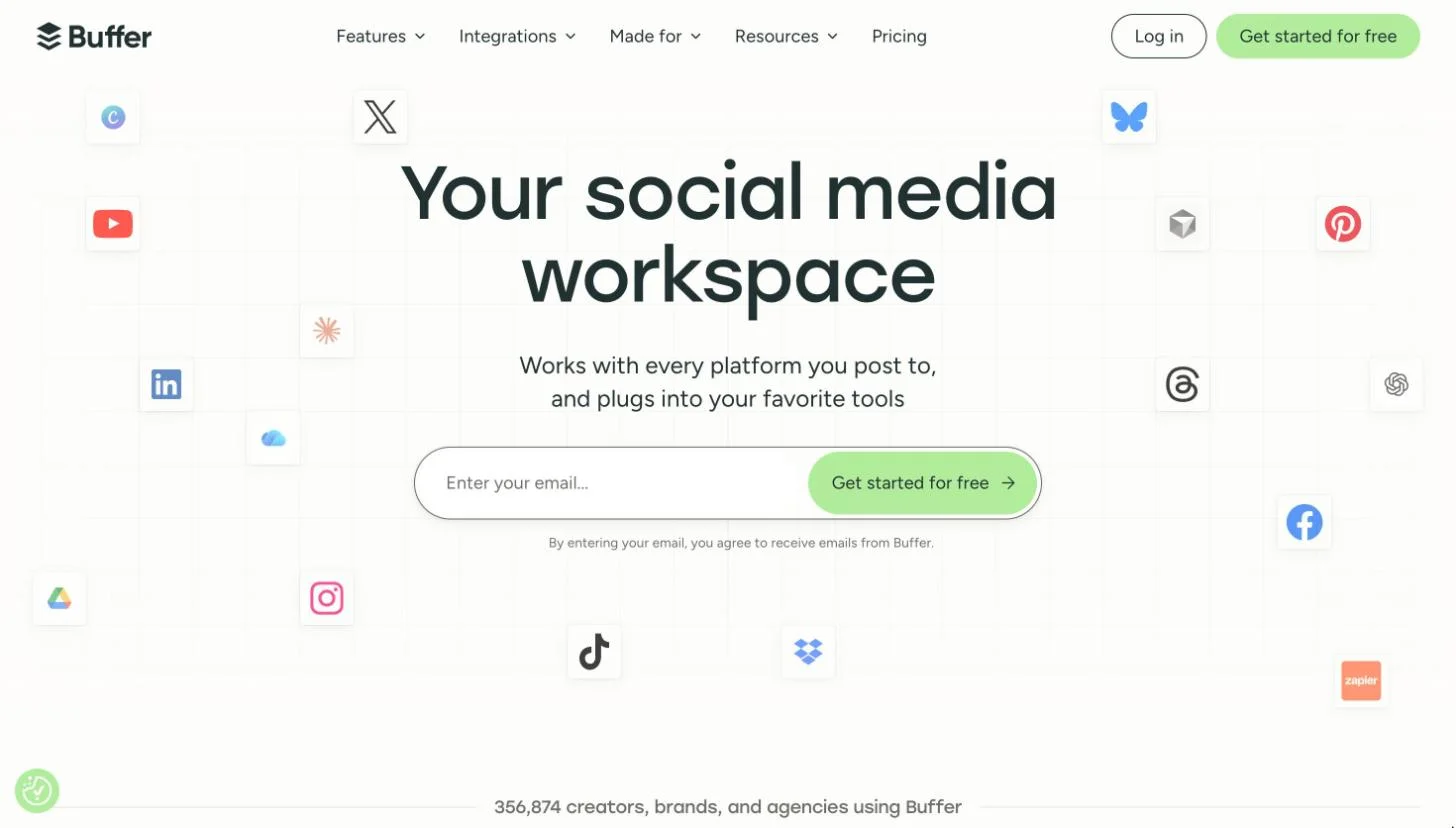
Buffer is the tool we would hand to someone who has never used a scheduler. You connect an account, write a post, pick a time, and the mental model is finished. There is no workspace hierarchy to design and no onboarding call to book.
The free plan is the real reason it tops this list. Three channels and ten queued posts per channel is enough to run a genuine publishing habit for a small product or a personal brand, and because slots refill after publishing, a weekly cadence never hits the ceiling. Most free tiers in this category are demos. This one is a usable product.
The trade off arrives with scale. Buffer prices per connected channel, so the bill grows in a straight line with your account count while tools like Later or SocialBee bundle profiles into a flat tier. At three or four channels Buffer is the cheapest serious option in this comparison. At twelve, it is not.
Who it is for: solo founders, creators and small teams who want consistent publishing on a handful of channels without paying for engagement and listening features they will never open. See Buffer's pricing page for current channel pricing.
Pros
Cons
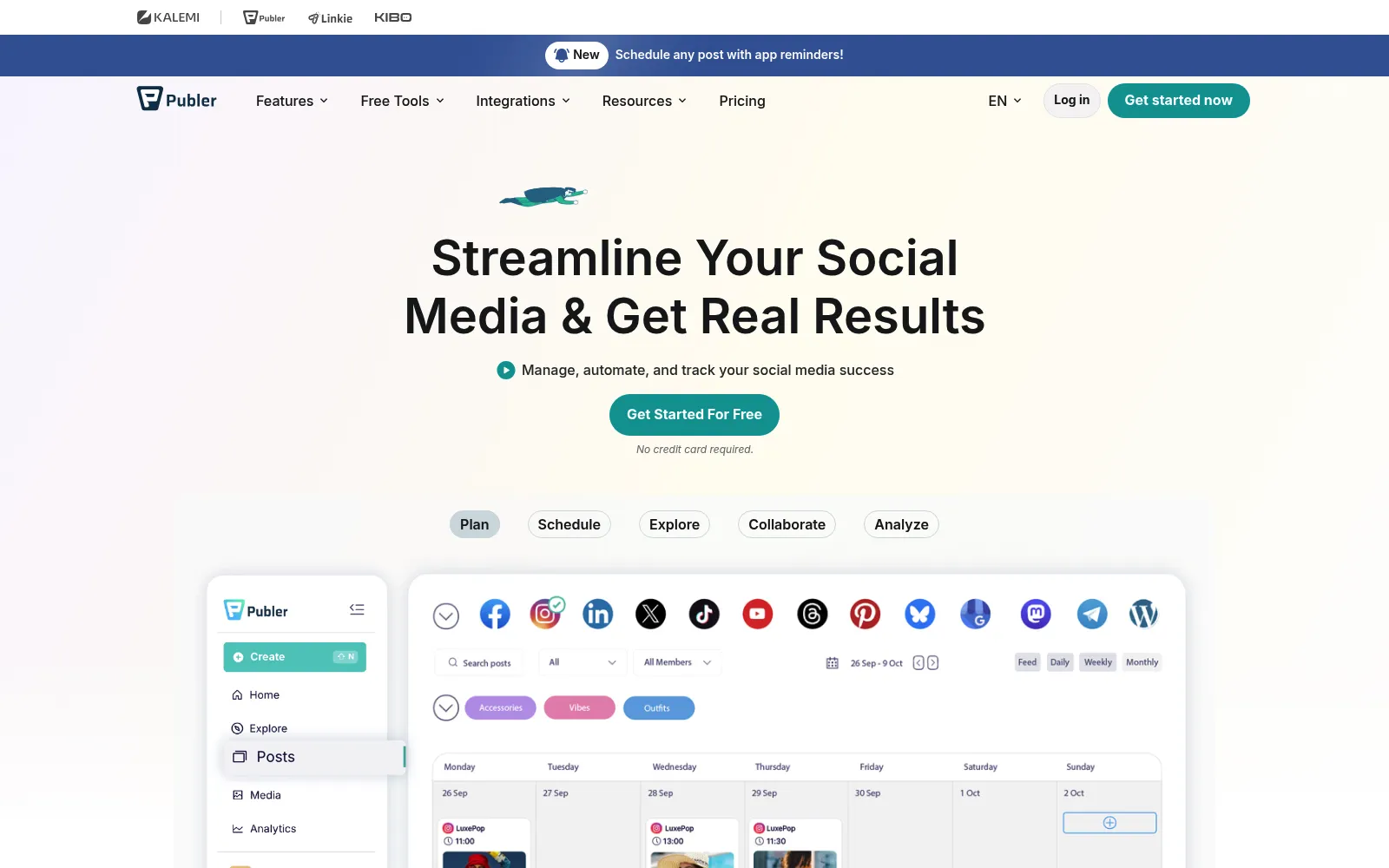
Publer is the answer to a specific question: what is the cheapest way to add one more account to my scheduler? Nearly every competitor answers with a tier upgrade that bundles five profiles you do not need. Publer answers with roughly four dollars.
That pricing model suits the way small teams actually grow. You start on one channel, add LinkedIn when it starts working, add a second brand when a client arrives, and the bill tracks reality instead of jumping in steps. Approvals being included on the entry paid plan is unusually generous, since Metricool, SocialBee and Hootsuite all gate that behind a middle or top tier.
Two caveats are worth knowing before you compare numbers with a colleague abroad. Publer adjusts prices by region, and it runs seasonal promotions, so screenshots of its pricing age badly. Check the figure from your own location, with your own account count dialled in.
Who it is for: budget conscious solo marketers, freelancers and small agencies who want per account pricing and approvals without a jump to agency tiers. Dial in your own account count on Publer's plans page.
Pros
Cons
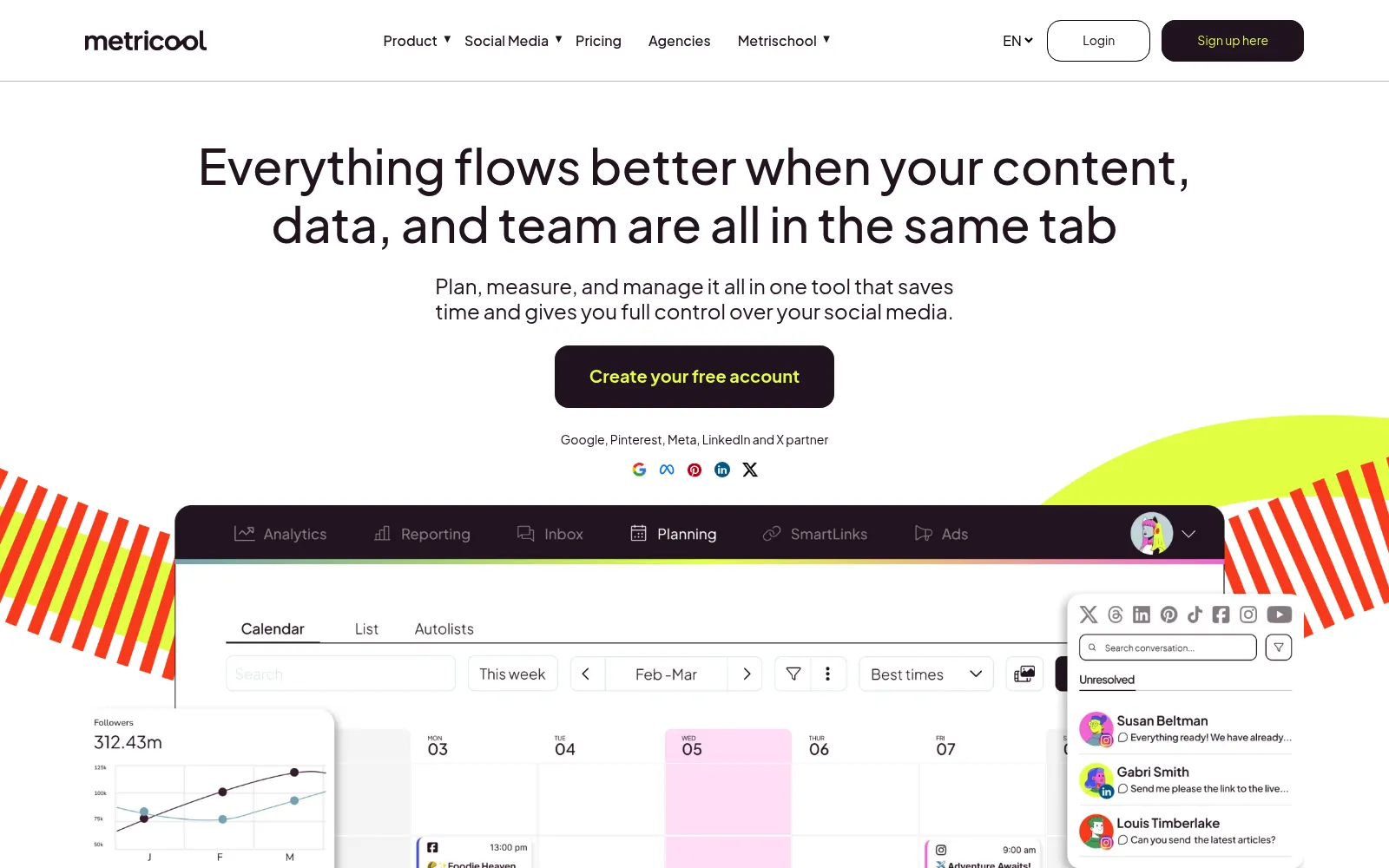
Metricool is where we would start if the point of the scheduler is reporting rather than publishing. Scheduling is competent and unremarkable. Analytics is where the product is clearly built with care, and the competitor tracking is the part nobody else at this price matches.
Being able to follow up to 100 competitor profiles on a $20 plan changes what a monthly report can say. Instead of "our engagement rose 12 percent", a client gets posting frequency, audience growth and top content for the three brands they actually worry about. For a freelancer billing retainer work, that single feature often justifies the subscription.
Brand based pricing suits agencies specifically. Five brands for $20 per month is far cheaper than five Buffer channel sets or five Planable workspaces, and reports export as PDF or PPT without manual assembly. If you need analytics tied to revenue rather than engagement, pair it with a product analytics tool and read our guide to SaaS analytics tools.
Who it is for: agencies, freelancers and in house marketers who report to someone else every month and need competitor context, not just their own numbers. Brand counts and prices are on Metricool's pricing page.

Pros
Cons
Postiz is the scheduler for people who are suspicious of schedulers. The source is public, you can run it on your own server, and the data stays where you put it. For a team that already self hosts its analytics and its status page, that alone decides it.
The more interesting part in 2026 is the agent tooling. The MCP server, CLI and public API ship with every paid plan rather than an enterprise add on, so an AI assistant can be given access to your calendar and told to queue a week of posts. If your content is already drafted in Claude or ChatGPT, this is the shortest distance between a draft and a scheduled post that we have found. Network coverage is the widest here too, which matters for communities on Mastodon or Nostr that mainstream tools ignore.
The price is the honest objection. Five channels for $29 per month is roughly six times what the same five channels cost on Publer, and there is no free tier to grow into. You are paying for ownership, breadth and automation rather than for a cheaper queue. We publish a full Postiz review, keep its directory listing current, and list the closest Postiz alternatives if the price pushes you elsewhere.
Who it is for: developers, privacy conscious teams and anyone building AI agent workflows who wants the scheduler to be scriptable rather than clickable. Channel limits per tier are listed on Postiz pricing.
Pros
Cons
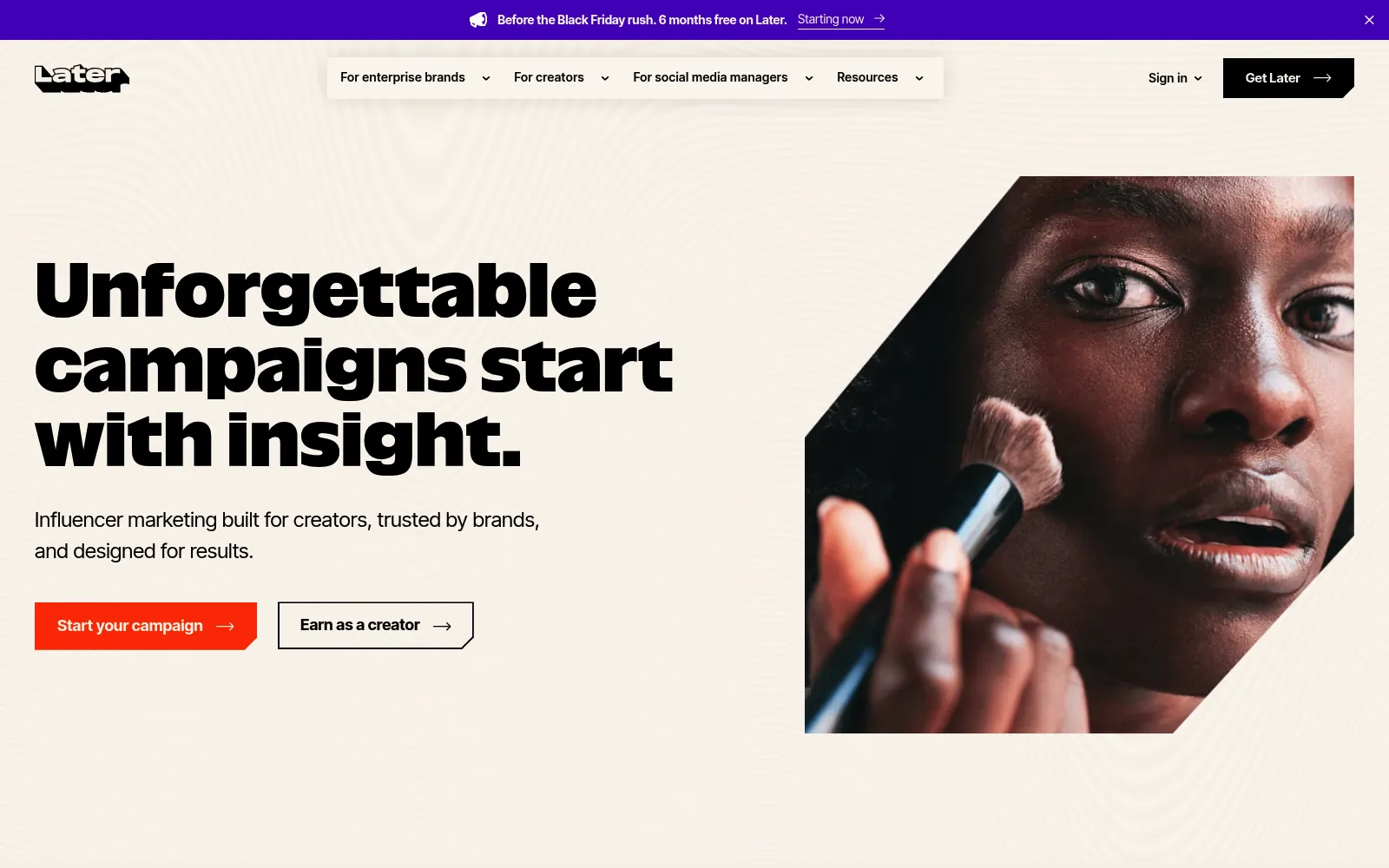
Later treats a feed as a composition rather than a queue, and for Instagram first brands that framing is worth the subscription on its own. Dragging scheduled posts around a grid preview to see how next week's feed will look is the kind of small thing that changes what gets published.
Eight profiles inside one social set at $18.75 per month is also better value than it first looks. That covers an Instagram account, a TikTok, a Facebook page, a Pinterest profile and more under a single price, where Buffer would charge per channel. For a visual brand running every network from one content pool, Later is usually cheaper than it appears next to a $5 headline.
Two limits decide it for most people. There is no X support, which is disqualifying for some and irrelevant for others, and three months of analytics history on Starter is not enough to show a year of growth. Budget for Growth at $37.50 per month if reporting matters, or pair Later with Metricool.
Who it is for: visual first brands, ecommerce and creator teams whose main channels are Instagram, TikTok and Pinterest and who care how the grid looks. Social set sizes are set out on Later's pricing page.
Pros
Cons
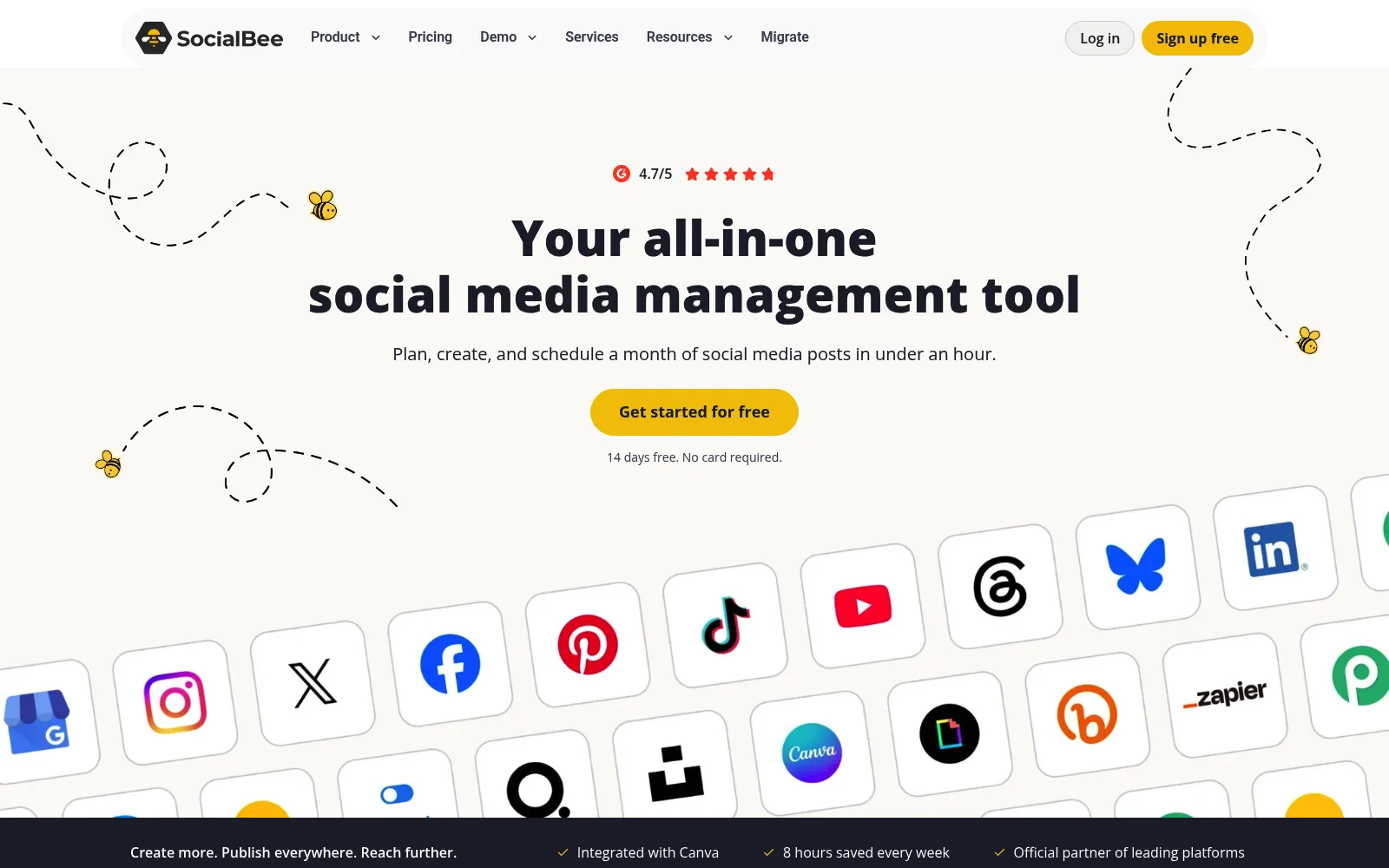
Most schedulers assume a post is finished once it publishes. SocialBee assumes the opposite, and that single design decision is why it is in this list. Content gets grouped into categories, each category gets publishing slots, and the queue keeps rotating through them, so a balanced mix happens by structure rather than by remembering.
That suits anyone sitting on an archive. A guide written in March can resurface in July with a different caption and a new image, and expiry rules stop time sensitive posts from reappearing after a launch date. For a small team publishing five times a week, recycling is the difference between a sustainable cadence and a Sunday evening scramble.
The cost is setup. You will spend an afternoon defining categories and slot schedules before anything feels automatic, and if you abandon that work halfway you have bought an ordinary scheduler for $29. Commit to the model or pick a simpler tool.
Who it is for: solo marketers, bloggers and B2B teams with a content library worth reusing and a weekly cadence to protect. Profile and workspace limits are on SocialBee's pricing page.
Pros
Cons
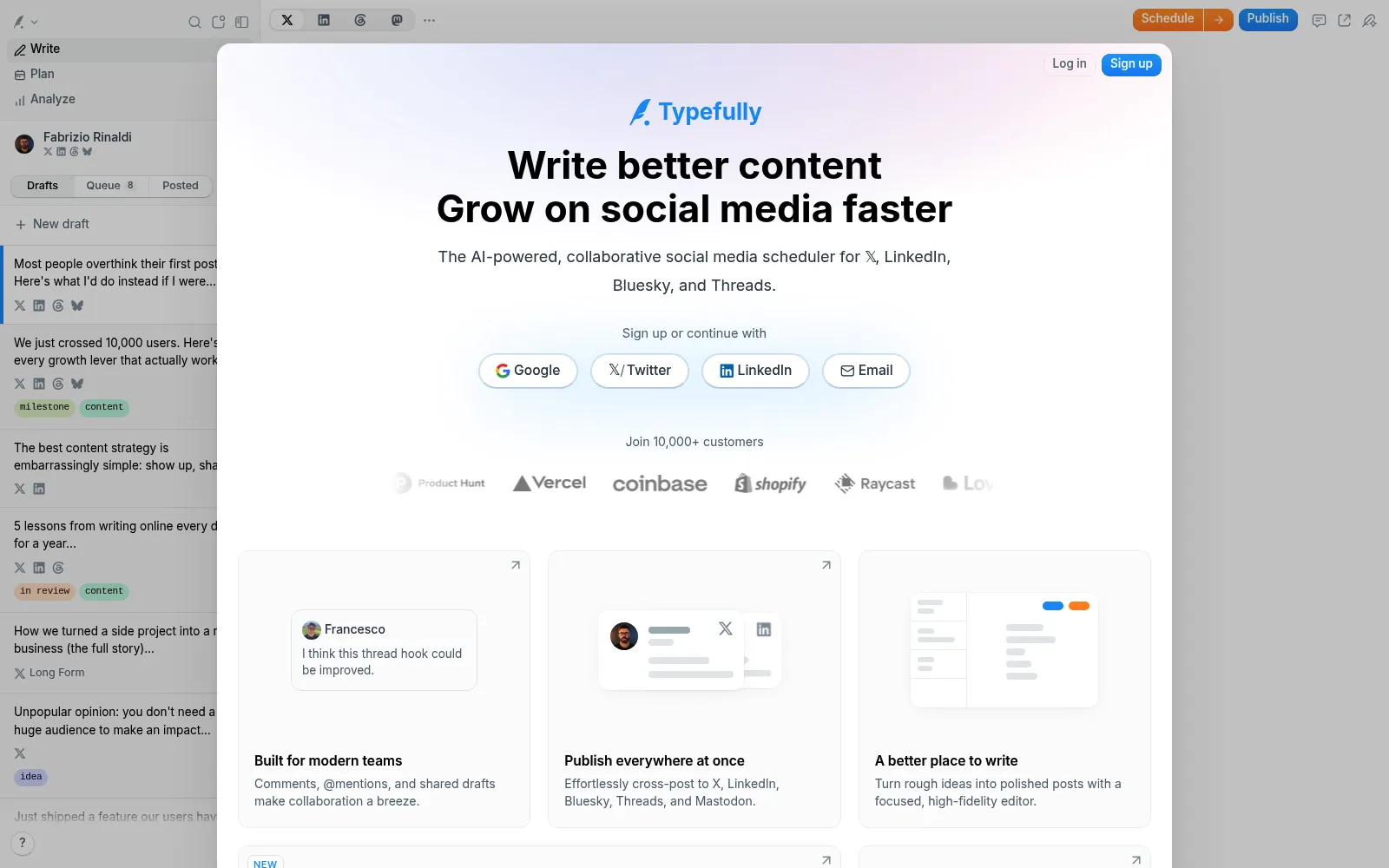
Typefully is the only tool here that treats writing as the hard part. The editor is quiet, previews are exact, and threads behave like a document rather than a stack of boxes. If your social strategy is one person publishing opinions on X and LinkedIn, this is the most pleasant hour of the week you can buy for $99 a year.
It is also quietly the most agent ready product in this comparison alongside Postiz. The API, MCP server and agent skills are available on the free plan, so an assistant can queue drafts for review before you have paid anything. Teams get unlimited users on Business at $18 per social set, which undercuts every per seat platform in this article.
The scope is the trade off, and it is deliberate. There is no Instagram, no TikTok, no Facebook, so a consumer brand needs something else. Writers and B2B founders rarely miss them.
Who it is for: founders, writers and B2B marketers whose audience lives on X and LinkedIn, plus teams that want AI drafts landing in a review queue. The free tier and both paid plans are on Typefully pricing.
Pros
Cons
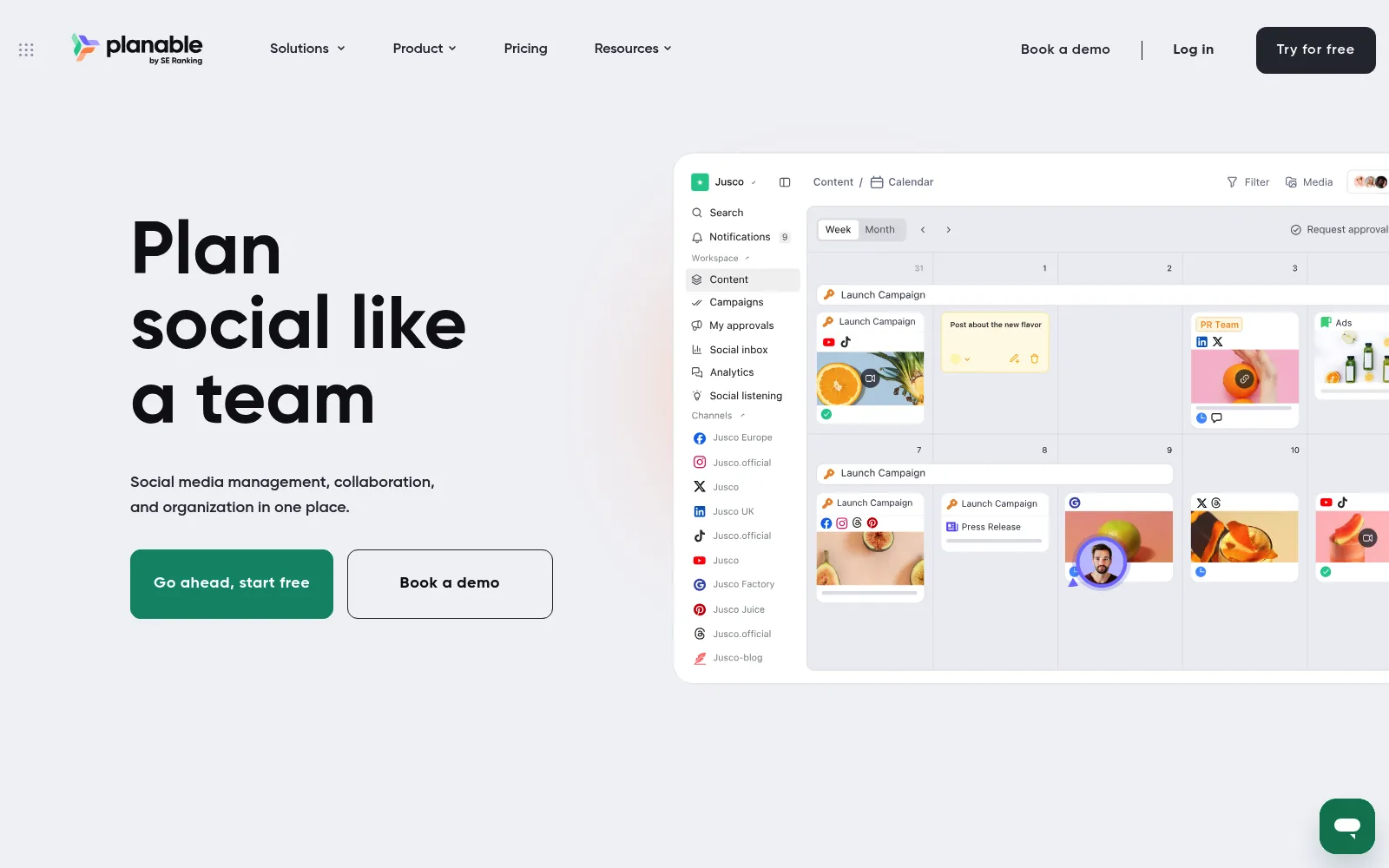
Planable solves a people problem rather than a publishing one. When a post needs a client, a lawyer or a founder to say yes before it goes out, the bottleneck is never the scheduler. It is the eleven message email thread about the third sentence.
Keeping feedback attached to the post itself fixes that, and unlimited users on every plan is what makes it practical. Nobody has to decide whether the client is worth a seat. Invite everyone, let them comment where the content lives, and publish once it is approved. The grid and feed views matter more than they sound, because stakeholders approve what they can see.
Budget for the add ons. A workspace with analytics and the inbox is $52.50 per month rather than $33, and multiple clients mean multiple workspaces. Planable is excellent at one job and priced accordingly.
Who it is for: agencies with client sign off, regulated industries, and in house teams where posts pass through more than one approver. Add on prices are listed on Planable's pricing page.

Pros
Cons
Hootsuite earns its place on volume. When a team publishes hundreds of posts a month across dozens of accounts, the bottleneck moves from writing to logistics, and bulk uploading a quarter of content from a spreadsheet stops being a nice idea and becomes the job. Unlimited accounts from Professional upward removes the per channel arithmetic that makes Buffer awkward at scale.
The crisis controls deserve a mention too. Being able to pause an entire scheduled queue the moment news breaks, then review and resume, is the sort of feature you only value once. Larger brands have usually been burned by a cheerful post landing during a bad week.
The pricing is the obvious objection, and the plan structure makes it worse. Bulk scheduling, the headline reason to choose Hootsuite, is not on the entry plan, so the realistic price is $199 per user per month billed annually, or $2,388 per seat per year. Below roughly ten accounts and three people, almost everything else in this article is a better deal.
Who it is for: established social teams with many accounts, high message volume and reputation risk, who will use listening and bulk publishing every week. Per seat figures are on Hootsuite's plans page.
These three come up in every shortlist and they are credible tools, each sold mainly to agencies and larger in house teams at per seat prices above the ones above. We left them out of the ranking because we could not verify their current plan limits to the same standard as the nine tools here, and quoting an old price helps nobody. If your shortlist is already enterprise shaped, price them directly against Hootsuite Professional rather than against Buffer.
Narrow tools are worth knowing about too. If one network carries your traffic, a specialist usually beats a generalist: URL2Pin, for example, turns a product or blog URL into a full Pinterest campaign with generated pins and a posting schedule, which no general scheduler in this list attempts. The same applies to short form video: BlitzReels cuts long recordings into captioned clips that a scheduler then queues. The full social media category in our directory lists the rest, and if Reddit is part of the mix, our guide to Reddit marketing tools covers ground none of these schedulers touch.
Every tool here publishes reliably. The differences that matter are cost shape and workflow, so work through these five questions before starting a trial.
A practical route for most small teams: start on Buffer's free plan or Typefully's, confirm you actually publish weekly for a month, then pick the paid tool that matches the constraint that broke first, whether that is account count, approvals, history or automation.
If producing the posts is the real bottleneck rather than scheduling them, two companion comparisons cover that side: screen recording tools for demos and tutorials, and AI voice to text tools for turning talk into captions and copy.
Buffer, for most people. Three channels with ten refilling post slots is enough to run a real publishing habit. Publer's free plan covers three accounts but excludes X, Typefully's free tier allows 10 posts per month and already includes API and agent access, and Metricool's free plan is better understood as an analytics preview, with one brand, 20 posts per month and 30 days of history.
Yes, but coverage varies more than on any other network because of API costs. Buffer, Publer (on paid plans), Postiz, Typefully and Hootsuite all publish to X. Later does not support X at all, and Planable excludes X publishing during its free trial. If X is central to your work, confirm support before you pay.
It depends entirely on your shape. Four channels and one person is cheapest on a per channel tool such as Buffer or Publer, often under $20 per month. Twenty accounts and five people is cheaper on a bundled plan, since Hootsuite Professional gives unlimited accounts per seat while per channel pricing keeps climbing. The crossover usually lands somewhere around ten channels.
On two tools here, properly. Postiz ships a hosted MCP server, a CLI, a public API and webhooks on every paid plan, so an assistant like Claude or ChatGPT can draft and queue posts directly. Typefully exposes an API, MCP server and agent skills even on its free plan. Elsewhere you are looking at Zapier, Make or n8n as a middle layer. If you want AI help with the writing rather than the scheduling, see our guide to AI writing tools.
Usually yes, for two reasons that have nothing to do with timing: drafts stop living in your notes app, and you get analytics that reach back further than the native app shows. At one channel, the cost is $5 per month on Buffer or nothing on Typefully if you publish under ten posts a month, which is a low price for not publishing from your phone at midnight.
| 1 |
| Analytics history stops at 3 months on Starter |
| SocialBee | 5 profiles, 1 workspace | 1 | Approvals start on the $49 plan |
| Typefully | 1 social set | 1 on Creator, unlimited on Business | Text platforms only, no Instagram or TikTok |
| Planable | 4 social pages | Unlimited on every plan | Analytics and inbox are paid add ons |
| Hootsuite | 10 accounts | 1 | Bulk scheduling needs the $199 plan |