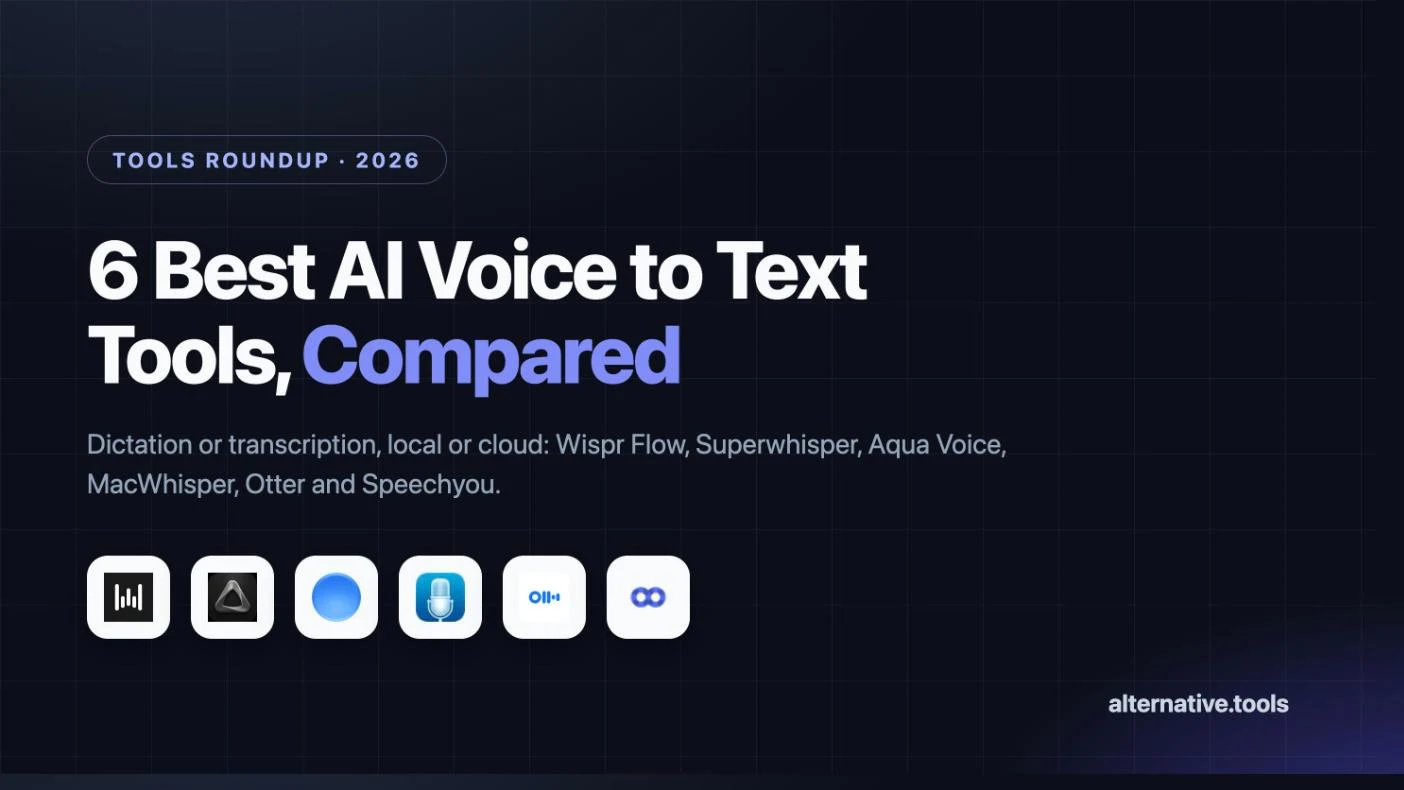
We compared six AI voice to text tools on price, privacy and what they actually do. Wispr Flow wins for everyday dictation, Superwhisper for offline work, MacWhisper for a one-time licence and Otter for meetings.
Alternative.tools review team
Editorial team
We are the editorial team behind Alternative.tools, an independent platform that helps you find the best tools and their alternatives. We use AI to research and summarize newly launched websites, tools, and products, focusing on what each one does, who it's for, and which popular tools it can replace, so you can pick the right alternative faster, without the marketing spin.
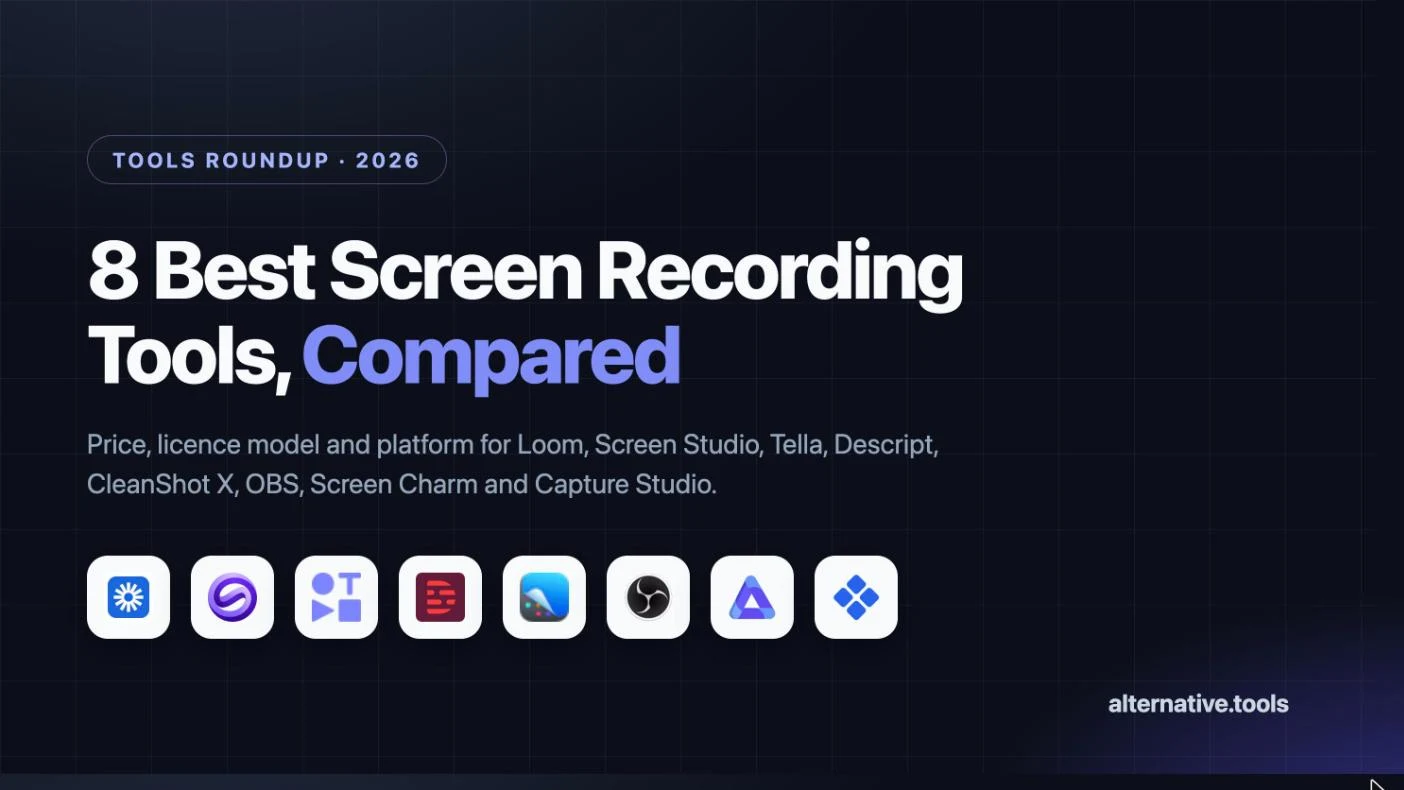
We compared eight screen recorders on price, licence model and platform. Loom wins for team messages, Screen Studio for polished demos, OBS for free long recordings and CleanShot X for quick Mac clips.
We compared nine social media schedulers on price, plan limits and workflow. Buffer wins on free publishing, Publer on cost per account, Metricool on analytics and Postiz on open source and AI agents.
Get Your Own Review
Get a dedicated SEO review article for your product or service and start ranking for “your brand + review” in search results.
The best AI voice to text tools in 2026 are Wispr Flow for dictation inside any app, Superwhisper for offline transcription that never leaves your machine, MacWhisper for a one-time licence, Otter for meeting notes, and Speechyou for cheap transcription across a huge list of languages.
Voice to text now covers two jobs that people keep confusing when they shop. The first is dictation: you hold a key, talk, and formatted text lands in whatever app has focus, at roughly three times typing speed. The second is transcription: you hand over a recording or a meeting and get a document back, with summaries, speakers and exports. A few tools do both. Most do one well and the other poorly.
The second question is where the audio goes. Cloud models are faster and usually more accurate, but the audio leaves your machine. Local models run on your own silicon, work on a plane, and never create a retention question, at the cost of speed on older hardware. That single choice narrows this list faster than any feature comparison.
Prices were checked on November 19, 2026, on each vendor's own pricing page. Several of these tools price in euros or run student discounts, so your checkout figure may differ.
| Tool | Best for | Free plan | Starts at |
|---|---|---|---|
| Wispr Flow | Dictation that works in every app | Yes, limited words per week | $12 per user per month, billed annually |
| Superwhisper | Offline dictation and transcription | Yes, core features stay free | $8.49 per month |
| Aqua Voice | Editing and commanding by voice | Yes, 2,000 words | $10 per month, billed annually |
| MacWhisper | A one-time licence for Mac transcription | Yes, full free version | €64 one time |
| Otter.ai | Meeting notes and shared transcripts | Yes, 300 minutes a month | $8.33 per user per month, billed annually |
| Speechyou | Cheap transcription in many languages | No, 3 day trial | $67 per year |
The two columns that decide this are the job and the privacy model. Everything else is detail.
| Tool | What it is built for | Where audio is processed | Platforms |
|---|---|---|---|
| Wispr Flow | Dictation, plus a meeting notetaker | Cloud | Mac, Windows, iPhone, Android |
| Superwhisper | Dictation and file transcription | Local or cloud, your choice | macOS, Windows, iOS, Android |
| Aqua Voice | Dictation, voice editing and commands | Cloud, with a privacy mode | macOS, Windows, iOS, Android |
| MacWhisper | Transcribing files and recordings | Local | macOS |
| Otter.ai | Live meetings and shared notes |
Prices, plan limits and platform support come from each vendor's own pricing page, read on November 19, 2026. Where a vendor publishes an accuracy figure we attribute it to them rather than repeating it as fact, because word error rate depends on your microphone, your accent and your vocabulary more than on any benchmark.
We weighted four things: whether the tool does dictation, transcription or both, where the audio is processed, the real cost over a year including the usual upgrade trigger, and how many platforms the licence covers. Dictation tools in particular live or die on whether they work in the one app you use most.
We did not run a controlled accuracy test across all six. Anyone publishing a single accuracy ranking for dictation tools is measuring their own voice in their own room.
Pros
Cons
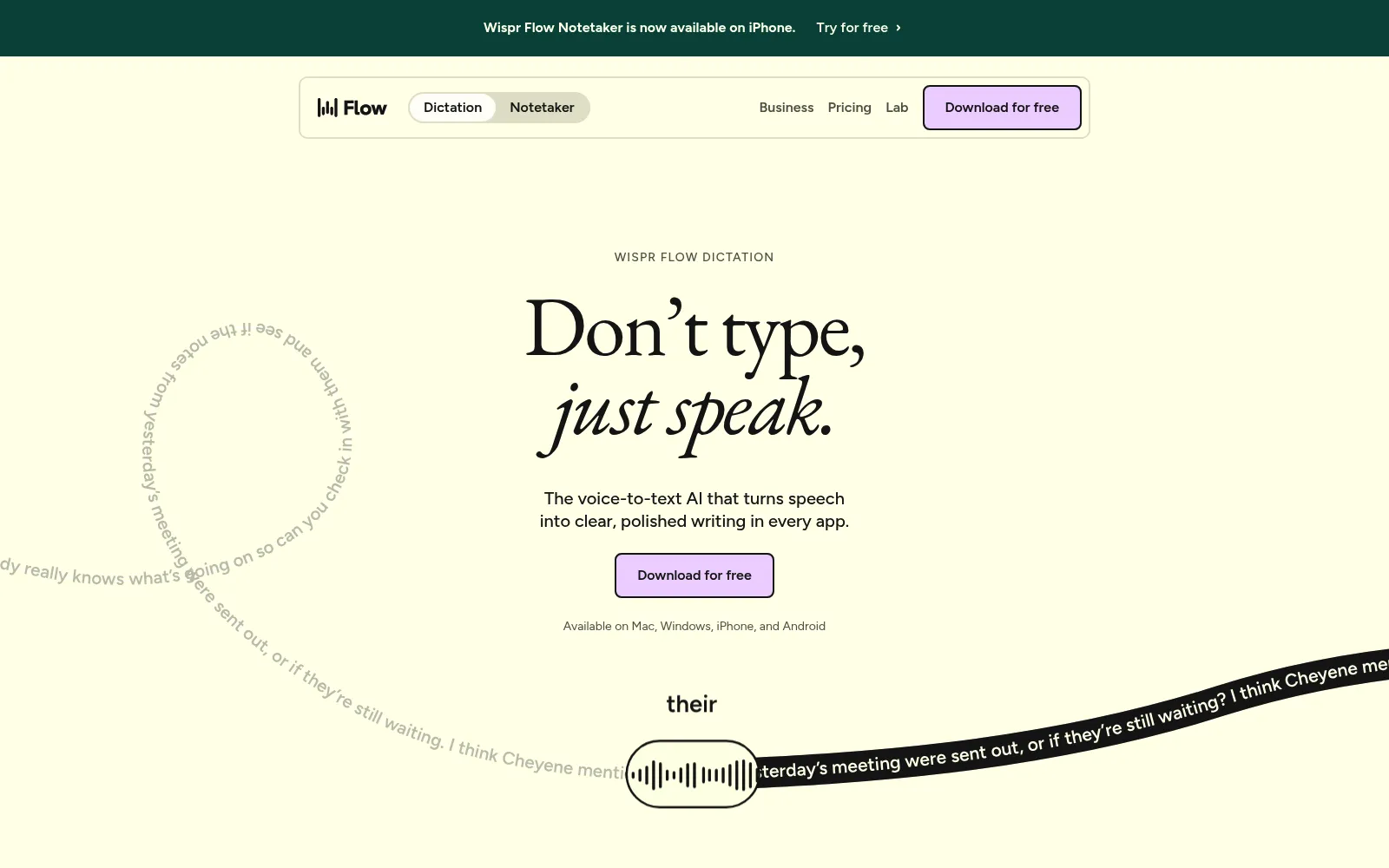
Wispr Flow is the tool that makes people stop typing long messages. Hold the key, speak, release, and the text appears in Slack, in a code comment, in a reply, already punctuated and cleaned of the false starts. It is the closest thing here to a system level upgrade rather than an app.
The formatting is why it beats raw transcription. Dictating into most tools gives you a run on sentence that needs editing. Flow infers sentence breaks, capitalisation and list structure well enough that the output is usually sendable, which is the entire point of dictating in the first place.
The free plan deserves credit for being usable, and the limit is honest: you get a weekly word budget rather than a feature maze. Hit it and Pro is $12 per user per month on annual billing, which is reasonable for something you use fifty times a day. It is cloud only, so regulated work goes to Superwhisper instead. We keep a Wispr Flow listing and a full Wispr Flow review in the directory, with the closest Wispr Flow alternatives listed next to it.
Who it is for: anyone who writes all day across many apps, on any of the four major platforms, and who is comfortable with cloud processing.
Pros
Cons
Superwhisper is the answer when the audio cannot leave the laptop. Clinicians, lawyers, security teams and anyone under a strict data policy can dictate all day with a local Whisper model, and nothing is uploaded anywhere. Being able to work on a plane with no connection is a pleasant side effect.
It is also the most configurable tool here. Modes let you define exactly how a given dictation should be formatted, so an email mode produces a greeting and sign off while a notes mode produces bullet points, and Pro lets you plug in your own API keys for the language model that cleans the text.
The pricing is unusually open. Pay $8.49 a month, $84.99 a year, or $249.99 once and stop thinking about it. Given that most dictation tools cost $12 to $15 a month forever, the lifetime option pays back in under two years for a daily user.
Who it is for: Apple Silicon users with privacy requirements, people who dictate offline, and anyone who would rather buy software once than rent it.
Pros
Cons
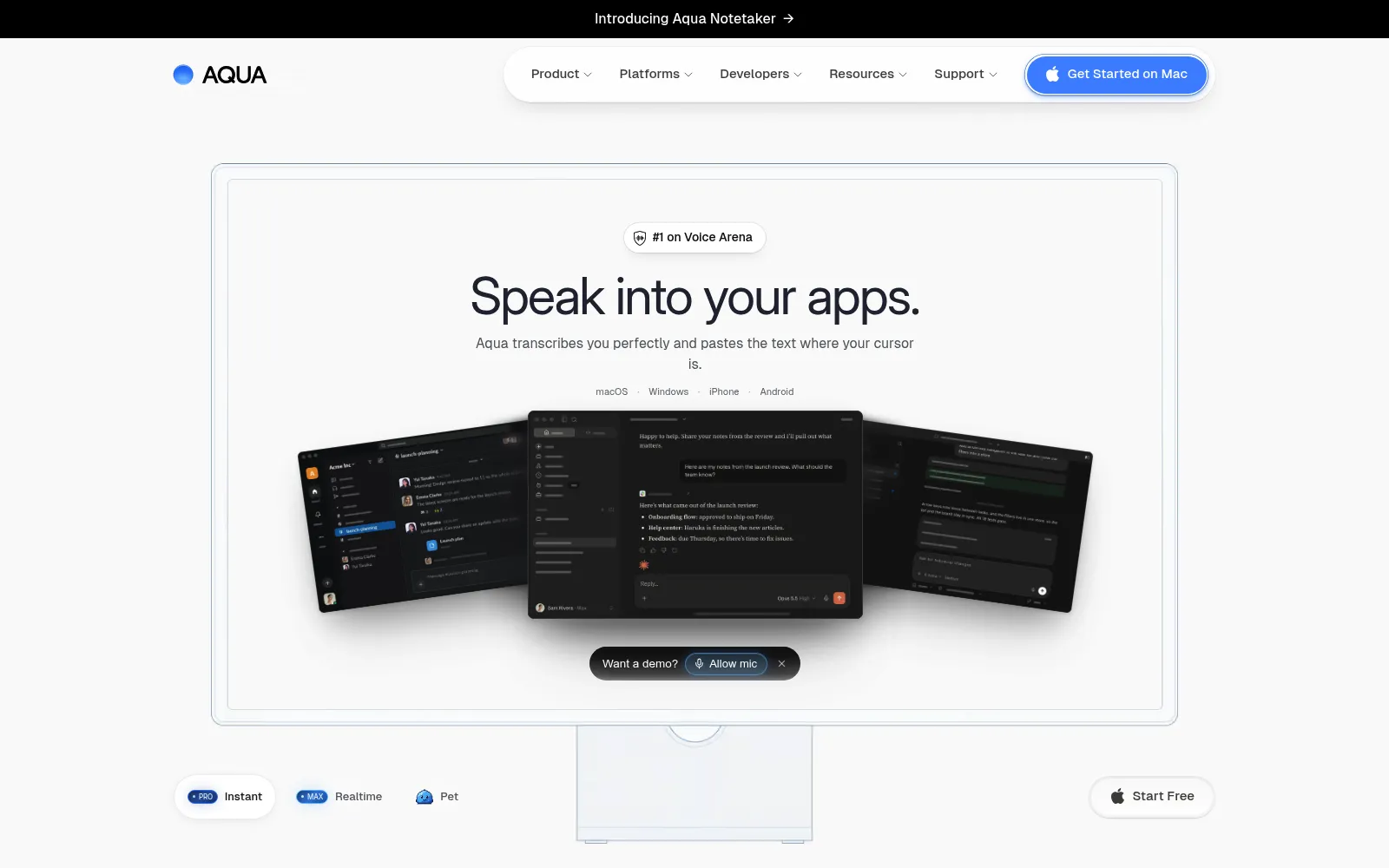
Most dictation tools transcribe. Aqua tries to let you work by voice, which is a different ambition. You can dictate a paragraph, then say what to change, and it edits rather than appending, which is the thing that makes long form dictation feel possible rather than exhausting.
The free tier is more interesting than it looks for developers, because MCP and CLI access are included. That means an agent or a script can reach the same dictation pipeline you use by hand, which none of the other tools here offer at zero cost.
Know what sits where before buying. The features that distinguish Aqua, realtime mode and voice commands, are on Max at $24 per month, or $19 billed annually. At Pro level it is a competent dictation app competing directly with cheaper options.
Who it is for: writers and developers who want to edit and command by voice rather than just dictate, and who are comfortable with cloud processing.
Pros
Cons
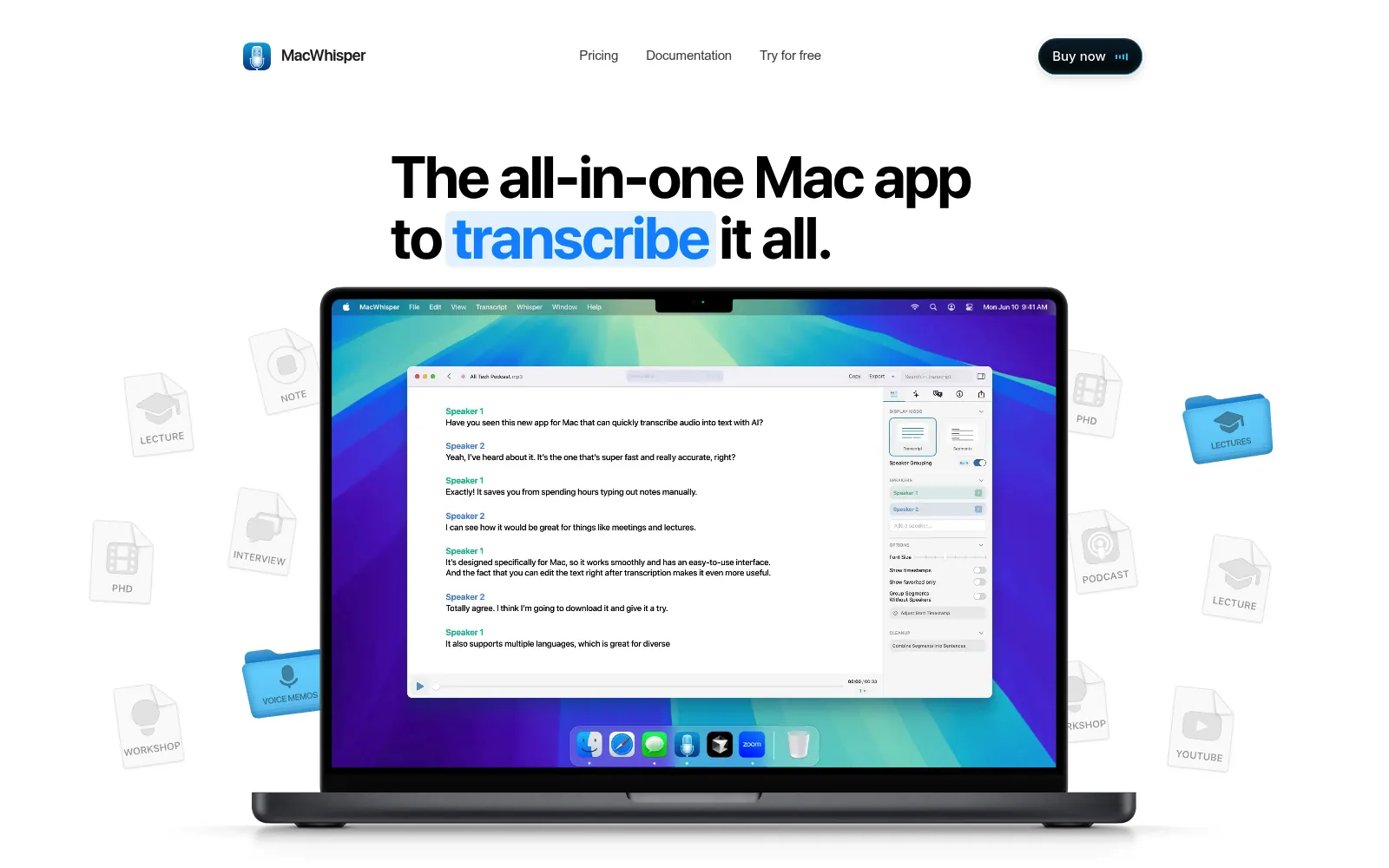
MacWhisper is the unglamorous, excellent option. It wraps Whisper in a Mac app, you drop in audio or video, and you get a transcript with timestamps and speakers, locally, with no account and no upload. For interviews, podcasts and lecture recordings, that covers the whole job.
Buying it once is the point. Every other transcription tool here charges monthly for something that, for most people, is an occasional task. A researcher transcribing a dozen interviews a year is paying €64 forever rather than $200 a year to Otter, and the audio never touches someone else's server.
It does not do system wide dictation, so it is a companion to Wispr Flow or Superwhisper rather than a replacement. Speaker recognition and batch processing are Pro features, which is where the €64 goes.
Who it is for: Mac users transcribing recordings occasionally who want local processing and a single purchase instead of a subscription.
Pros
Cons
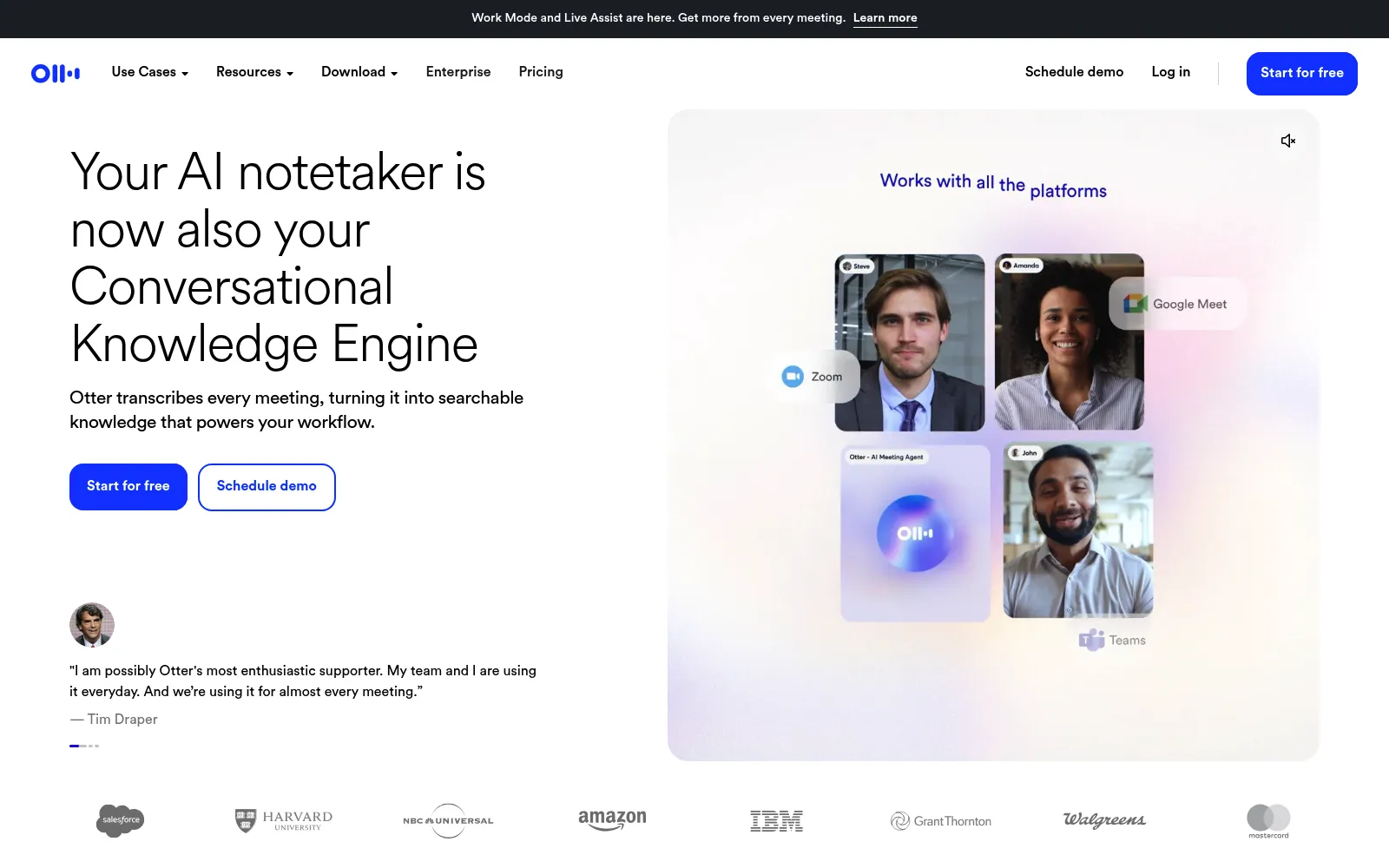
Otter solved the meeting problem before AI notetakers were a category, and the shared transcript is still the reason teams keep it. Everyone gets the same searchable record, you can highlight a decision while the call is running, and the summary lands where colleagues can read it instead of in one person's notes app.
The free tier is the most generous in this comparison for its job. Three hundred minutes a month covers a light meeting load, and the thirty minute per conversation cap is the only real constraint. For a freelancer with a handful of client calls, free may be the permanent answer.
Price it at the annual rate or not at all. Pro at $8.33 per user per month billed annually is good value; at $16.99 monthly it competes poorly with the dictation tools that now bundle a notetaker. And remember it does not dictate, so most people who buy Otter still need something else for writing.
Who it is for: teams that want one searchable, shared record of every call, and freelancers whose meeting load fits inside the free plan.
Pros
Cons
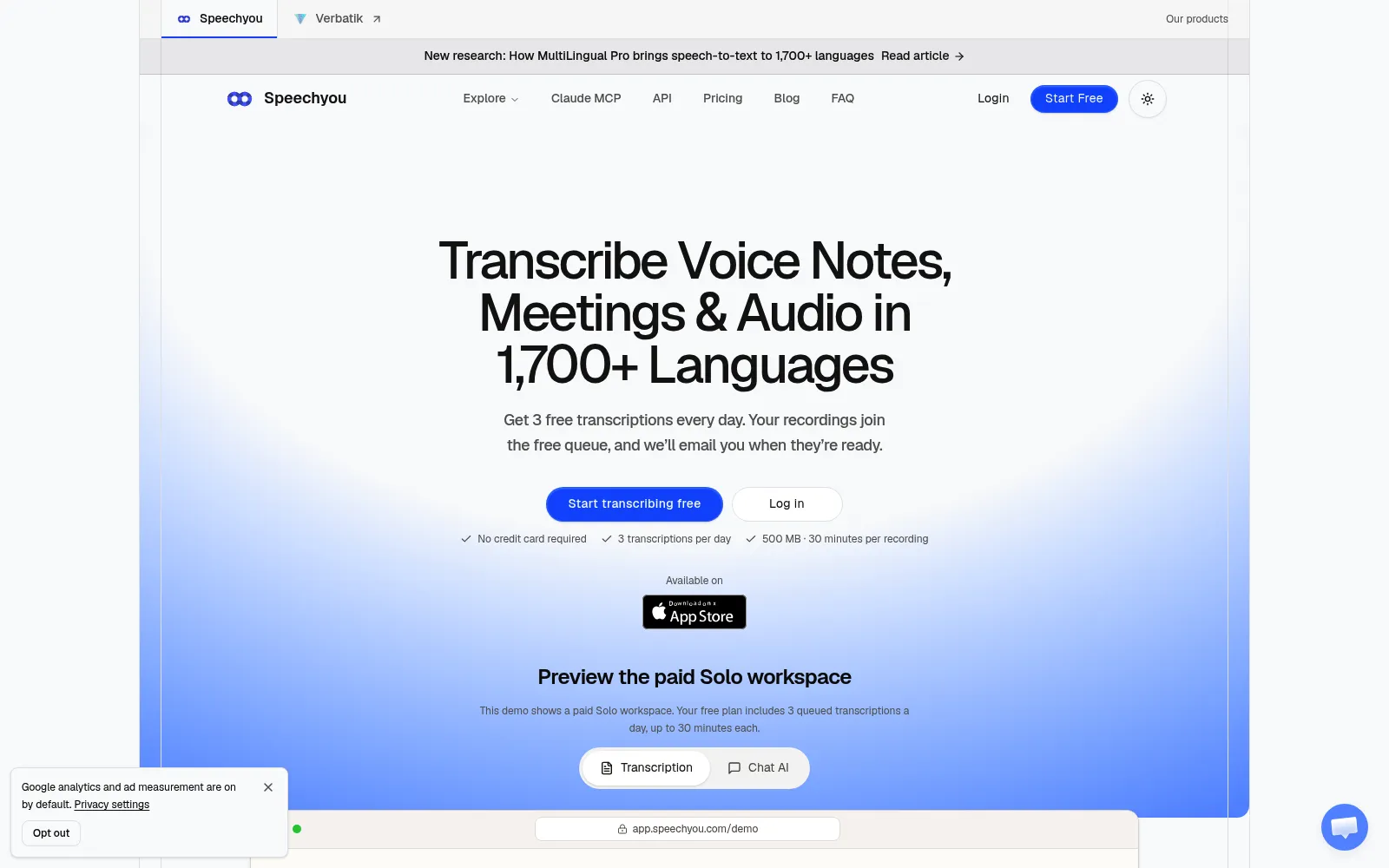
Speechyou is the one to look at when the job is simply converting a pile of audio into text without paying per minute. Unlimited transcriptions for $67 a year undercuts every meeting platform here, and the 10 GB upload ceiling means long recordings do not need splitting first.
The language coverage is the real differentiator. Most tools here optimise for English and a dozen major languages. If your recordings are in a language the big platforms treat as an afterthought, a tool that claims 1,700 of them plus translation is worth a trial, with the caveat that you should test your own language before committing.
Subtitles are the other strong use. SRT and VTT exports plus summaries cover the whole path from a raw recording to a captioned video, and the API and MCP access mean it can be scripted rather than clicked. It is listed in our directory at Speechyou, alongside the nearest Speechyou alternatives.
Who it is for: creators, researchers and small teams transcribing a lot of audio on a budget, especially in languages the larger platforms handle poorly.
Both macOS and Windows ship dictation, and it is free, local and genuinely improved in recent releases. For short messages it is fine. What it does not do is format your speech into clean paragraphs, learn your vocabulary, or work the same way across every app, which is the gap the paid tools charge for.
At the other end, OpenAI's Whisper models are open source and can be run yourself, for nothing, if you are comfortable with a command line. MacWhisper and Superwhisper are both, in effect, well designed wrappers around that work. Paying for them buys the interface, the modes and the exports rather than the model.
One tool in our directory goes the other direction: Voiceslab clones a voice from a short sample and generates speech in 24 languages. It is text to speech, the mirror image of everything above, and worth knowing about if you need narration rather than transcription. The wider productivity category covers the tools that sit around these.
Most people end up with two: a dictation tool that lives in the background all day, and something cheap or free for the occasional recording that needs a transcript.
For the steps either side of this one, see our comparison of screen recording tools, which is usually where the audio comes from, and our guide to AI writing tools for turning a transcript into a finished draft.
For dictation, Wispr Flow's free plan is the easiest start, with a weekly word limit rather than missing features, and Superwhisper's free tier keeps working after the initial 3,000 words. For transcription, Otter's 300 free minutes a month is the most generous, and MacWhisper's free version transcribes files locally with no account at all.
Superwhisper running local models on Apple Silicon, and MacWhisper, which transcribes on the Mac by default. Aqua Voice offers a privacy mode and a zero data retention option on Business, but standard processing is cloud based. Wispr Flow, Otter and Speechyou are cloud tools.
Most people speak at two to three times their typing speed, so the raw input is faster. Whether the finished text is faster depends on formatting and corrections, which is exactly what the paid tools work on. Try a free tier for a week on real work before deciding.
Two of them, today. Aqua Voice includes MCP and CLI access on its free plan, and Speechyou exposes an API and MCP for pipeline use. The rest are built for a person holding a key.
Less often than you did. Wispr Flow now bundles a notetaker on Mac, Windows and iPhone, and Aqua includes meetings on every plan with a monthly cap. Otter still wins when the transcript is a shared team document rather than a personal note, and when you need Zoom or Meet video replay next to it.
| Cloud |
| Web, iOS, Android |
| Speechyou | Uploaded audio, video and voice notes | Cloud | Web |