11 Best shadcn/ui Component Libraries for 2026, Compared
11 Best shadcn/ui Component Libraries for 2026, Compared
We compared eleven shadcn/ui registries and block packs on price, licence and what they actually install. shadcn/ui itself for primitives, Kibo UI for app components, Magic UI and Aceternity for animation, Shadcnblocks and Tailark for marketing sections, Shadcn UI Kit for dashboards.
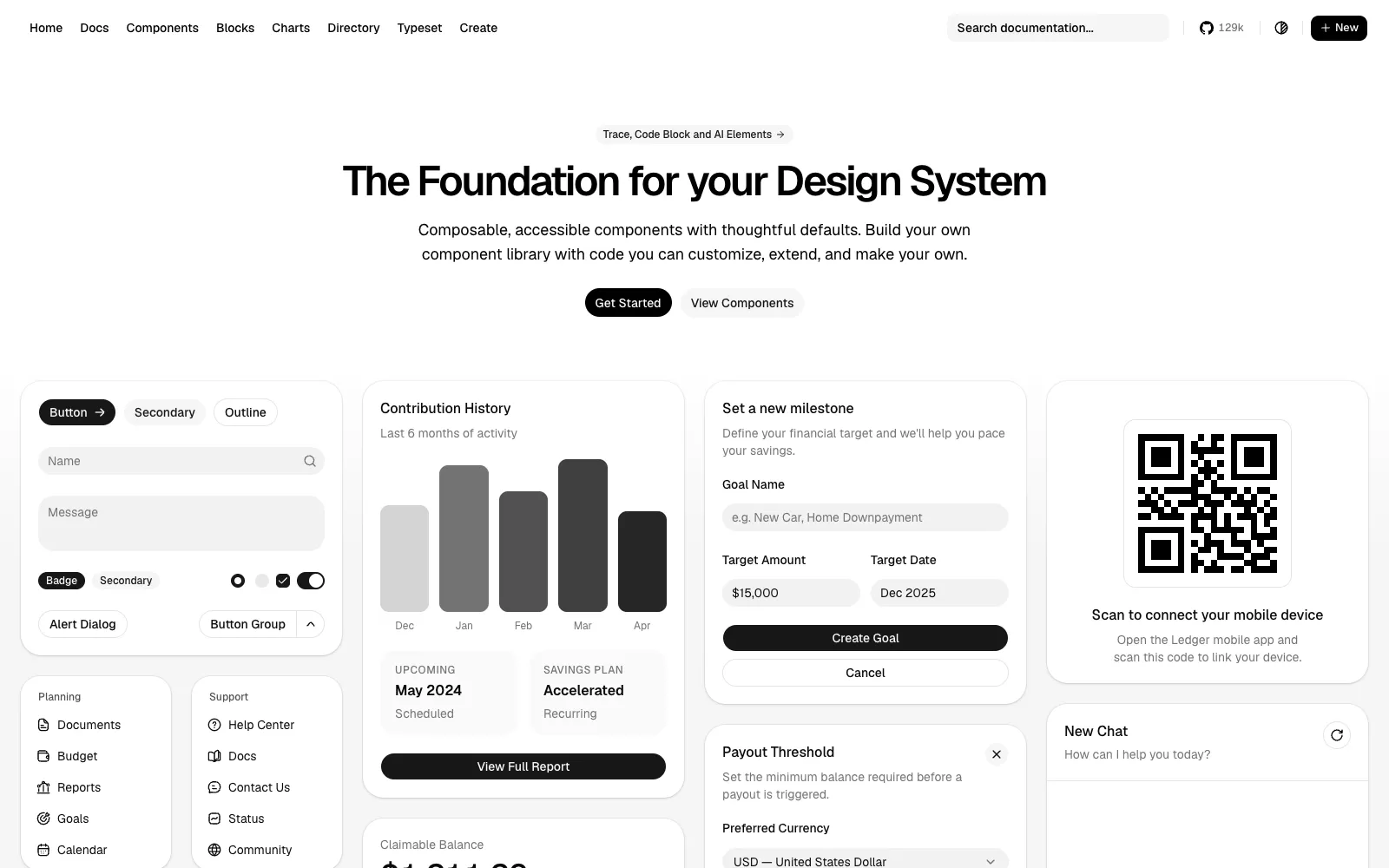
Free, MIT licensed and the de facto standard, with 129k GitHub stars and every other library in this list built to match it
75+ components plus blocks, charts and AI Elements, the 21 patterns for agent interfaces added in October 2026
The registry format is the ecosystem's plumbing, so `npx shadcn add` works against third party registries and private GitHub ones too
Alternative.tools review team
Editorial team
We are the editorial team behind Alternative.tools, an independent platform that helps you find the best tools and their alternatives. We use AI to research and summarize newly launched websites, tools, and products, focusing on what each one does, who it's for, and which popular tools it can replace, so you can pick the right alternative faster, without the marketing spin.
An MCP server means a coding agent can browse and install components without you writing the commands
Base UI became the default in July 2026, which brings better long term maintenance than the Radix era
Cons
It gives you primitives and sane defaults, not a finished look, so the design work is still yours
No marketing sections, no dashboards and no templates beyond a handful of blocks
Once copied, the code is yours to maintain, and upstream fixes do not arrive automatically
The Radix to Base UI shift means older tutorials and third party components can disagree with a fresh install
Charts and AI Elements pull in dependencies that some projects will consider heavy
Why we picked shadcn/ui
Everything else on this page is a layer on top of this one, so the question is never whether to use shadcn/ui. It is what you add to it. Start here, get the tokens, the theme and the primitives right, then decide whether you are buying sections or building them.
The 2026 releases moved it well past a component collection. The registry now supports namespaces and private GitHub registries, the CLI reached v4 in March, and AI Elements landed in October with ready patterns for agent interfaces: traces, code blocks, streamed messages. If you are building anything that talks to a model, that alone is worth the look.
The honest limitation is unchanged. shadcn/ui hands you a well built, deliberately plain foundation. A landing page that converts still needs sections, motion and art direction, and that is exactly the gap the other ten products in this list sell into.
Who it is for: every React and Next.js project that wants to own its component code. The docs are at ui.shadcn.com.
What makes Kibo UI the best library for application components?
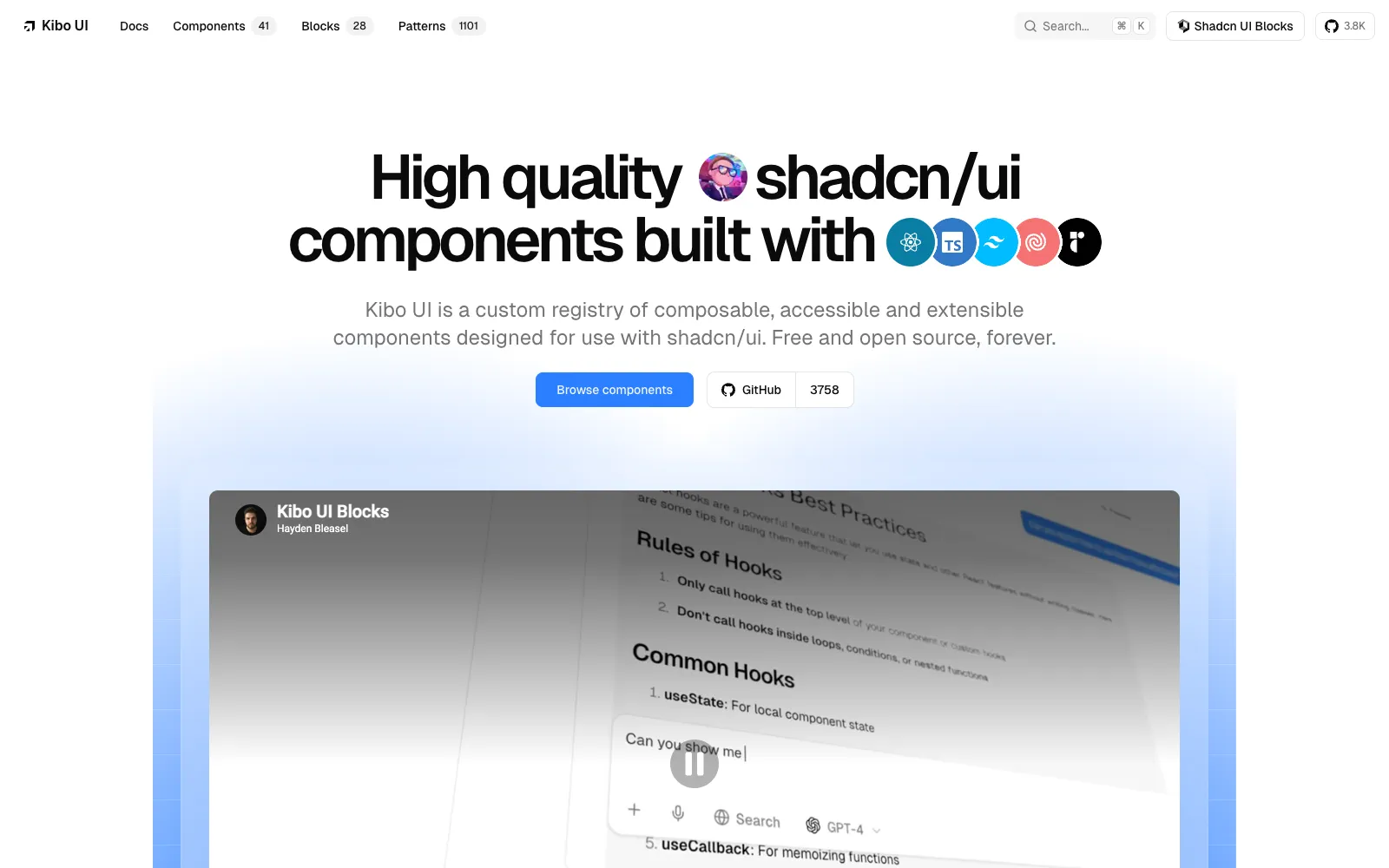
The Kibo UI homepage, showing its composable components for shadcn/ui
Pros
Free and MIT licensed, with 41 components and 28 blocks, and no paid tier to upsell you
Covers the components everyone rebuilds badly: kanban, gantt, editor, dropzone, image crop, QR code, video player, tags, credit card input
Wraps proven headless libraries rather than reimplementing drag and drop or date logic from scratch
Installs through the shadcn CLI or its own `npx kibo-ui add`, and ships an MCP server for coding agents
Uses your existing shadcn/ui CSS variables, so components inherit your theme instead of fighting it
Cons
Smaller community than the headline projects, at around 4,000 GitHub stars
Deliberately niche, so it is a supplement to shadcn/ui and never a replacement
Complex components such as gantt and editor carry real dependency weight
Documentation is good but thin on advanced composition compared with shadcn/ui itself
Why we picked Kibo UI
Kibo UI solves the part of a SaaS build that quietly eats weeks. A kanban board with sane drag and drop, a gantt chart that does not need a commercial licence, a file dropzone that handles the edge cases, an editor that is not a six month project. These are the components people copy from Stack Overflow at 1am and regret.
Because it follows the shadcn registry format and reuses your CSS variables, adding it is a one line install rather than an integration. Nothing about it asks you to adopt a second design system, which is why it sits comfortably next to anything else here.
It is a supplement, and it says so. You will not build a landing page from Kibo UI, and the catalog is intentionally short. What is there is the hard part of an application, given away under MIT.
Who it is for: teams building dashboards, project tools and internal apps who need the complicated widgets rather than more buttons. The docs are at kibo-ui.com.
What makes Magic UI the best library for animated components?
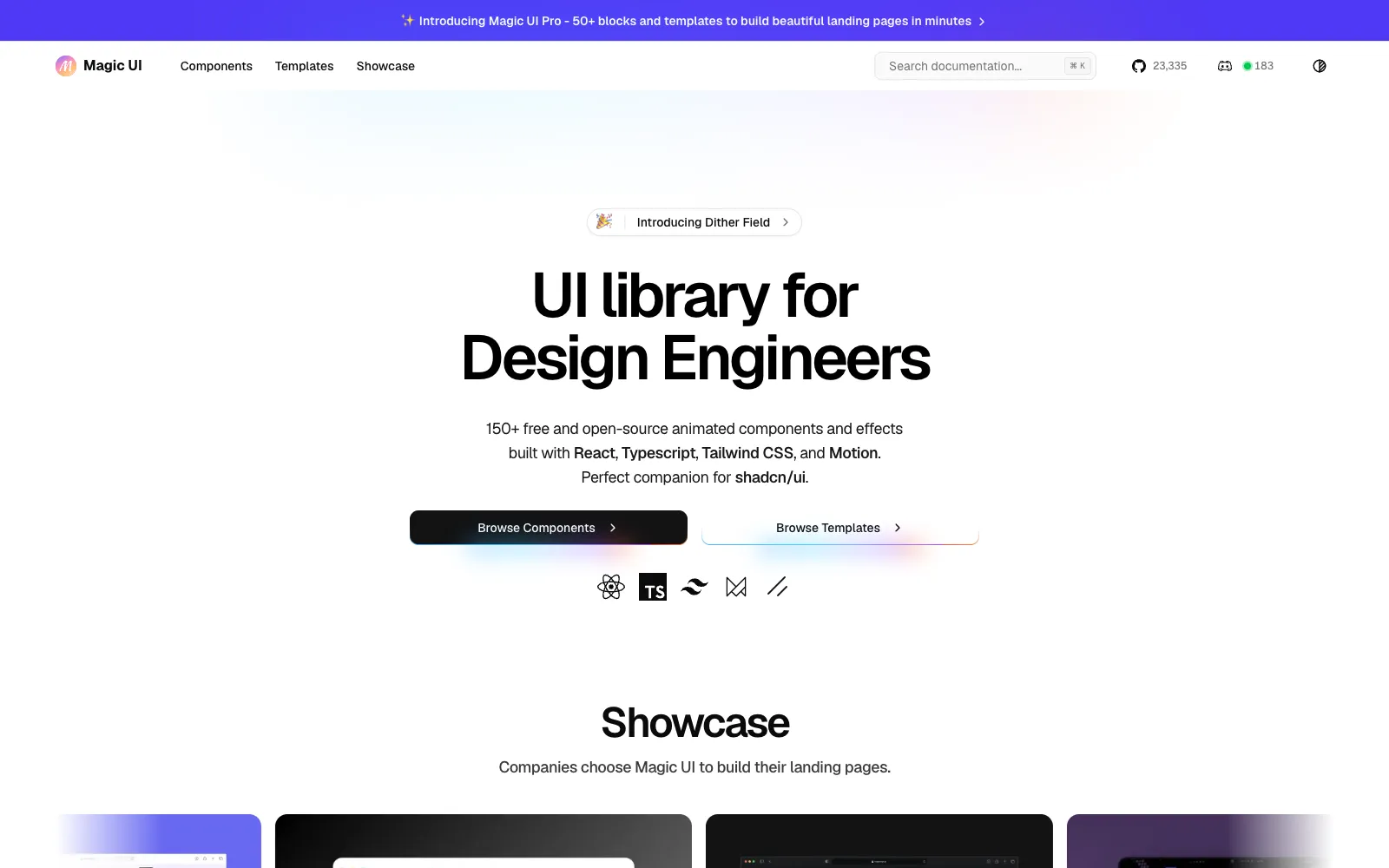
The Magic UI homepage, showing its animated components for design engineers
Pros
150+ animated components, free and MIT licensed, with 23.4k GitHub stars behind them
Built on React, TypeScript, Tailwind and Motion, so the animation layer is the standard one rather than something bespoke
The effects people actually want on a landing page: marquees, beams, text reveals, particles, bento grids, dock bars
Magic UI Pro is a flat $199 one time for 50+ sections and 9+ templates, with a perpetual licence and lifetime updates
Pairs cleanly with shadcn/ui because it adds effects rather than replacing primitives
Cons
Animation heavy by nature, so it is easy to ship a page that janks on mid range phones
Free components are the showy parts, not the forms, tables and dialogs an app needs
Pro is aimed at landing pages, so it does nothing for dashboards or admin UI
No team tier on Pro, and reselling the templates is not allowed
Why we picked Magic UI
Magic UI is the shortest path from a plain shadcn/ui page to one that looks like a funded startup's. The components are the specific effects the current landing page aesthetic is built from, and they are free under MIT, which is a better deal than most paid packs manage.
The Pro offer is one of the cleanest here. $199, once, for the sections and templates, a perpetual licence, lifetime updates and no seat maths. Next to a $389 per year subscription, the comparison makes itself.
Treat the animation budget seriously. Every beam, particle field and scroll reveal has a cost, and a hero that stutters on a three year old Android does more damage than a static one ever would. Pick three effects, not thirteen.
Who it is for: founders and design engineers building marketing pages who want motion without writing it. The library is at magicui.design.
What makes Aceternity UI the best library for premium effects?
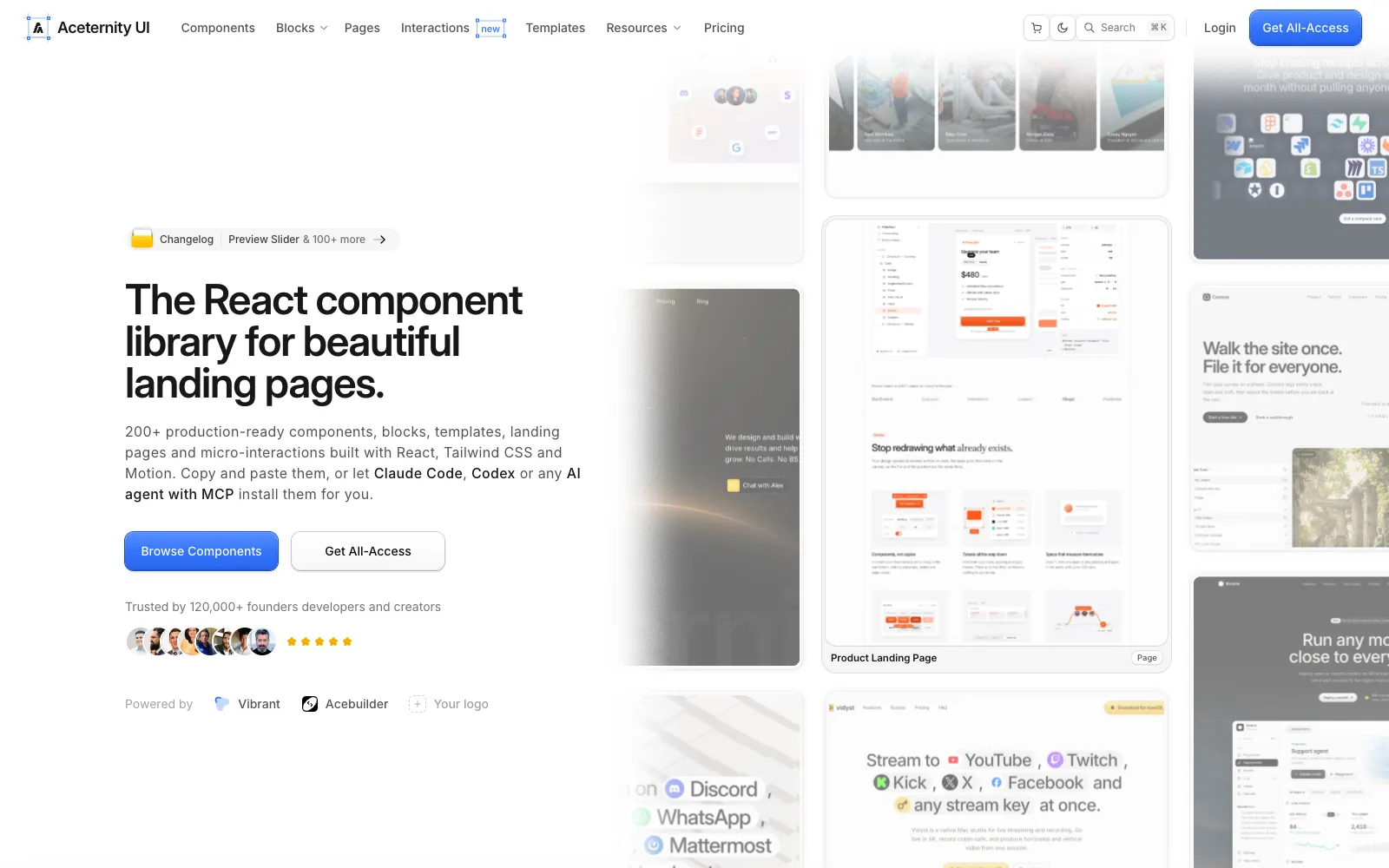
The Aceternity UI homepage, showing its animated and premium looking components
Pros
100+ free components, including the 3D cards, spotlight and background effects the library is known for
MCP access is on the free tier, so Claude Code, Cursor and Codex can install components directly
Paid tiers add 200+ premium blocks, 15+ templates, 5 full landing pages and 19 micro interactions
Lifetime access is $299 regular, $199 at the November 2026 sale price, with all future releases included
AI ready prompts ship with the paid blocks, which is a genuine saving when an agent is doing the assembly
Cons
The $249 tier (that is $169 on sale) buys one year of updates, so read the two options carefully
The team plan is $1,990 regular, $1,590 on sale, for ten seats, which is the steepest team price here
Heavy use of Framer Motion and large effects makes performance tuning part of the job
The house style is distinctive, so sites built from it can look like each other
Why we picked Aceternity UI
Aceternity sells polish. The free components alone put effects on a page that would take a competent developer days to build, and the paid blocks turn that into whole sections and landing pages. For a product page that has to look expensive by Friday, this is the fastest route in the list.
Putting MCP on the free tier is the smart move of 2026. If your workflow is an agent in the terminal, a registry the agent can search and install from is worth more than a slightly larger catalog it cannot reach.
The licence choice is where people pay too much. The cheaper tier stops receiving updates after a year while the lifetime tier is $50 more at list price and $30 more on sale. Unless you are certain this is a one project purchase, the lifetime tier is the one that makes sense.
Who it is for: teams that need a visually striking marketing site quickly and are comfortable tuning animation performance afterwards. Pricing is at ui.aceternity.com/pricing.
What makes coss ui, formerly Origin UI, the best library for form components?
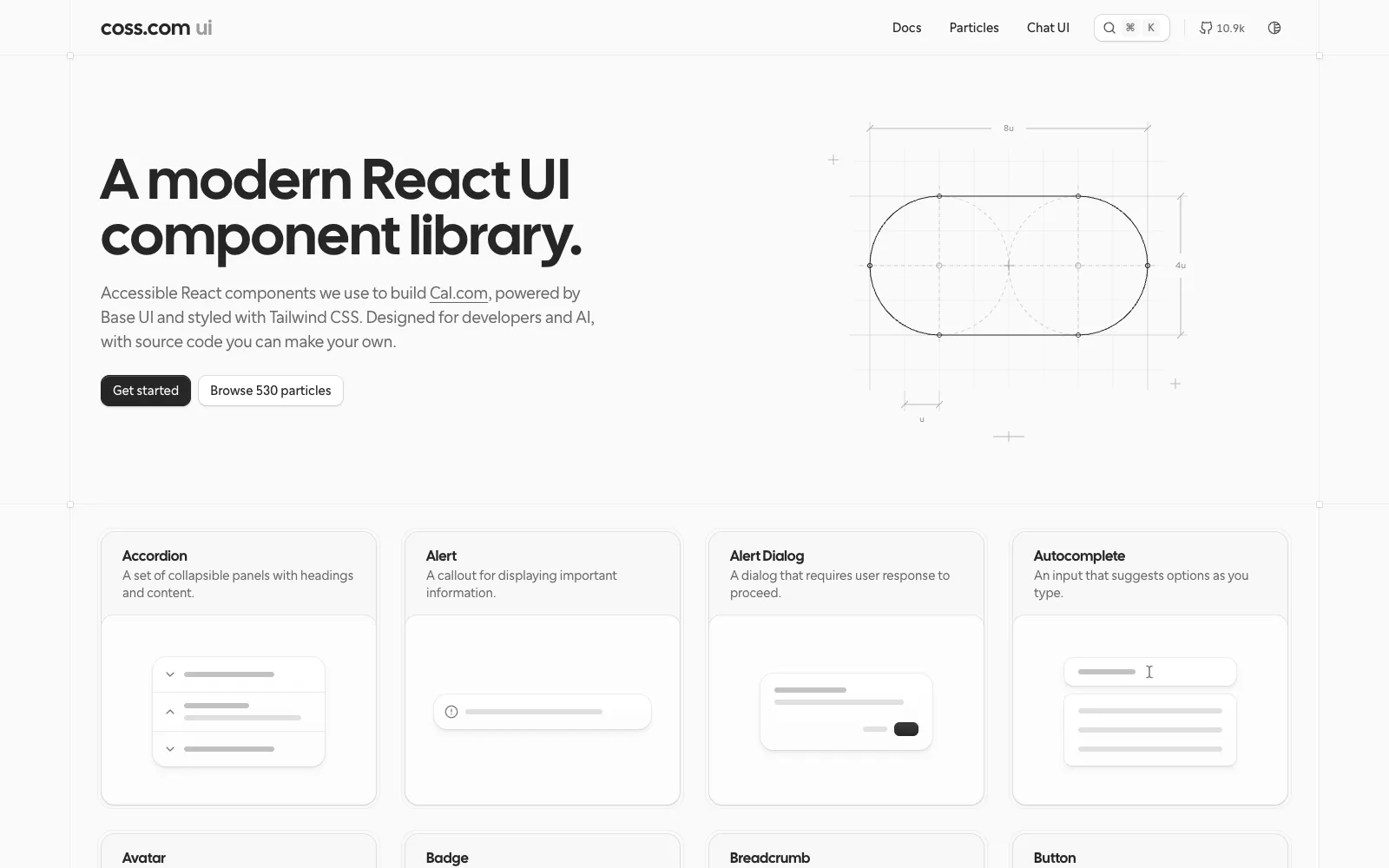
The coss ui homepage, the Base UI component library that Origin UI became
Pros
The old Origin UI collection is still there and still free: 626 components across 44 categories, heavy on inputs, selects and form controls
Now Cal.com's official design system, so it has a funded maintainer rather than a side project's weekends
MIT licensed, 10.9k GitHub stars, and the new components are built on Base UI, which is also the shadcn default since July 2026
The input, select and button collections are the deepest anywhere in this ecosystem, with dozens of variants each
Copy and paste or install, with no account, no email and no upsell at any point
Cons
originui.com now redirects to coss.com/ui, and anything you bookmarked moved with it
The legacy Origin collection is explicitly a snapshot with limited ongoing maintenance, parked at coss.com/origin
The new coss ui is a smaller, Base UI set, so it is not a drop in continuation of what you used last year
Radix based Origin components and Base UI based coss components are two different foundations in one project
Why we picked coss ui
This is the entry most likely to catch people out, which is why it is worth the space. Origin UI was the go to free collection for form controls, and in October 2026 it was absorbed into Cal.com and became coss ui, built on Base UI. The announcement came from its creator, and originui.com has redirected ever since.
The practical news is good. The 626 component Origin collection remains online and free at coss.com/origin, so nothing you copied has stopped working, and the new library has Cal.com paying for its upkeep. The thing you are really getting is input variants: dozens of each control, with states, icons and validation already handled.
The caution is the seam. One project now holds a Radix era legacy snapshot and a Base UI successor, and the two are not interchangeable. Pick a side per project, note which one your components came from, and do not assume a future Origin component will arrive to match the ones you already have.
Who it is for: anyone building forms, settings screens or admin UI who wants variety for free. The new library is at coss.com/ui and the legacy collection at coss.com/origin.
What makes Cult UI the best library for creative components?
Pros
154 components by the site's own count, MIT licensed and free, including the 58 that were paid Cult Pro components until September 2026
Device mockups, texture cards, dynamic islands, illustrations: the parts nobody else gives away
Installs through the shadcn CLI and registry, with an MCP server for agents
The creator funds the free library with a separate product, so the components are not bait for a later paywall
Cult Pro buyers kept their purchases when it went open source, which says something about how the project is run
Cons
Cult Pro was discontinued on September 30, 2026, so the templates and blocks sold there are no longer a product
The paid focus is now AI SDK Agents, a different product for the Vercel AI SDK rather than a component pack
The style is opinionated and playful, which suits some brands and clashes badly with others
Smaller catalog than Shadcnblocks or shadcn.io, and no page templates
Why we picked Cult UI
Cult UI is the library you reach for when a page needs one memorable thing. Device mockups that look designed rather than stock, texture and gradient cards, interactions that read as craft. Those pieces are usually behind a paywall, and here they are MIT.
September 2026 made it more interesting. Cult Pro stopped being sold, its 58 components were open sourced into the free library, and the project's income moved to AI SDK Agents, a set of full stack blocks for the Vercel AI SDK that ship the UI, the API route and the tools together. The components are now genuinely a free library rather than a demo for a paid one.
Expect personality over coverage. This is not where you get your table, your form or your dashboard. It is where you get the three components a visitor remembers, and at MIT that is a straightforward yes.
Who it is for: design engineers adding character to a site that already has its basics covered. The components are at cult-ui.com.
What makes Shadcnblocks the best library for website sections?
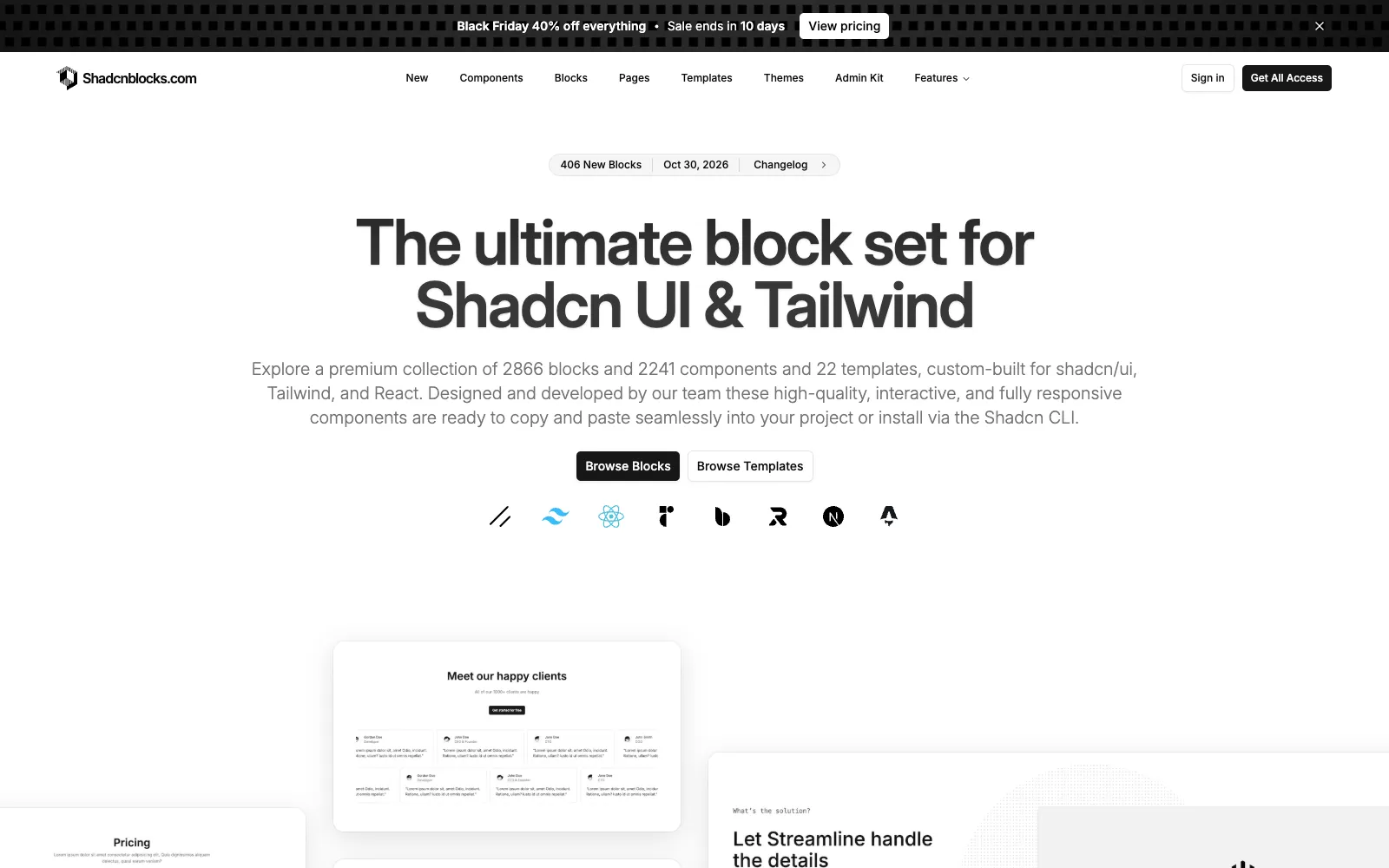
The Shadcnblocks homepage, showing its catalog of shadcn/ui blocks and components
Pros
The largest catalog of finished sections here: 2,697 blocks and 2,241 components by the vendor's count
Pro is $149 one time, discounted to $89 in the November 2026 sale, with lifetime access and updates for one user
Works beyond Next.js, with React, Astro, Remix and Vite support, and across shadcn/ui, Radix, Base UI and React Aria
Four install routes: shadcn CLI, MCP for agents, a VS Code and Cursor extension, and a browser based explorer
Basic tier blocks are free with a login, so you can judge the code quality before paying
Cons
The Figma kit and admin kit need Premium at $299 regular, $179 on sale
Pre built pages and the drag and drop page builder are Elite only, at $399 regular, $239 on sale
Digital goods are non returnable, with refunds considered case by case
Pro is a single user licence, so an agency needs the team plan
Why we picked Shadcnblocks
If the job is a marketing site and the bottleneck is sections, this is the most complete answer in the list. Hero, pricing, feature, testimonial, FAQ, footer and CTA blocks in volume, written in the same style, so a page assembled from twelve of them looks deliberate rather than stitched.
The install story is better than anyone else's. The shadcn CLI for the usual route, MCP when an agent is doing the work, an IDE extension when you want to browse without leaving Cursor, and a web app when you want to see the thing first. In practice that is the difference between a catalog you use and one you forget you bought.
Read the tier list before paying. The things people assume are included, the Figma file and the pre built pages, are the $299 and $399 tiers. At $149 for Pro, or $89 on sale, the block catalog alone still beats building forty sections yourself.
Who it is for: agencies and founders shipping marketing sites repeatedly, who would rather assemble than design. Pricing is at shadcnblocks.com/pricing.
What makes Tailark the best library for complete landing pages?
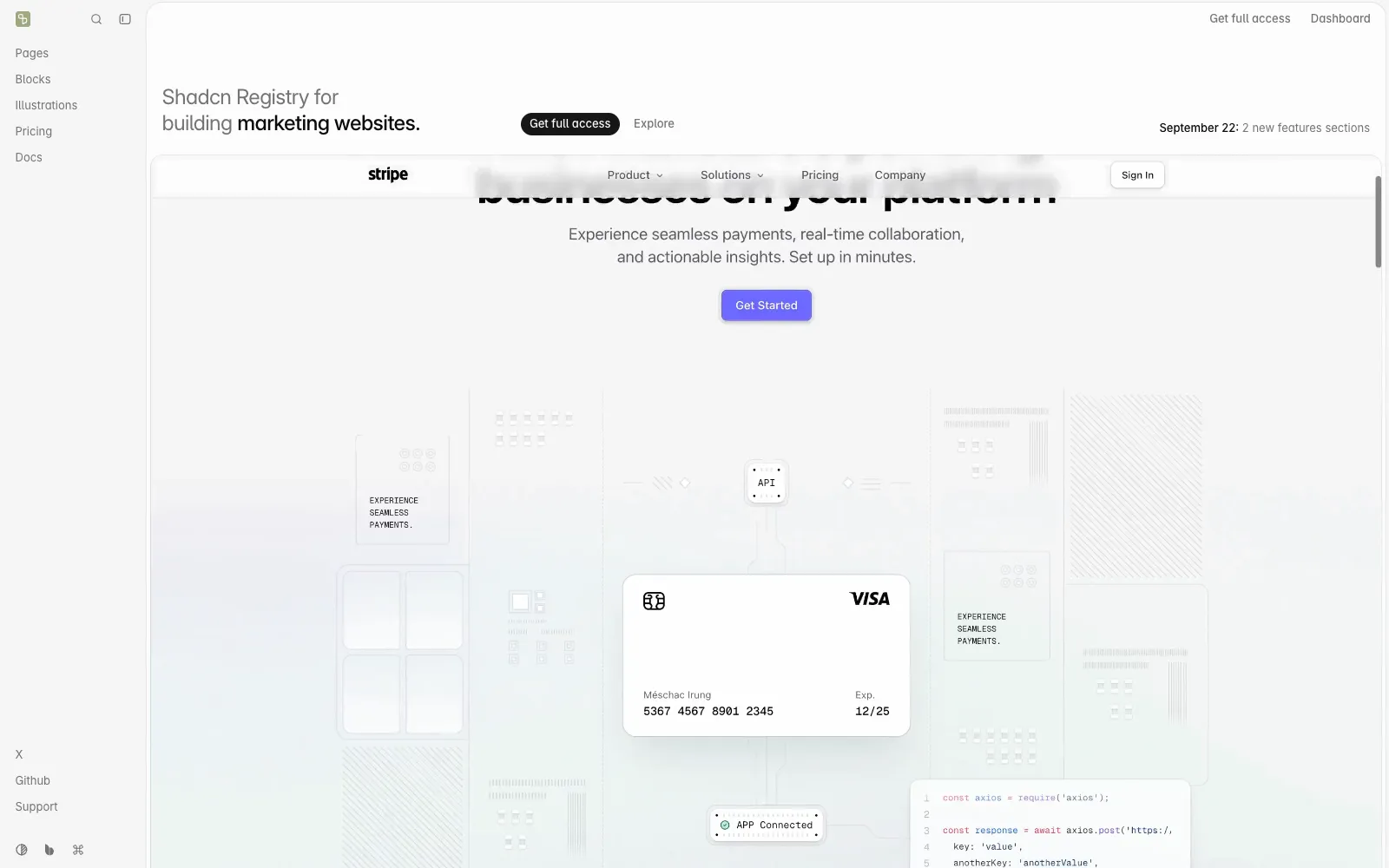
The Tailark homepage, showing its shadcn registry of marketing blocks and pages
Pros
Three free kits, Mist, Dusk and Veil, MIT licensed and installable from the open source registry without an account
Paid tiers are one time: Essentials at $249, Complete at $299, Team at $499 for ten members
Built for marketing sites specifically, with Radix and Base UI both supported
Pages are composed from the same blocks, so a site stays consistent as it grows
Cons
The jump from free to $249 is the steepest entry price of any one time product here
Only $50 separates Essentials from Complete, which makes Essentials hard to justify
The focus is marketing pages, so there is nothing for dashboards or application UI
Free kits are a taste of the system rather than a usable subset of the paid catalog
Why we picked Tailark
Tailark thinks in pages, not parts. Instead of a hero here and a pricing table there, the Complete tier ships the full set a SaaS marketing site needs, built from one visual system. Assembling a site from it feels like filling in a design rather than negotiating between twelve different ones.
The free kits are a real test. Mist, Dusk and Veil are MIT, installable from the open source registry with no account, and enough to see whether the code style suits you before any money moves.
The pricing ladder is the awkward part. Essentials at $249 gives blocks, Complete at $299 gives blocks and the page templates that are the actual reason to buy, so there is little reason to choose the cheaper one. Budget $299 or stay on the free kits.
Who it is for: teams that want a finished marketing site from one coherent system rather than a pile of sections. Pricing is at tailark.com/pricing.
What makes shadcn.io the biggest catalog, and what is the catch?
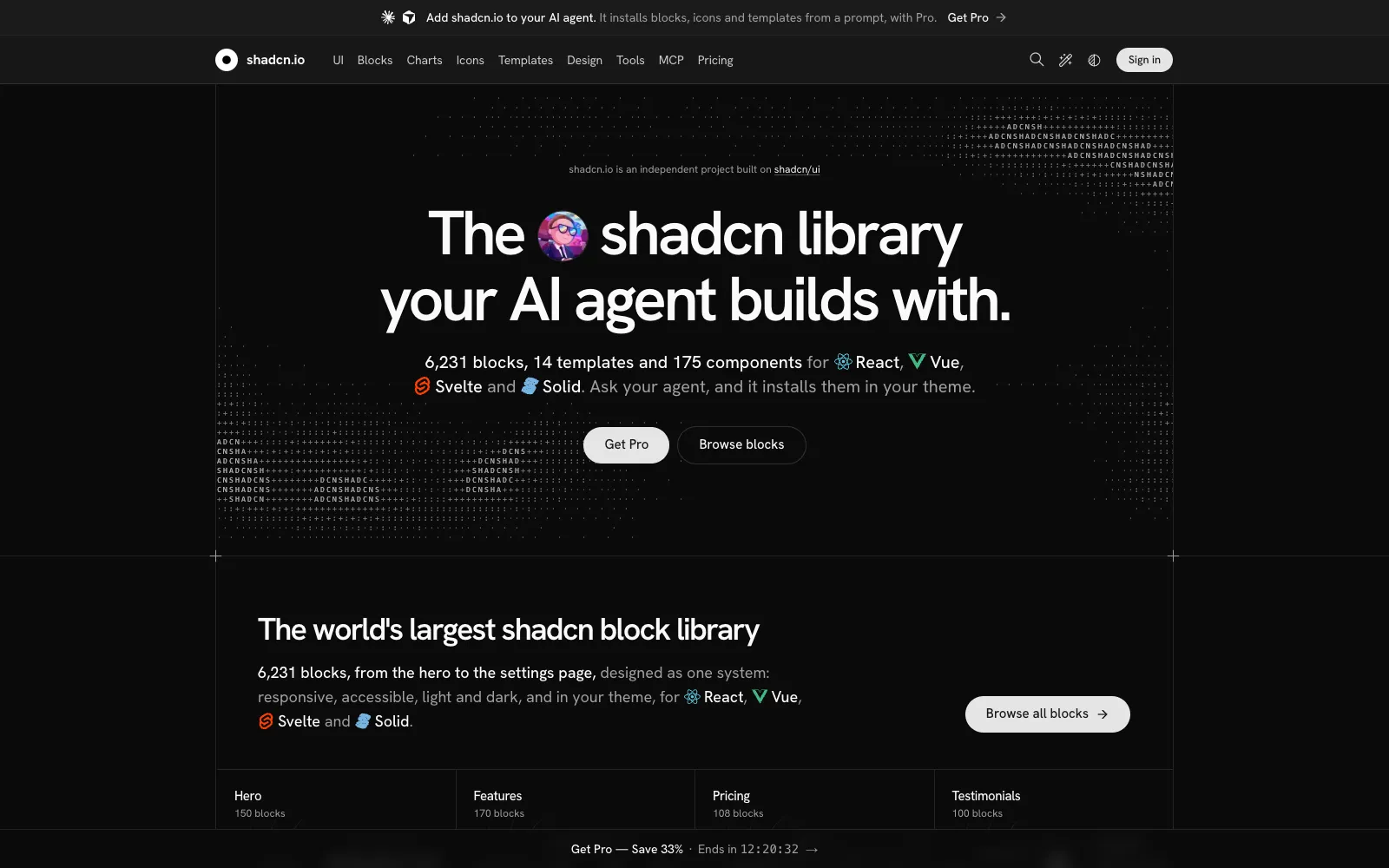
The shadcn.io homepage, an independent registry of shadcn style components and blocks
Pros
The largest numbers in this comparison: 175 components, 6,231 blocks across 56 categories, 331 charts, 1,033 examples and 35 hooks
The only entry here that covers Vue, Svelte and Solid as well as React
A free account unlocks all components, hooks, examples and icons, which is a lot for nothing
The MCP server works with 38 AI clients, so agents can install from it directly
Lifetime pricing exists if you dislike subscriptions: $899 individual, $1,899 team, $3,899 organization
Cons
It is an independent project, not the official shadcn/ui, despite a domain that reads like it is
Individual, at $49 a month or $389 a year, is licensed for personal and open source use only
Commercial work starts at the Team tier: $99 a month or $789 a year for five seats
Organization is $199 a month or $1,589 a year, which is enterprise pricing for copy and paste components
Why we picked shadcn.io
Judged on catalog alone, nothing else is close. Six thousand blocks, charts in 45 types, components for four frameworks and an MCP server that plugs into nearly every agent on the market. If your team works across React and Vue, this is the only entry that serves both.
It deserves one clear statement, though: this is not shadcn/ui. The official project lives at ui.shadcn.com and is free and MIT. shadcn.io is an independent site built on the same conventions and the same CLI, and the similarity of the names does a lot of work for it.
Then there is the licence. The $389 Individual plan covers personal and open source projects only, so the realistic price for professional work is the $789 a year Team plan. In a category where Shadcnblocks sells 2,697 blocks for $149 once, a recurring four figure bill over two years needs the multi framework support to be genuinely load bearing for you.
Who it is for: teams working across React, Vue, Svelte and Solid who will use the volume, and who have checked which tier their use case actually requires. Pricing is at shadcn.io/pricing.
What makes Shadcn UI Kit the best choice for admin dashboards?
Pros
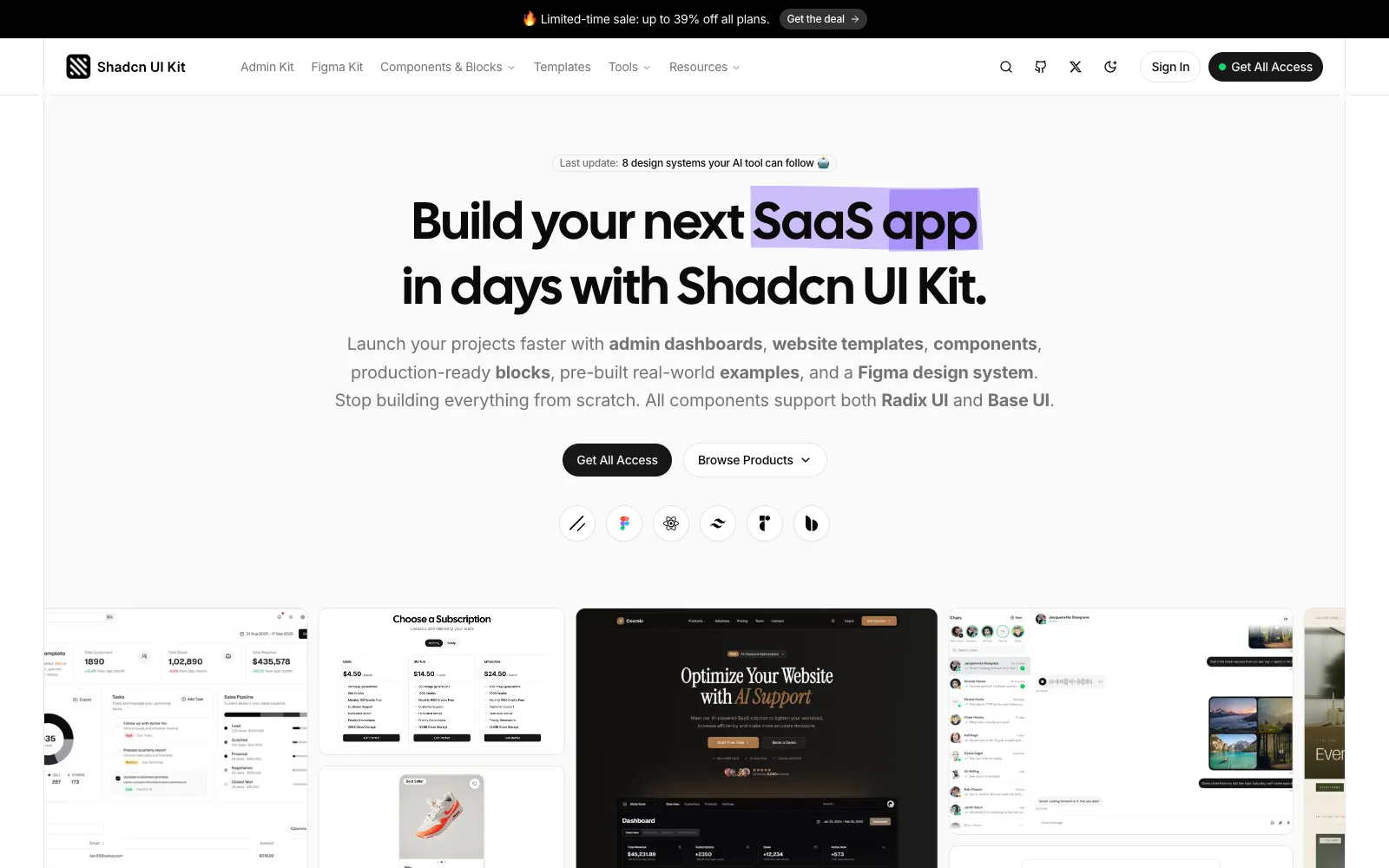
16 admin dashboards and 17 web app templates, which is the part of this category nearly everyone else skips
Pro is $129 one time, $79 in the November 2026 sale, with lifetime updates and unlimited projects
550+ blocks, 560+ components, 70+ examples, a Figma file, a page builder and a theme generator in every paid tier
Current stack, with Next.js 16, React 19, Tailwind v4 and TypeScript
Ships an MCP server and GitHub repository access, so agents and humans get the same source
Cons
The free Starter tier is limited access rather than a usable subset
Seats are the upgrade trigger: Pro is one user, Team is $299 regular ($199 on sale) for ten, Enterprise is $799 ($499) for unlimited
No refunds on digital products except for genuine technical faults
Dashboard templates are opinionated, so heavy rework can cost more than starting from blocks
Why we picked Shadcn UI Kit
Dashboards are where this ecosystem is thinnest. Free registries hand you a table and a card and wish you luck, and most paid packs chase landing pages. Shadcn UI Kit sells the CRM, the analytics view, the e-commerce admin and the project management screens as finished, wired templates.
The stack is current, which matters more than it sounds. Next.js 16, React 19 and Tailwind v4 means you are not inheriting a migration on day one, and that is a real risk with dashboard kits, which tend to age badly.
Price it by seats. $129 once, or $79 on sale, for one developer with lifetime updates is good value against a week of building an admin shell. A five person team needs the $299 Team tier, and that is still one payment rather than a subscription. It is listed in our directory at Shadcn UI Kit, with the closest Shadcn UI Kit alternatives next to it, and we reviewed it in full in our Shadcn UI Kit review.
Who it is for: teams building an internal tool or SaaS admin who want the shell finished and the screens already laid out.
What makes Hairline UI the best choice for finished landing pages?
Pros
216 shadcn/ui components, free from the registry, with no account needed
63 complete Next.js templates, 8 of them free, each an original project rather than a recolour of one theme
$39 for a single template, or $159 for all access including everything added later
Branding, copy, links and colours live in one config file, so a template becomes your site in an afternoon
Commercial licence covers unlimited client projects, with a full refund available before download, and an MCP server for agents
Cons
The all access price rises as the catalog grows, listed at $159 now and $169 after seven more templates
Next.js only, so other frameworks are out
Templates cannot be resold as templates or UI kits, which rules out one agency business model
The catalog is landing pages, with no dashboard or application screens
Why we picked Hairline UI
Hairline sits in the gap between a block pack and a boilerplate. You are not assembling a page from sections, you are picking a finished site and changing the words. For a launch that needs to be live this week, that is the shortest path on this page.
The free side is unusually generous. 216 components install from the registry without an account, and eight full templates are downloadable free with one, which is a real evaluation rather than a teaser.
The pricing mechanic is worth understanding before you buy. All access is one payment that includes future templates, and the price steps up as the catalog grows, so it rewards buying early. Buying a single template at $39 makes sense only if you are certain you need exactly one. It is listed in our directory at Hairline UI, alongside the nearest Hairline UI alternatives.
Who it is for: founders and freelancers shipping marketing sites on Next.js who want a finished design rather than parts.
What about v0, 21st.dev and the theme editors?
Three neighbouring categories keep coming up in the same conversation. v0 from Vercel generates components and pages from a prompt and exports to shadcn/ui, which is a different trade: you get something bespoke and then own the quality problem. 21st.dev is a community catalog in the shadcn registry format, free to browse with a couple of free component copies a day and a membership for more, and it is the best place to find a component nobody has packaged into a paid kit. Theme editors solve the third problem, which is that every library here inherits your CSS variables and so a half hour spent on tokens improves all of them at once.
Get a dedicated SEO review article for your product or service and start ranking for “your brand + review” in search results.
The best shadcn/ui component libraries in 2026 are shadcn/ui itself for primitives, Kibo UI for application components, Magic UI and Aceternity UI for animation, Shadcnblocks and Tailark for marketing sections, and Shadcn UI Kit for admin dashboards.
Calling any of these a "library" is slightly wrong, and the mistake costs people money. You do not install shadcn/ui as a dependency. The CLI copies source files into your repository, you own them, and nothing updates behind your back. Everything in this list follows the same model, which means you are not choosing a package to depend on. You are choosing a registry to copy from, and the real differences are licence, who maintains the code afterwards, and whether the catalog is free or a one time purchase.
That splits the category in two. On one side sit the free, MIT licensed registries: shadcn/ui, Magic UI, Kibo UI, Cult UI, coss ui (the project Origin UI became) and the free kits from Tailark and Hairline UI. On the other sit the commercial block packs that sell the thing nobody enjoys building, which is 40 finished marketing sections or 16 admin dashboards, for a one time fee. One tool here, shadcn.io, breaks the pattern and sells a subscription instead.
Two things changed in 2026 and both matter when you pick. The shadcn CLI reached v4 in March, and in July Base UI became the default primitive layer in place of Radix, so some registries are now on Base UI, some are still on Radix, and a few support both. The other change is MCP. Almost every library in this list now ships an MCP server, which means Claude Code, Cursor or Codex can search the registry and run the install for you instead of you pasting a command.
Prices were checked on November 20, 2026, on each vendor's own pricing page. Several were running Black Friday discounts that day, so both the regular and the sale price are quoted where one applied, and the figure at your checkout may differ.
Overview of the best shadcn/ui component libraries
Library
Best for
Free tier
Starts at
shadcn/ui
The primitives every other library builds on
Yes, all of it, MIT
$0
Kibo UI
Application components like kanban, gantt and editors
Yes, all of it, MIT
$0
Magic UI
Animated components for landing pages
Yes, 150+ components, MIT
$199 one time for Pro
Aceternity UI
Premium looking effects and motion
Yes, 100+ components
$249 for a year, $169 on sale
coss ui (was Origin UI)
Clean application components and form inputs
What you install, and how it is sold
The headline price tells you little here, because these products are sold three different ways and install in two. This is the shape of each deal.
Library
What you install
How it is sold
The limit to check first
shadcn/ui
75+ components, blocks, charts, AI Elements
Free, MIT, by Vercel
It gives you primitives, not a finished design
Kibo UI
41 components and 28 blocks
Free, MIT
Niche by design, it assumes you have shadcn/ui already
Magic UI
150+ animated components
Free, MIT, Pro sold separately
Pro is landing page sections, not app UI
Aceternity UI
How we evaluated these shadcn/ui libraries
Every price, licence term and component count here comes from the vendor's own site, read on November 20, 2026. Where a number is a marketing claim rather than something we counted, it is quoted as the vendor states it.
We judged five things: what you actually get on the free tier, whether the licence covers client work, whether the code installs through the standard shadcn CLI and registry rather than a bespoke setup, which primitive layer it sits on now that Base UI is the shadcn default, and the two year cost for a small team rather than the headline figure.
We did not audit accessibility, bundle size or code quality across all eleven. Claims about counts, performance and AI features are what each vendor publishes, not measurements of our own.
What makes shadcn/ui the best starting point?
The shadcn/ui homepage, showing the component registry built by Vercel
No Figma file, no templates and no marketing blocks
Motion is a dependency you are adopting whether or not the rest of your app needs it
Free components skew toward spectacle, with less of the quiet UI an app needs
The rebrand is recent enough that third party tutorials and directories still point at the old name
Several components are animation heavy, with the usual performance cost
A catalog this size takes real time to search, even with the extension
React and Next.js only, with no Vue or Nuxt build
It is the only subscription in a category where everyone else sells a one time licence
Support response times, from 1 to 12 hours on Pro, are a tier feature rather than a baseline
A smaller, younger project than the headline libraries in this list
Yes, all of it, MIT
$0
Cult UI
Creative, animated, slightly strange components
Yes, 154 components, MIT
$0 for the library
Shadcnblocks
Ready made website sections, at volume
Some blocks, with a login
$149 one time, $89 on sale
Tailark
Complete marketing pages and blocks
Yes, three MIT kits
$249 one time
shadcn.io
A very large multi framework catalog
Yes, with an account
$389 per year
Shadcn UI Kit
Admin dashboards and web app templates
Starter, limited
$129 one time, $79 on sale
Hairline UI
Finished Next.js landing page templates
Yes, 216 components, 8 templates
$39 per template
100+ free components, 200+ premium blocks
Free tier plus a one time licence
The $249 tier is one year of updates, not lifetime
coss ui
The new Base UI set, plus 626 legacy Origin components
Free, MIT, now Cal.com's design system
The Origin collection is a legacy snapshot, lightly maintained
Cult UI
154 components, MIT
Free, funded by a separate paid product
The paid part is AI SDK Agents, not the components
Shadcnblocks
2,241 components and 2,697 blocks
One time, three tiers, lifetime updates
Figma kit and admin kit need the $299 tier
Tailark
Free kits plus hundreds of premium blocks
One time, four tiers
Page templates need the $299 Complete tier
shadcn.io
175 components, 6,231 blocks, 14 templates
Subscription, or a lifetime price
The $389 Individual tier excludes commercial work
Shadcn UI Kit
16 dashboards, 17 web apps, 550+ blocks
One time, lifetime updates
Seats: Pro is one user, Team is ten
Hairline UI
216 free components, 63 paid templates
Free registry plus per template pricing
All access is $159 now and rises as templates land
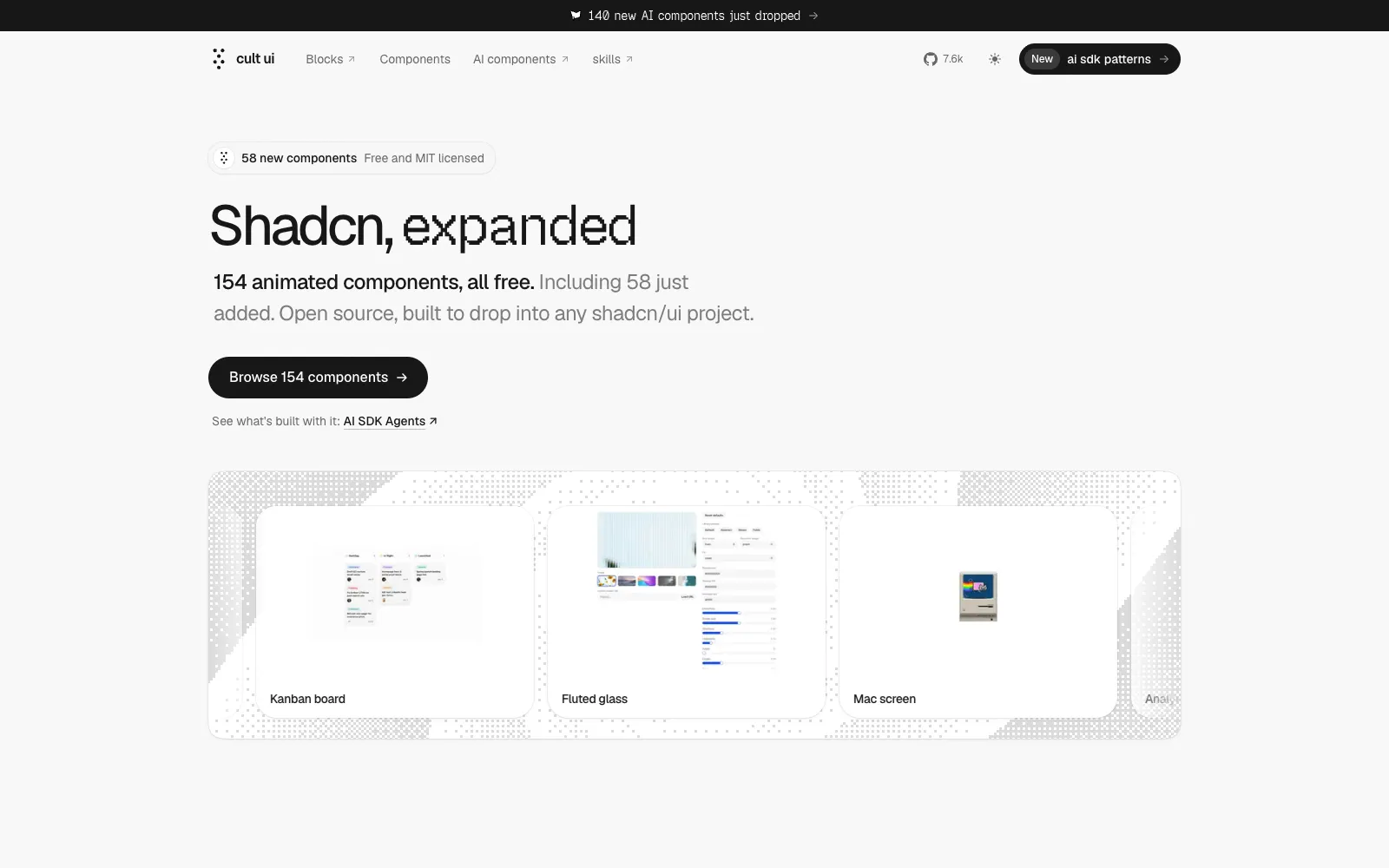
The Cult UI homepage, showing its animated components for shadcn/ui
The Shadcn UI Kit homepage, showing its admin dashboards and templates built with shadcn/ui
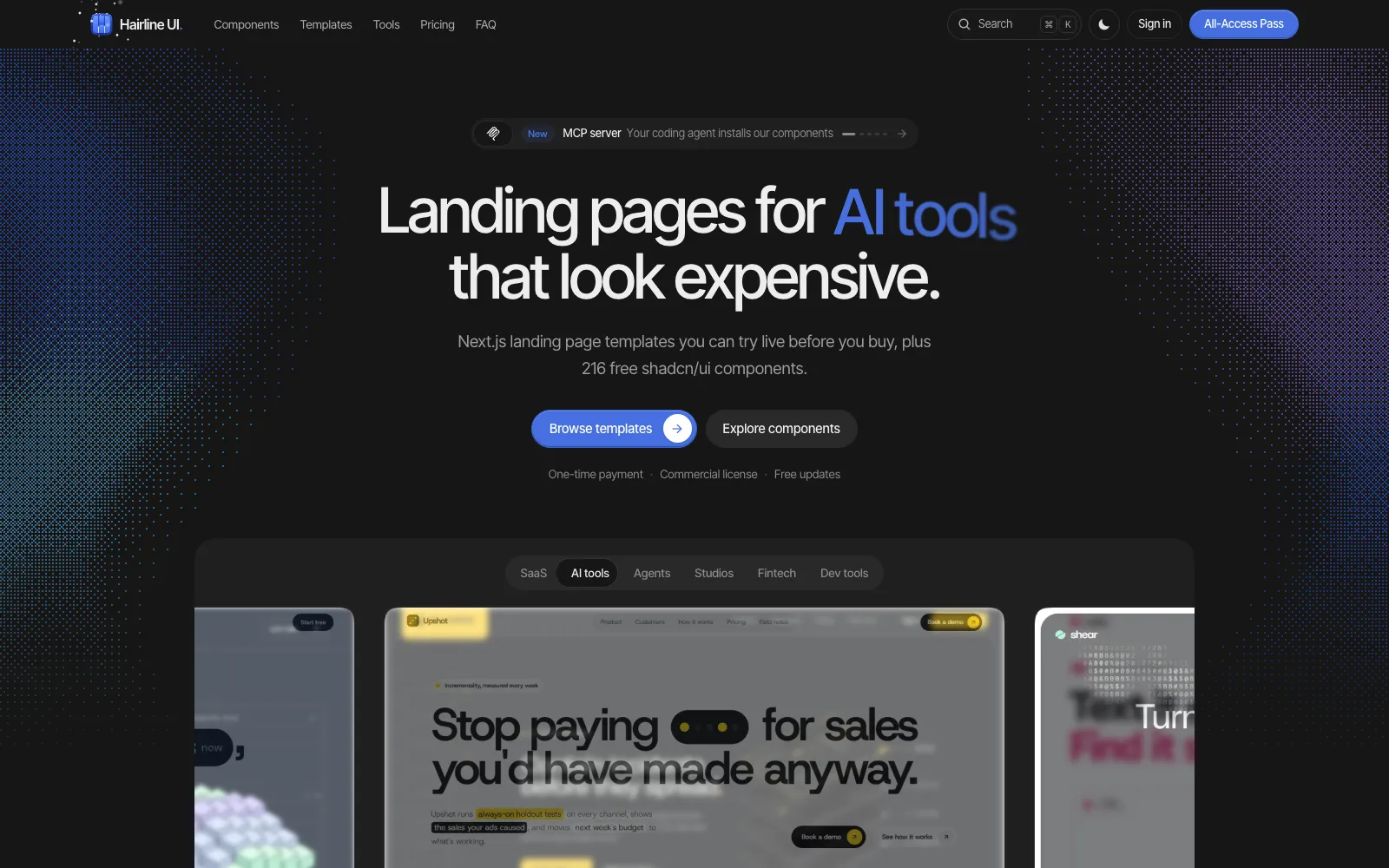
The Hairline UI homepage, showing its Next.js landing page templates and free shadcn components
Two tools in our directory sit next to this work. Export to Figma pulls a live page back into editable Figma layers, which is useful when a client's feedback arrives as a design rather than a ticket. The wider developer tools category and the design category list the rest.
How to choose a shadcn/ui component library
Decide whether you need primitives or finished pages. shadcn/ui, Kibo UI and coss ui give you parts. Shadcnblocks, Tailark, Shadcn UI Kit and Hairline UI give you pages. Most teams need one from each column.
Read the licence before the feature list. shadcn.io's $389 Individual plan is personal and open source only, so commercial work starts at $789 a year. Every MIT library here is free for client work.
Check which primitive layer it sits on. Base UI is the shadcn default since July 2026, Radix is still everywhere, and mixing the two in one codebase is a maintenance cost you choose knowingly.
Count the free tier honestly. Magic UI, Kibo UI, Cult UI and coss ui are free in full. Shadcnblocks and Shadcn UI Kit give you a sample, and the sample is a sales tool.
Prefer one time pricing. Over two years, $149 for Shadcnblocks or $199 for Magic UI Pro is a different universe from $789 a year, and the code is copied into your repo either way.
Check for an MCP server if an agent writes your code. shadcn/ui, Aceternity, Shadcnblocks, Kibo UI, Cult UI, Shadcn UI Kit and Hairline UI all ship one, and installing through an agent is now the normal route.
For most teams the honest answer is two purchases and three free registries: shadcn/ui as the base, one free registry for the components you keep rebuilding, and one paid pack for whichever of marketing sections or dashboards your product actually needs.
Once the product is built, the demo matters nearly as much as the UI: our comparison of the best screen recording tools covers what to record it with.
Frequently asked questions
What is the best free shadcn/ui component library?
shadcn/ui itself, then Magic UI for animation, Kibo UI for application components such as kanban and gantt, Cult UI for creative pieces and coss ui, formerly Origin UI, for form controls. All five are MIT licensed and free for commercial work, which covers most of what a product needs before you pay for anything.
Is shadcn.io the official shadcn/ui?
No. The official project is shadcn/ui at ui.shadcn.com, built by shadcn at Vercel, and it is free and MIT licensed. shadcn.io is an independent site that uses the same CLI and conventions, sells access by subscription and says so on its own pages. Check which one a tutorial means before you sign up for anything.
What happened to Origin UI?
It became part of Cal.com and was renamed coss ui in October 2026, and originui.com now redirects to coss.com/ui. The original 626 component collection is still free at coss.com/origin as a legacy snapshot, while the new library is built on Base UI. Nothing you already copied stops working, but the two sets are different foundations.
Can I mix components from several of these libraries?
Usually yes, because they all copy source into your project and read your shadcn/ui CSS variables. The friction is in the primitives and the animation dependency: a Radix based component and a Base UI based one can both work while duplicating behaviour, and three libraries can drag in two motion libraries. Pick one primitive layer per project and check what each install adds.
Is a one time block pack cheaper than a subscription?
Over two years, almost always. Shadcnblocks Pro is $149 once, Magic UI Pro is $199 once, Shadcn UI Kit Pro is $129 once, and all three include lifetime updates. shadcn.io's commercial Team tier is $789 a year, which is more than all three combined before the second year starts. The subscription earns its place only if the multi framework catalog is something you use weekly.
Do these libraries work with AI coding agents?
Yes, and that is the big change of 2026. shadcn/ui, Aceternity UI, Kibo UI, Cult UI, Shadcnblocks, Shadcn UI Kit and Hairline UI all publish MCP servers, so Claude Code, Cursor or Codex can search the registry and run the install itself. If an agent writes most of your UI code, the presence of an MCP server matters more than a thousand extra blocks.