Overview
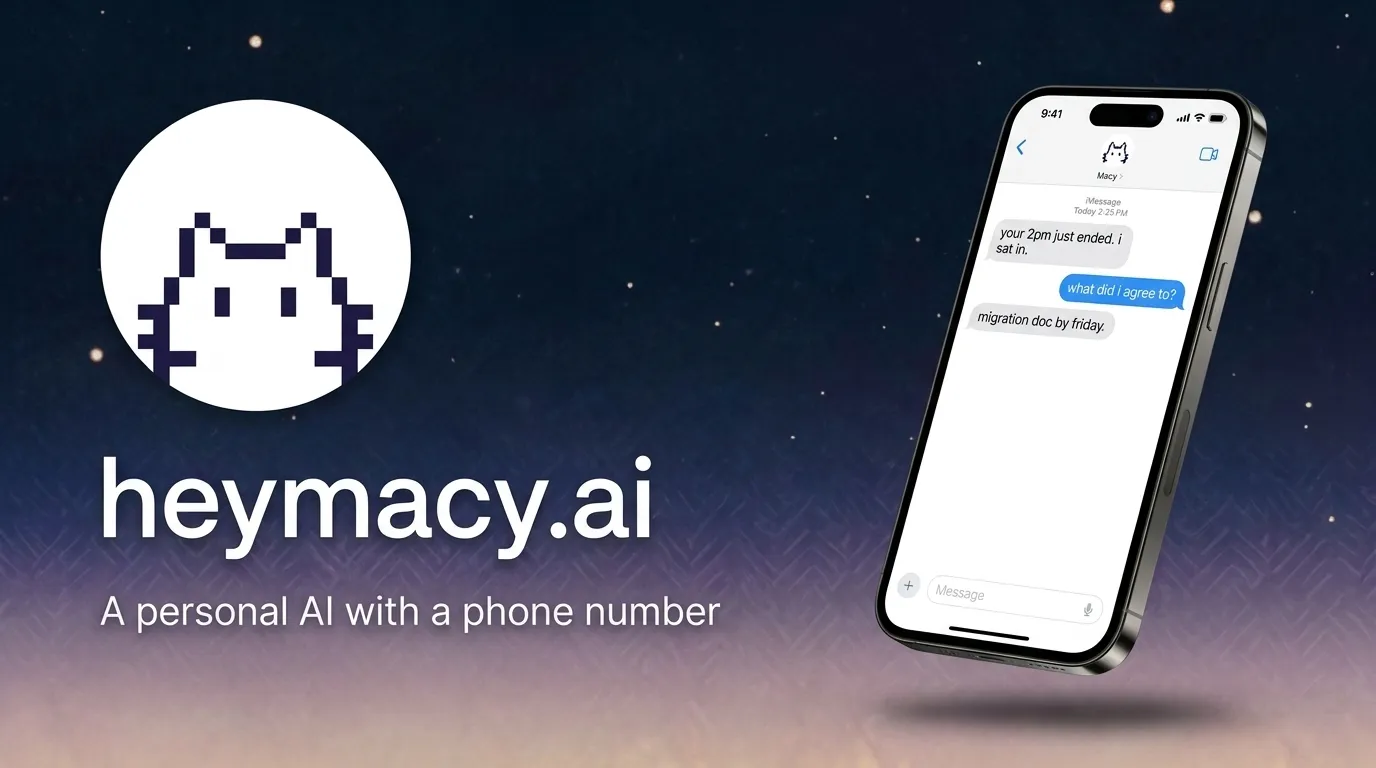
Macy is a personal AI assistant that lives entirely inside Apple's iMessage, connecting to over 500 apps and proactively texting you when something actually matters. Instead of forcing users to download yet another standalone app, Macy exists as a contact in your Messages app. You text her like you would a friend, and she responds, takes actions, and even initiates conversations when she detects something important like a flight change, a price drop, or an urgent email from your boss. The core promise is simple: eliminate the friction of managing multiple apps and notification overload by centralizing everything into one familiar chat thread.
The problem Macy solves is real and widespread. People juggle email, calendars, messaging apps, financial accounts, and countless other services every day. The average iPhone user checks their phone over 80 times daily, mostly to triage notifications across dozens of apps. Macy's approach is to be the single point of contact that watches everything for you, then texts you first when something needs your attention. This is a fundamentally different model from reactive assistants like Siri or Google Assistant, which only respond when you ask. Macy is proactive, agentic, and designed to act on your behalf with your approval.
The target audience is anyone who feels overwhelmed by their digital life but doesn't want to manage a complex AI setup. It's particularly appealing to iPhone users who live in iMessage and want a more natural, conversational way to interact with their apps and data. The product positions itself as a "chief of staff" for your personal life, handling everything from travel monitoring to investment alerts to group chat summaries. Macy is a compelling alternative to Siri, Google Assistant, and standalone AI chatbots like ChatGPT and Claude. The competitive landscape is crowded, but Macy's differentiator is its deep iMessage integration and its proactive, agentic capabilities. It's not just a chatbot you query; it's an assistant that watches your apps and acts on your behalf, always asking for confirmation before taking sensitive actions. This review will examine whether Macy delivers on its ambitious promise and who stands to benefit most from its unique approach.
Key Features
- iMessage-Native Interface: Macy lives entirely within iMessage. There's no separate app to download, no new interface to learn, and no onboarding friction. You interact with her just like you would any contact, sending texts and receiving responses in your existing Messages app. This is a massive advantage for user adoption because it removes the barrier of learning a new interface. The familiarity of iMessage makes the AI feel more approachable and less like a piece of software, which is a clever design choice that lowers the psychological barrier to trusting an AI with your personal data.
- 500+ App Integrations: Macy connects to a vast ecosystem of apps, including Gmail, Google Calendar, Slack, WhatsApp, Notion, Robinhood, and many more. This is made possible through integration platforms like Zapier. Users link their accounts once via a web dashboard, and then Macy can access data and perform actions across all these services. The breadth of integration is what allows Macy to be genuinely useful in a variety of contexts, from managing your inbox to monitoring your investments. This isn't a toy integration either; it's deep enough to read, draft, and send messages across platforms.
- Proactive Alerts: Unlike traditional assistants that only respond when you ask, Macy monitors your connected apps and texts you first when something important happens. For example, she might alert you to a flight delay, a price drop on an item you're watching, or an urgent email from your boss. This proactive behavior is the key differentiator and is designed to save you time and reduce anxiety by keeping you informed without having to constantly check your apps. The system learns what matters to you over time, so the alerts become more relevant and less noisy as you use it.
- Cross-App Actions: Macy can perform actions across different apps, not just read data. For instance, she can draft and send a WhatsApp message on your behalf, create a calendar event, or even execute a trade on Robinhood. Crucially, all sensitive actions require your explicit approval via a simple "yes" reply. This approval gate ensures you remain in control and prevents the AI from acting autonomously in ways you might not want. It's a thoughtful safety mechanism that balances automation with human oversight, which is exactly the right approach for an agentic AI.
- Standing Orders: You can set up "standing orders" or rules that Macy monitors continuously. For example, you could tell her to "watch NVDA and my flight on Thursday," and she will keep an eye on those things and alert you when there's a change. This is more powerful than one-off commands because it creates persistent, automated monitoring that works around the clock. Standing orders are the closest thing to having a personal assistant who remembers your priorities and acts on them without being reminded.
- Memory and Personalization: Macy remembers your preferences, important dates, and past conversations. You can tell her things like "Remember I like the window seat," and she'll factor that into future travel bookings. This memory makes interactions feel more personal and reduces the need to repeat yourself. Over time, Macy learns your habits and can make more relevant suggestions. The memory feature is what transforms Macy from a simple chatbot into something that feels like a genuine companion that knows you.
- Content Generation: Macy can generate images, stickers, and even short videos directly in the chat. This is a fun and creative feature that sets her apart from more utilitarian assistants. You can ask for a custom sticker for a friend's birthday or a quick video to share in a group chat. This makes Macy feel more like a companion than just a tool, and it's a nice touch that adds personality to the product.
How It Works
Getting started with Macy is remarkably simple. The website prominently displays a phone number, and the primary call-to-action is "Text Macy." Users simply send a text message to that number, and the conversation begins. There's no app to download, no signup form to fill out, and no waitlist. This frictionless onboarding is a major selling point and one of the smartest product decisions Macy has made. The entire onboarding process takes less than a minute, which is practically unheard of in the AI assistant space.
Once you've texted Macy, you'll likely be guided to connect your apps. This is done through a web dashboard, where you can link accounts like Gmail, Google Calendar, Slack, and others. The dashboard is where you manage your integrations and set up any standing orders or preferences. The connection process uses standard OAuth flows, so you're granting permissions through official app authorization screens, not handing over your passwords. It's a secure and familiar process for anyone who has connected apps before.
After the initial setup, daily use is entirely conversational. You can ask Macy questions, give her commands, or simply let her monitor your apps and text you when something needs your attention. For example, you might receive a text from Macy saying, "Your flight tomorrow moved to 7:40 pm. Want me to push dinner with Sam to 8:30?" You can reply "yes" and she'll handle the rest, including notifying Sam via WhatsApp. The learning curve is minimal because the interface is just iMessage. The main adjustment is trusting the AI to handle tasks and understanding what it can and cannot do. Macy is designed to be proactive, so users need to be comfortable with her initiating conversations. The approval gate for sensitive actions provides a safety net, but it's still a shift from the traditional "ask and respond" model.
Use Cases
- The Busy Professional: A consultant who travels frequently uses Macy to monitor flight changes, hotel bookings, and client emails. Macy texts her about a flight delay and automatically suggests rebooking options. She can approve with a simple "yes," and Macy handles the rest, even updating her calendar and notifying her client via email. The outcome is that she spends less time managing logistics and more time focusing on client work, which directly impacts her billable hours.
- The Group Chat Moderator: A person who's part of a large family group chat on WhatsApp feels overwhelmed by the constant stream of messages. Macy can summarize the chat, flag important decisions, and even draft replies. The user can review and approve a reply before Macy sends it, keeping them involved without having to read every message. The outcome is that they stay connected with family without the anxiety of missing something important or the time drain of scrolling through hundreds of messages.
- The Savvy Investor: An individual investor uses Macy to monitor their Robinhood portfolio. They set a standing order to "watch NVDA and alert me if it drops below $100." Macy monitors the stock and texts them when the price hits the threshold, along with a brief analysis and a proposed action. The user can approve a trade directly from the chat. The outcome is that they can act on market movements quickly without staring at a trading app all day, which is a significant advantage in a fast-moving market.
- The Language Learner: Someone learning Spanish uses Macy as a daily tutor. Macy sends a daily quiz, provides audio pronunciations, and corrects the user's voice notes. This turns language practice into a natural, conversational activity that fits into their existing messaging habits. The outcome is consistent daily practice without needing to schedule dedicated study time, which is the single biggest factor in language learning success.
- The Organizer: A person who struggles to keep track of documents and important information uses Macy as a personal knowledge base. They can text Macy a photo of a lease agreement and say, "Save this." Later, they can ask, "What was the move-out date on my lease?" and Macy will retrieve the information instantly. The outcome is that they have a searchable memory for important details, reducing the stress of losing track of critical information.
Design & User Experience
Macy's design philosophy is minimalism by necessity. Since the product lives inside iMessage, the interface is Apple's Messages app, which is already familiar to every iPhone user. The website itself is clean, modern, and professional, with a simple layout that puts the phone number front and center. The navigation is intuitive, with clear sections for features, pricing, and FAQ. The design language is consistent with modern AI products: lots of whitespace, friendly typography, and a warm color palette that makes the product feel approachable rather than technical.
The user experience is where Macy shines. Because there's no separate app to learn, the learning curve is essentially zero. You already know how to text, so you already know how to use Macy. The web dashboard for managing integrations is straightforward, though it's clearly a secondary interface. The main interaction surface is the chat, and that's where the product feels most polished. The responses are fast, conversational, and appropriately formatted for a messaging context. One minor criticism is that the dashboard could be more visually polished, but it's functional and gets the job done. The mobile experience is inherently excellent because it's native to the phone's messaging app, which is a clever design decision that most competitors can't replicate.
Pricing & Value
Macy offers a freemium pricing model that's refreshingly generous. The free tier allows users to start using the service without any cost, and the website explicitly states that "Free to start, and you can stay on Free." This suggests that the free tier is functional and not just a limited trial. It's a smart strategy because it lets users experience the core value proposition before committing to a paid plan.
For more advanced features, there are two paid tiers: Pro at $19 per month and Ultra at $149 per month during early access. The website notes that both prices will increase after launch, so early adopters can lock in a lower rate. The Pro tier likely includes more integrations, higher usage limits, and access to more advanced AI capabilities. The Ultra tier is positioned for power users who need the full suite of features, possibly including priority support and more extensive automation. Compared to other AI assistants, Macy's pricing is competitive. ChatGPT Plus is $20 per month, and other specialized AI tools often range from $10 to $50 per month. Macy's Pro tier is in line with these prices, but the value proposition is different: it's not just a chatbot, it's an agent that can take actions across your apps. The Ultra tier is on the higher end, but it's aimed at users who will get significant value from the advanced automation and monitoring capabilities.
Who Is Macy Best For?
Macy is best for three specific user segments. First, the busy professional who travels frequently and needs help managing logistics across email, calendar, and travel apps. If you're constantly juggling flight changes, hotel bookings, and client communications, Macy can be a genuine lifesaver. Second, the power user who has dozens of apps and services connected and wants a unified way to interact with them. If you're the person who has 50 apps on your phone and feels overwhelmed by notifications, Macy's proactive monitoring and cross-app actions will feel like a weight lifted. Third, the early adopter who loves trying new AI tools and wants to be on the cutting edge. If you're already using ChatGPT, Claude, or other AI assistants and want to see what an agentic, proactive assistant can do, Macy is worth exploring.
On the other hand, Macy is not for everyone. Android users are completely excluded, since the product is built exclusively for iMessage. If you're on Android, you'll need to look at alternatives like Google Assistant or standalone AI apps. Additionally, people who are uncomfortable with AI having access to their personal data across multiple apps should be cautious. Even with the approval gate, Macy requires significant permissions to function effectively. If you're privacy-sensitive or prefer to keep your apps separate, this might not be the right fit. Finally, users who prefer a more traditional, reactive assistant might find Macy's proactive texts overwhelming. If you don't want an AI texting you unprompted, you might prefer a more conventional assistant.