The managed APIs that fetch any URL and hand you back clean HTML, Markdown, or JSON, with proxies, headless browsers, and bot detection handled for you.
Engineering teams running Scrapy at volume who want per-request pricing that reflects how hard each site actually is.
Overview
A web scraping API is a single HTTP endpoint you send a URL to. Behind it sits the machinery you would otherwise build and babysit yourself: a rotating proxy pool, a headless browser for JavaScript-heavy pages, retry logic, CAPTCHA handling, and fingerprinting that keeps you from getting blocked. You get back HTML, Markdown, a screenshot, or structured JSON, and you never open a Playwright session.
The category changed shape in the last two years. Scrapers used to feed price monitors and lead lists; now most new volume comes from AI. Agents need pages as clean Markdown that fits in a context window, RAG pipelines need whole sites crawled on a schedule, and nobody wants to pay tokens for navigation chrome and cookie banners. That split runs through this whole comparison: some of these products are built for LLM workflows, others are built for scraping a million protected e-commerce pages a month, and the pricing models reflect it.
We compared six providers on what actually determines your bill and your success rate: how a credit is counted, what JavaScript rendering multiplies it by, whether failed requests are charged, how hard the anti-bot targets are, and how quickly you can go from an API key to working code. Every price below was verified in September 2026 against the vendor's own pricing page. This category moves fast, so re-check before you commit to an annual plan.
If you are assembling a data stack rather than just picking a scraper, the neighbouring guides are worth a look: AI and LLM APIs for the model that will read the pages you scrape, SaaS databases for where the results land, and AI visibility tools if the reason you are scraping is to track how your own brand shows up in AI answers.
How to choose
Before you pick, weigh these against your own situation — the right choice depends on your stage, budget, and goals.
Output format — Decide whether you need raw HTML for your own parsers, Markdown for feeding an LLM, or structured JSON, because converting between them later is the step that quietly breaks.
Credit multipliers — Read the multiplier table rather than the headline credit count, since JavaScript rendering, premium proxies, and stealth modes can turn one page into 5, 10, or 75 credits.
Success-rate on your targets — Trial each API against the specific domains you care about, because a cheaper provider that fails a third of the time costs more per usable row than an expensive one that does not.
Failed-request billing — Confirm whether you pay for blocked or errored responses, as pay-for-success billing changes the real cost substantially on hard targets.
Crawling vs fetching — Check whether the API can walk a whole site from one URL or only fetch pages you already know about, since writing your own crawl queue is more work than it looks.
Compliance posture — Verify how the provider sources proxies and what it requires of you, because residential IP provenance and KYC checks matter if scraping becomes core to your business.
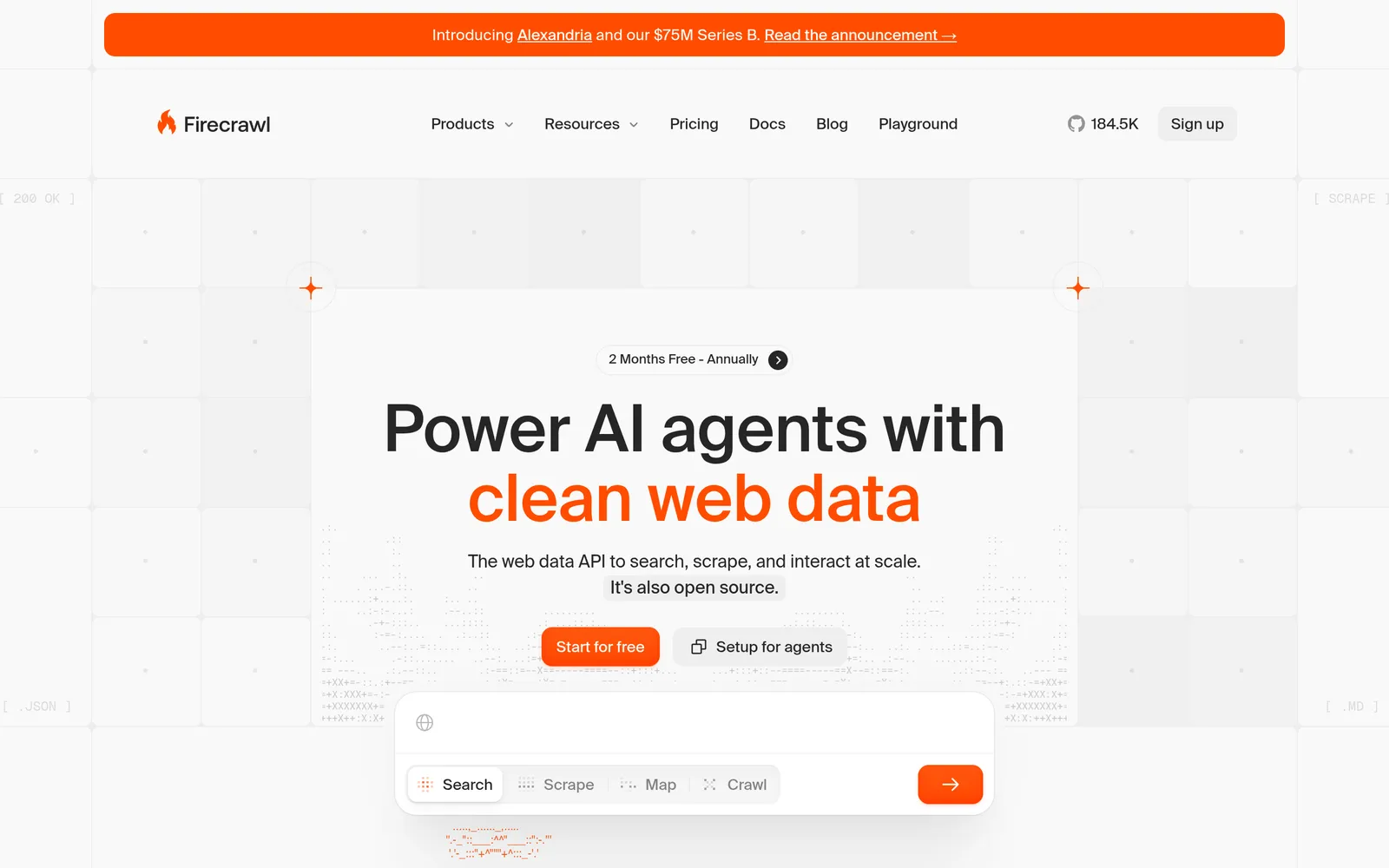
Firecrawl is the default choice if the pages you fetch are going into a model. It returns token-efficient Markdown rather than raw HTML, so you are not paying an LLM to read navigation menus and cookie banners, and it does it at one credit per page for scrape, crawl, and map. The crawl endpoint walks an entire site from a single URL without you writing a queue or a link extractor, which is the part most teams underestimate when they try to build this in-house.
The credit maths is unusually easy to reason about. Scrape, crawl, and map are 1 credit per page; search is 2 credits per 10 results; the JSON, Question, and Highlight formats add 4 credits, so structured extraction lands at 5. Failed scrapes are not billed, though a page that genuinely returns a 403 or 404 still costs its credit. Plans run Free (1,000 credits a month, no card), Hobby $19, Standard $99, Growth $399, and Scale $749, with roughly two months free on annual billing.
It is also the only pick here with a real open-source story: you can self-host the core engine, and there is an official MCP server, so Claude, Cursor, and other agent runtimes can call it as a tool without you writing a wrapper. The caveat is that the self-hosted build does not include the proprietary anti-bot bypass, so the hardest targets still need the hosted service or a heavier provider like Bright Data.
Best for:Developers building AI agents, RAG pipelines, or any workflow where pages need to arrive as clean Markdown rather than raw HTML.
Pros
Markdown output that cuts token spend on every downstream LLM call
Flat 1 credit per page for scrape, crawl, and map
Built-in whole-site crawling and search, no queue to write
Permanent free tier, open-source core, and an official MCP server
Cons
Structured JSON extraction costs 5 credits per page, not 1
The self-hosted build lacks the proprietary anti-bot bypass
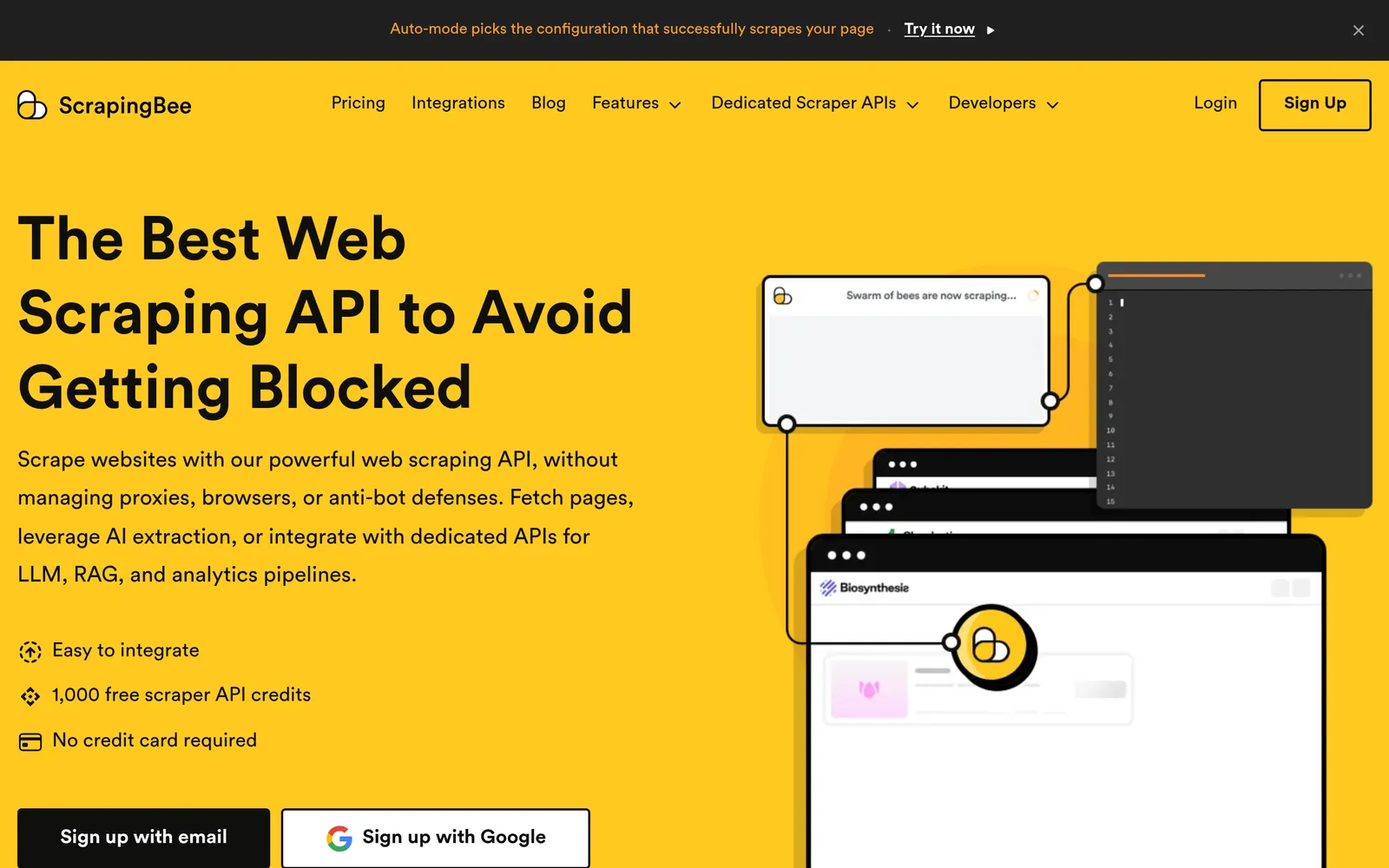
ScrapingBee is the most straightforward of the six: you pass a URL, it returns the rendered HTML, and you parse it with the Cheerio, BeautifulSoup, or Playwright code you already have. It runs a real headless Chrome instance, supports JavaScript scenarios like clicking and scrolling before capture, and offers a proxy gateway mode so you can point an existing scraper at it by changing one connection string instead of rewriting it around a new API.
Plans are Hobby $19 (75,000 credits, 25 concurrent requests), Freelance $49 (250,000 credits), Startup $99 (1,000,000), Business $249 (3,000,000), and Business+ $599 (8,000,000), with 1,000 free credits to trial it. The number to internalise is the multiplier, not the headline credit count: JavaScript rendering costs 5 credits and is on by default, premium proxies 10, premium plus JS 25, and stealth rendering up to 75. A 250,000-credit plan is 250,000 pages only if you explicitly set render_js=false on every call.
That default is the single most common way people overspend here, and it is also the reason ScrapingBee looks expensive in comparisons written by its competitors. Turn rendering off for static pages, reserve premium proxies for the domains that actually need them, and the entry plan goes a long way. Dedicated endpoints for Google search results are included, which saves building your own SERP parser.
Best for:Developers who already have HTML parsing code and want a reliable fetch layer with proxies and Chrome rendering behind it.
Pros
Simple, well-documented API with SDKs in every common language
Proxy gateway mode drops into an existing scraper with one change
JavaScript scenarios for clicking, scrolling, and waiting before capture
Dedicated Google search endpoint included on paid plans
Cons
JavaScript rendering is on by default and costs 5x credits
Premium and stealth proxies multiply cost by 10x to 75x
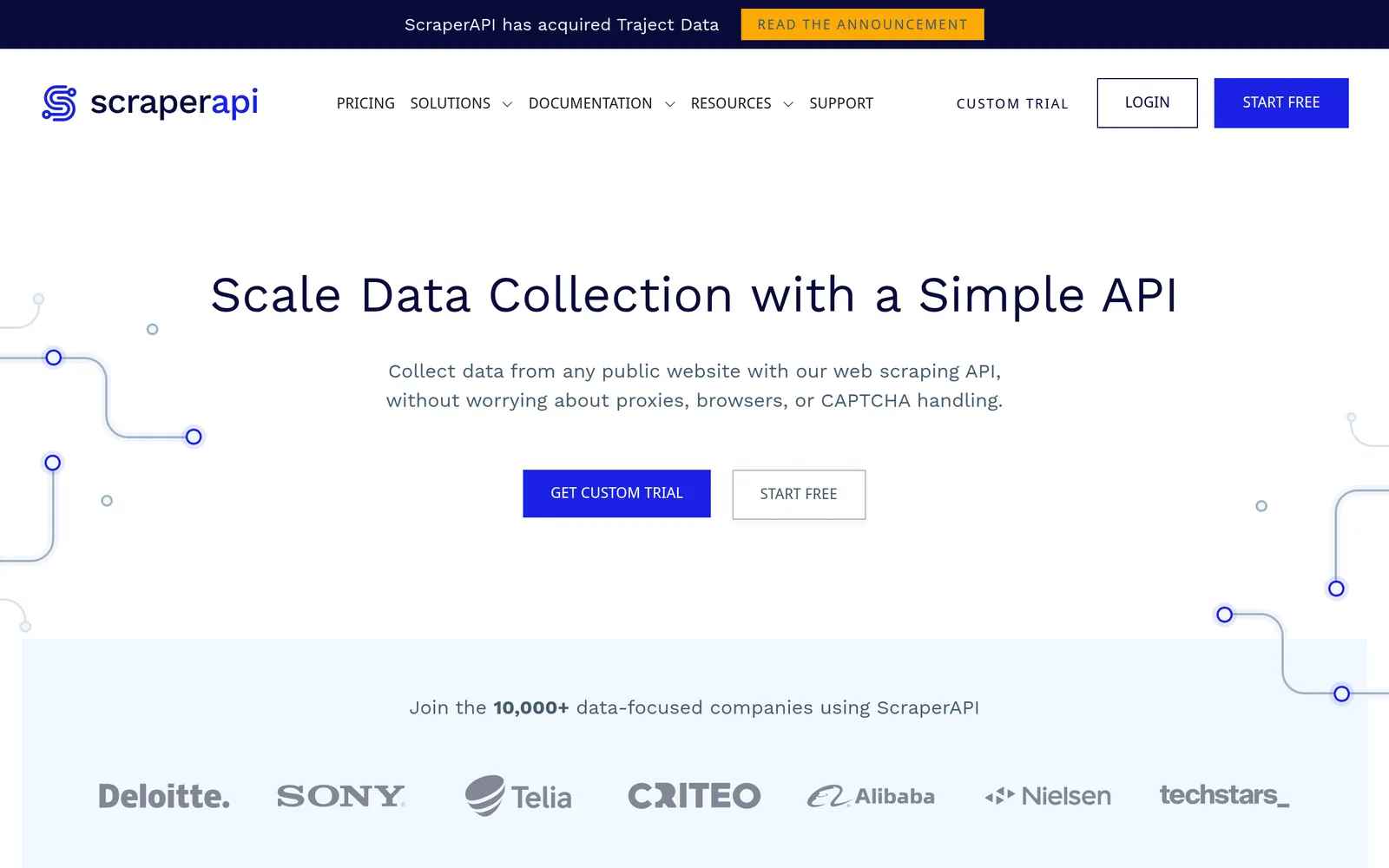
ScraperAPI is built for the targets that fight back: large e-commerce catalogues, search engines, and sites behind serious bot management. It handles CAPTCHA solving, retries, session persistence, and geotargeting, and it bills only for successful requests, which matters more than it sounds when you are hitting domains where a quarter of attempts fail on other providers.
The differentiator is transparency about cost. ScraperAPI publishes a per-domain credit rate card, so you know before you start that a plain HTML fetch is 1 credit, an e-commerce page with rendering and residential IPs is around 5, and a Google search result page is 25. You can also cap credit spend per request, which prevents a single badly targeted job from eating a month's plan overnight. Structured endpoints return parsed JSON for Amazon, Google, and Walmart instead of HTML you have to reverse-engineer.
Pricing starts higher than the rest: Hobby is $49 for 100,000 credits and 20 concurrent threads, Startup $149 for 1,000,000 credits and 50 threads, Business $299 for 3,000,000, then Scaling, Professional, and Advanced tiers above that. There is a 7-day trial with 5,000 credits and an ongoing free plan of 1,000 credits a month. If your targets are easy, you are overpaying here; if they are hard, the higher success rate usually costs less per usable row than a cheaper API that fails a third of the time.
Best for:Data teams scraping protected e-commerce sites, marketplaces, or search engines where success rate matters more than headline price.
Pros
Strong success rates on heavily defended and CAPTCHA-protected sites
Published per-domain credit rates, so costs are predictable up front
Per-request budget caps stop one job draining a whole plan
Structured JSON endpoints for Amazon, Google, and Walmart
Cons
Highest entry price of the six at $49/mo
Difficult domains at 25 credits per request burn plans fast
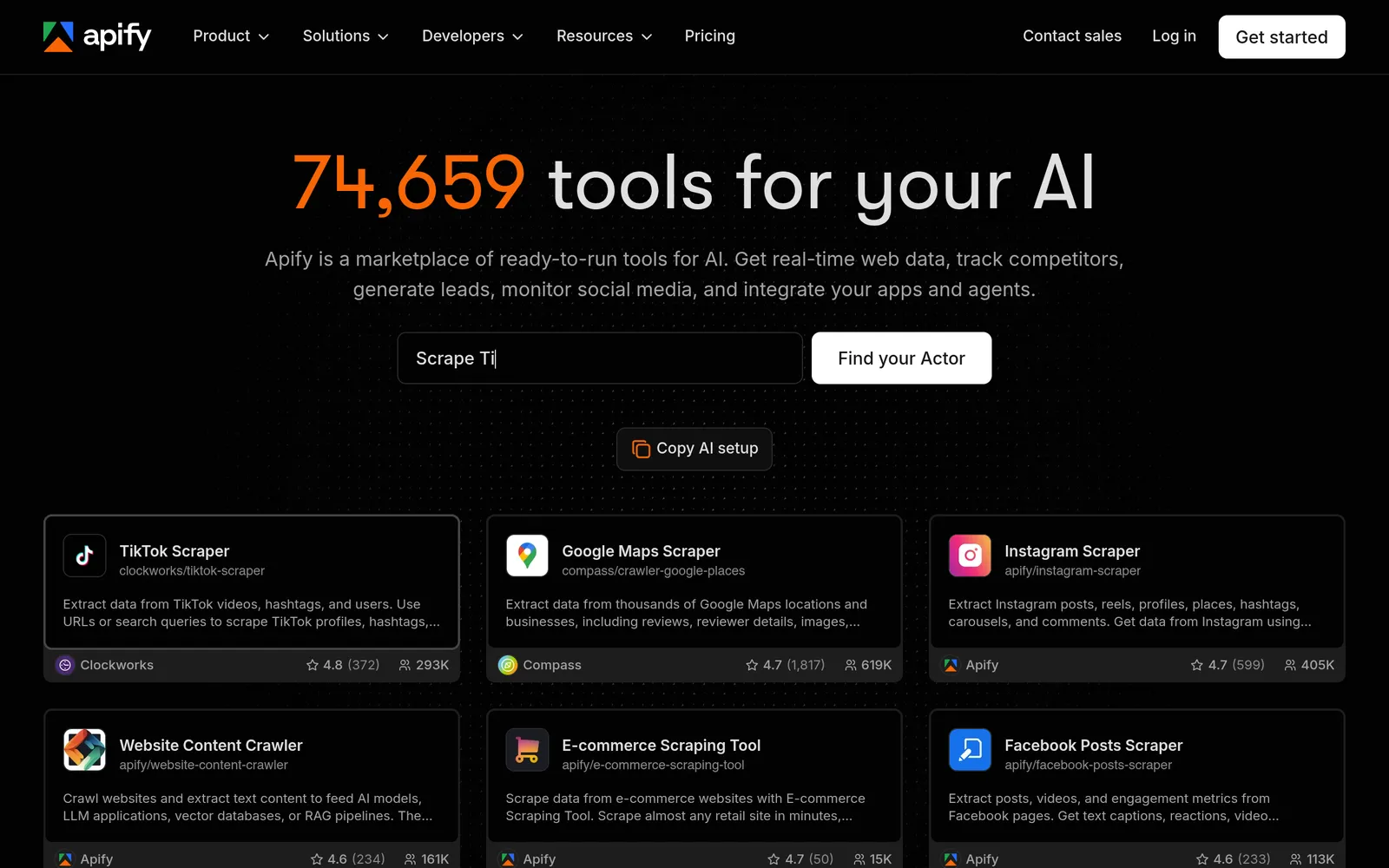
Apify is less a scraping API than a marketplace plus a runtime. Its Store holds thousands of ready-made scrapers, called Actors, for specific sites: Instagram, Google Maps, LinkedIn, Amazon, TripAdvisor. If your target is a named, popular platform, someone has almost certainly already written and maintained the scraper, and you call it as an API instead of spending a week reverse-engineering a layout. That is a genuinely different proposition from a generic fetch endpoint.
You can also deploy your own code. Apify runs it serverlessly with scheduling, webhooks, dataset storage, proxy rotation, and monitoring, and Crawlee, its open-source crawling library, is excellent whether or not you host on Apify. For recurring jobs that need to run every morning and drop rows into a store, this is the most complete infrastructure on the list.
Billing is where it gets slippery. Plans are Free ($0 with $5 of monthly usage), Starter $19, Scale $199, and Business $999, but each plan fee is a prepaid usage budget rather than an allowance of pages. Compute is metered in compute units at $0.20 per CU on Free and Starter, falling to $0.13 on Business, where 1 CU is 1 GB of RAM for one hour. Residential proxy bandwidth runs $8/GB down to $7/GB, and storage and Actor fees draw on the same budget. Note also that the old Actor rental model retires on 1 October 2026 in favour of pay-per-event and pay-per-usage pricing, so re-read the terms of any paid Actor you depend on.
Best for:Teams that need a specific, well-known site scraped on a schedule and would rather rent a maintained scraper than write one.
Pros
Thousands of maintained Actors for named sites and platforms
Full serverless runtime with scheduling, webhooks, and datasets
Crawlee is genuinely good and open source
Free plan includes $5 of platform usage every month
Cons
Metered billing across compute, proxy bandwidth, and storage is hard to forecast
Bright Data is the heavyweight. It operates one of the largest proxy networks in the industry, and its Web Unlocker and Web Scraper API sit on top of that infrastructure with fingerprint management, automatic CAPTCHA solving, and retry logic aggressive enough to get through targets that quietly fail elsewhere. There is also a Scraping Browser for cases where you need a full remote Chrome session you drive yourself, and a catalogue of prebuilt datasets if you would rather buy the data than collect it.
Pricing is per result rather than per credit, which is refreshingly direct: 5,000 free requests or records a month, then $1.50 per 1,000 on pay-as-you-go, with a $499/mo Scale plan that includes roughly 383,000 requests and drops the overage rate to $1.30 per 1,000. You are not billed for failures. At low volume that is more expensive per page than a credit-based API; at high volume on difficult domains it is often cheaper per usable record because the success rate is higher.
The trade-offs are corporate rather than technical. Onboarding involves KYC and a compliance review, the dashboard is sprawling compared with a single-endpoint API, and the product surface is wide enough that picking the right one of Unlocker, Scraper API, Scraping Browser, or datasets takes a conversation. This is the pick when scraping is core to your business and being blocked costs you real money, not when you need a hundred pages for a side project.
Best for:Companies running large-scale collection on aggressively defended sites, where reliability and compliance matter more than setup speed.
Pros
Highest success rate on heavily protected and geo-restricted targets
Pay-for-success billing, failures are not charged
Enormous proxy network with fine-grained geotargeting
Prebuilt datasets and a Scraping Browser alongside the APIs
Cons
KYC and compliance review before you can scrape many targets
Sprawling product surface with overlapping options
Zyte comes from the team behind Scrapy, which is still the most widely used open-source scraping framework, and it shows. Zyte API is a single endpoint that handles ban avoidance, browser rendering, sessions, and AI-powered extraction into structured JSON, and it slots into an existing Scrapy project through an official integration rather than asking you to abandon the framework you already run.
The pricing model is the most honest on this list and the most unusual. Instead of charging every request the same credit and letting multipliers surprise you, Zyte classifies each website into one of five difficulty tiers and bills accordingly: roughly $0.13 to $1.27 per 1,000 plain HTTP requests, and $1.01 to $16.08 per 1,000 browser-rendered requests. Easy sites cost almost nothing, hard sites cost what they genuinely cost, and you are not paying a premium-proxy multiplier on pages that never needed one. Committed plans at $100, $200, or $500 a month discount those rates, and a $5 trial credit is valid for 30 days.
The catch is forecasting. Until you know which tiers your targets fall into, your monthly bill is a range rather than a number, which finance teams dislike and which makes Zyte awkward to compare in a table like the one above. Run a representative sample through the trial credit first. If most of your targets are simple, nothing else here comes close on price.
Best for:Engineering teams running Scrapy at volume who want per-request pricing that reflects how hard each site actually is.
Pros
Cheapest per request for simple sites by a wide margin
Difficulty-tiered pricing instead of blunt credit multipliers
First-class Scrapy integration from the people who built Scrapy
AI extraction to structured JSON included in the same API
Cons
Costs are hard to forecast until you know your targets' tiers
Browser rendering on hard sites is expensive, up to $16 per 1,000
A web scraping API is a hosted endpoint you send a URL to, which returns that page's content as HTML, Markdown, a screenshot, or structured JSON. The provider runs the proxy rotation, headless browsers, retries, and anti-bot handling on your behalf, so you write a single HTTP request instead of maintaining browser infrastructure.
Why not just use Playwright or Puppeteer myself?+
For a few hundred pages a month on friendly sites, you should. Local scripts are free and fully under your control. The cost shows up at scale: proxies, CAPTCHA solving, fingerprint rotation, browser servers, and the ongoing maintenance when a target changes its defences. That is the work these APIs absorb, and it is why they are worth paying for once you are scraping protected or JavaScript-heavy sites regularly.
Which web scraping API is best for AI agents and RAG?+
Firecrawl, for the simple reason that it returns clean Markdown at one credit a page and crawls whole sites from a single URL. Feeding raw HTML to a model wastes tokens on markup and navigation, and building your own HTML-to-Markdown step is more fragile than it looks. Its official MCP server also lets agent runtimes call it as a tool with no wrapper code.
Why is my credit usage so much higher than the number of pages?+
Credit multipliers. Most providers charge extra for JavaScript rendering, premium or residential proxies, and stealth modes, and some enable rendering by default. On ScrapingBee, rendering is 5 credits, premium proxies 10, and stealth up to 75, so a 250,000-credit plan can mean 50,000 pages or fewer. Always check the multiplier table, not the headline credit count, and turn rendering off for static pages.
Do these APIs charge for failed requests?+
Mostly no, but the definitions differ. ScraperAPI, Bright Data, and Zyte bill only for successful responses. Firecrawl does not charge for failed scrapes, though a page that genuinely returns a 403 or 404 still costs a credit because the request succeeded. Apify is the exception: it bills compute, proxy bandwidth, and storage whether or not your run produced usable data.
Is web scraping legal?+
Scraping publicly accessible data is broadly lawful in the US and EU, and courts have repeatedly declined to treat it as unauthorised access on its own. That is not blanket permission. Personal data brings GDPR and CCPA obligations, copyrighted content still belongs to its owner, and a site's terms of service may create contractual exposure even where the scraping itself is not illegal. Respect robots.txt, rate-limit yourself, never scrape behind a login you agreed not to automate, and take legal advice before building a business on someone else's data.
Can I self-host a web scraping API?+
Firecrawl is the only pick here with a genuine self-hosted option, and its open-source build omits the proprietary anti-bot bypass, so the hardest targets still need the hosted service. Apify's Crawlee and Zyte's Scrapy are open-source libraries you can run anywhere, but they are frameworks rather than managed APIs: you supply the proxies and the infrastructure yourself.
How accurate is the pricing in this guide?+
Every figure was verified against the vendor's own pricing page in September 2026. This category changes pricing frequently, and Apify in particular is changing its Actor billing on 1 October 2026, so confirm current rates before committing to an annual plan.
The verdict
For most teams in 2026, Firecrawl is the best starting point: clean Markdown at one credit a page, built-in crawling, a real free tier, and an MCP server that drops straight into agent workflows. Pick ScrapingBee if you already have HTML parsers and want a simple fetch layer, but set render_js=false unless you need it. Pick ScraperAPI when your targets are protected e-commerce sites or search engines and success rate beats headline price. Pick Apify when someone has already written the scraper you need. Pick Bright Data when being blocked costs you real revenue, and Zyte when you run Scrapy at volume and want per-request pricing that matches how hard each site actually is.
We are the editorial team behind Alternative.tools, an independent platform that helps you find the best tools and their alternatives. We use AI to research and summarize newly launched websites, tools, and products, focusing on what each one does, who it's for, and which popular tools it can replace, so you can pick the right alternative faster, without the marketing spin.