Budget-conscious users who want free, no-commitment restoration for personal photos.
Overview
Old family photos fade, tear, and blur, and modern AI can now reverse most of that damage in seconds. The catch is that every tool prices and gates its features differently, from one-time credit packs to weekly subscriptions and genealogy bundles.
We tested the leading options on the jobs that matter most: repairing damage, colorizing black and white prints, sharpening faces, and upscaling. RestorePhotos came out on top for being fast, free to try, and refreshingly simple, with strong picks below it for mobile, genealogy, batch work, and zero-cost restores.
How to choose
Before you pick, weigh these against your own situation — the right choice depends on your stage, budget, and goals.
Restoration scope — Verify the tool handles the specific damage you have (scratches, colorization, blur, tears) rather than only doing one enhancement type.
Face fidelity — Check sample results on real faces, since aggressive AI upscaling often invents features that no longer resemble the original person.
Output resolution — Confirm the maximum export size and whether high-resolution downloads are gated behind a paid tier for printing.
Privacy of uploads — Read how uploaded family photos are stored, whether they are used for training, and how long they are retained.
Batch and pricing model — For large archives, compare per-image credits versus subscriptions and whether bulk processing is supported.
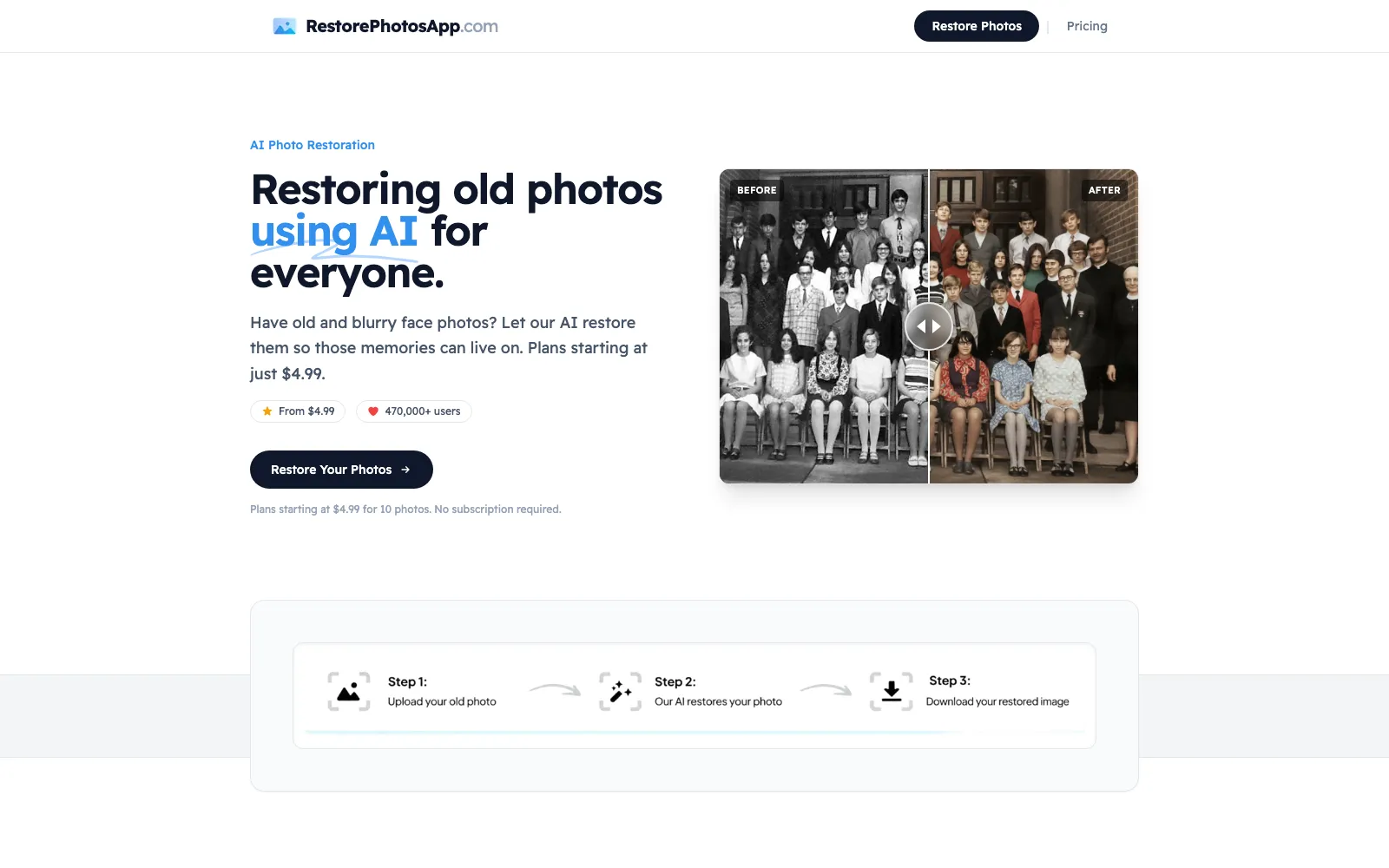
RestorePhotos is the tool we reach for first. Upload an old, faded, torn, or blurry photo and it removes scratches, noise, and blur while rebuilding lost detail, usually in under 30 seconds. There is no software to install and nothing to configure, so a first restore takes about a minute from landing on the page to downloading a clean result.
The one-click workflow hides a lot of capability. The same pass that repairs damage can colorize black and white and sepia prints into believable, natural color, and it sharpens out-of-focus faces without giving them that plastic over-processed look. Because it runs in the browser and processes on demand, it stays privacy-friendly and never asks you to hand over a genealogy account or a recurring subscription just to save a photo.
Pricing is where it separates from the pack. Two free restorations let you test real photos before paying a cent, and credits are one-time purchases that never expire, starting around $4.99 for 10 (verify) and dropping to roughly $0.13 per photo on the family pack. For anyone who wants great results without a weekly bill or a learning curve, it is the clear number one.
Best for:Families who want fast, affordable, one-click restoration and colorization of old or blurry photos without a subscription.
Pros
Free to try with 2 restorations and no credit card
One-click restore, colorize, and sharpen in a single pass
Fast, browser-based, and privacy-friendly with no install
One-time credits that never expire instead of a subscription
Cons
Downloads capped around 1080p on standard plans
No dedicated desktop or mobile app
Batch processing is limited compared to pro suites
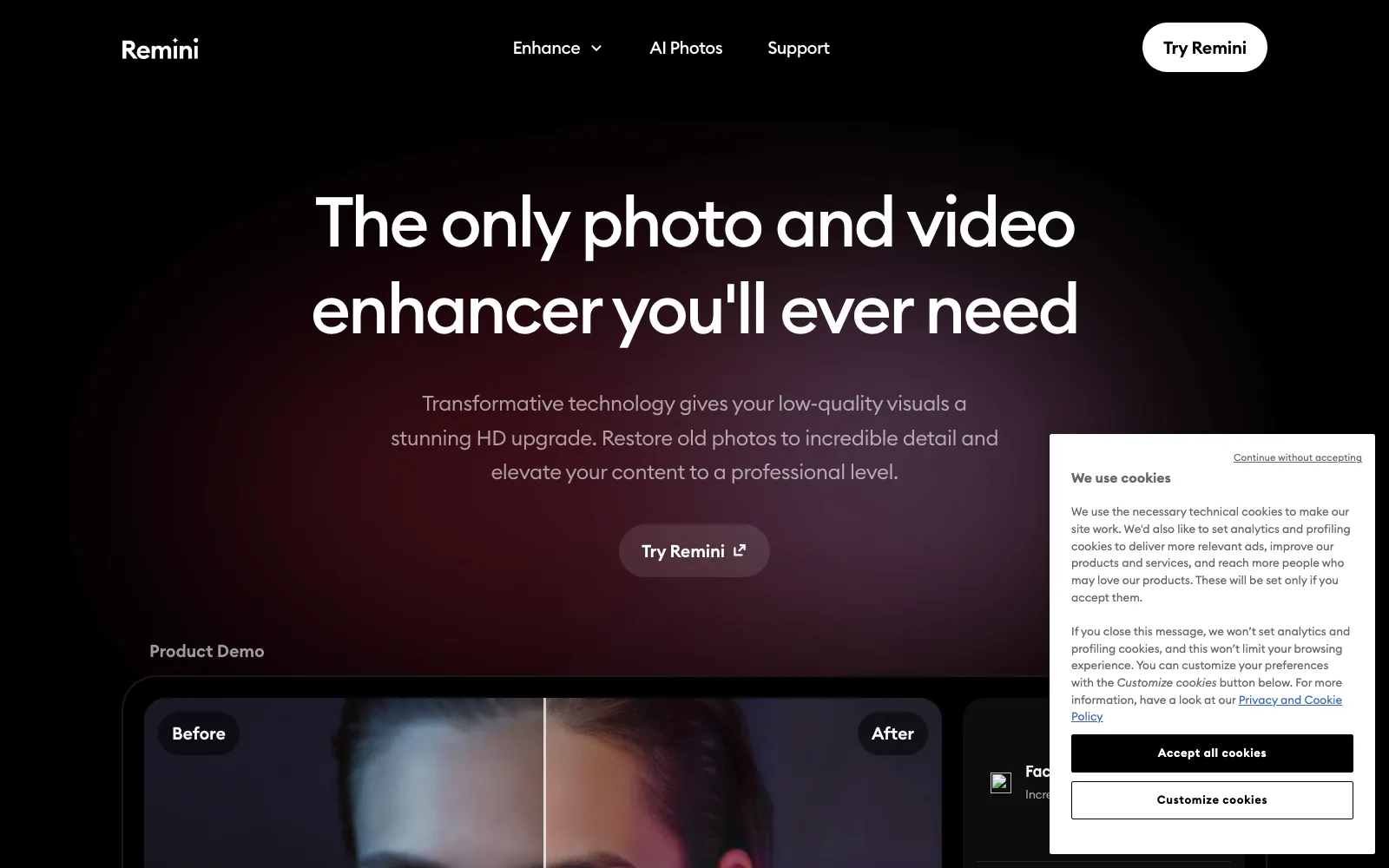
Remini is the strongest mobile-first pick, with polished iOS and Android apps built around a proprietary enhancement model that excels at reconstructing faces. For quickly sharpening portraits from your camera roll, it delivers some of the crispest results we saw.
The cost is the sticking point. Remini moved to a $9.99 per week subscription (verify), which works out to well over $40 a month, and the free tier only allows around three enhances before the paywall. It is great for phone users who enhance often, but expensive for occasional restoration jobs.
Best for:Mobile users who frequently enhance and sharpen faces and want a top-tier app experience.
Pros
Excellent face enhancement and detail reconstruction
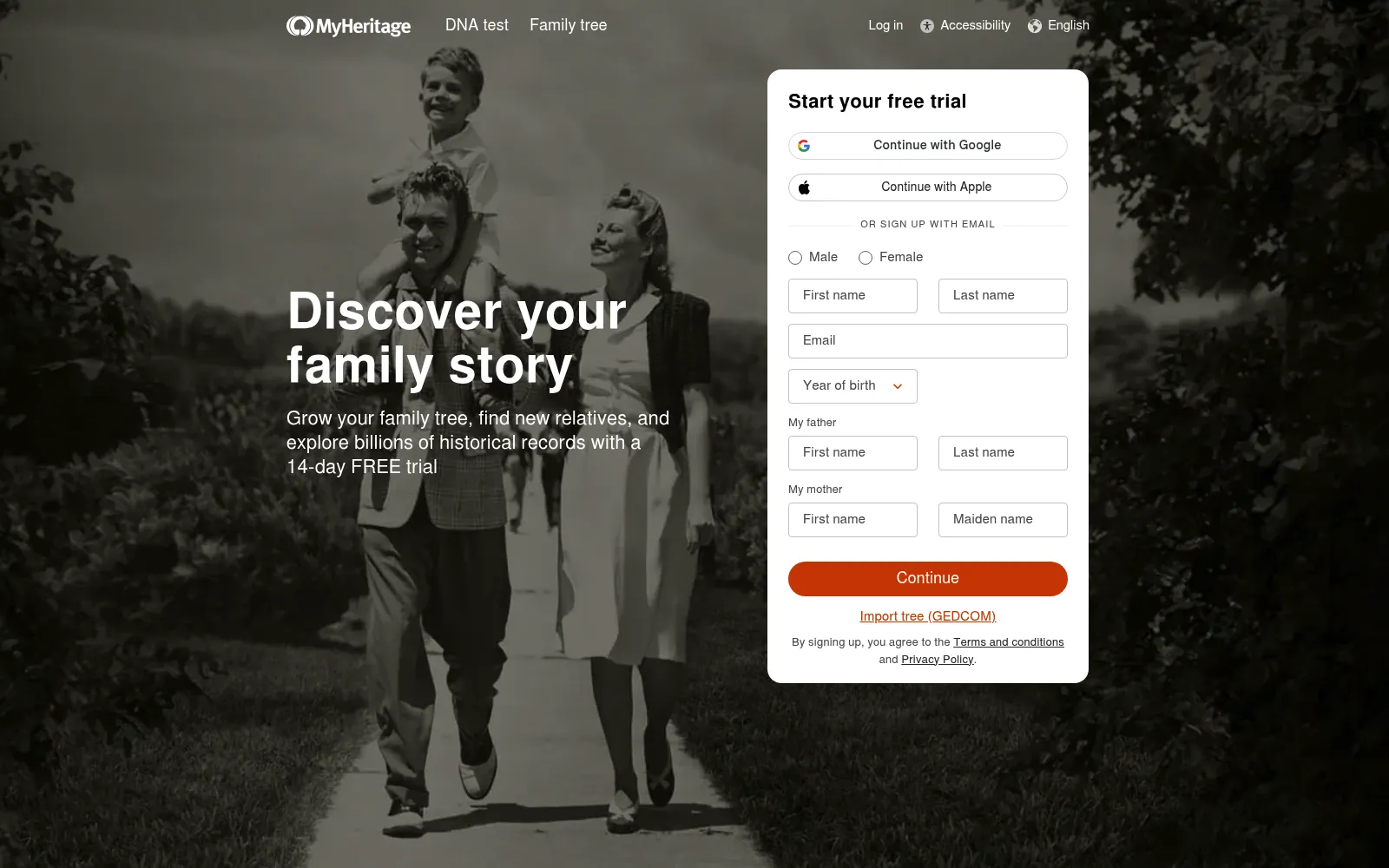
MyHeritage bundles a capable photo enhancer, colorizer, and animator into its family-history platform. If you are already building a family tree, having restoration, colorization, and record search under one roof is genuinely convenient and beginner-friendly.
For photos alone it is hard to justify. The enhancer is sold inside annual genealogy plans that run roughly $119 to $259 per year (verify), and the free tier only shows a watermarked preview, so you must subscribe to download a clean image. Great if you want the genealogy tools, overpriced if you only want to fix a few photos.
Best for:Genealogy enthusiasts who want restoration alongside family-tree and historical record tools.
Pros
Restoration, colorization, and animation in one suite
VanceAI is a broad AI image suite with a dedicated old-photo restorer, and it shines when you have many images to process. Credit-based plans, batch tools, an API, and a Windows desktop app make it a favorite for people digitizing whole albums or archives.
It is affordable per image, with entry plans around $4.95 per month (verify) and credits as low as a couple of cents each, but the subscription and credit model is more complex than a one-click app. Restoration quality is solid, though face detail can trail behind specialist portrait tools.
Best for:Users digitizing large batches of photos who want credit-based pricing and an API.
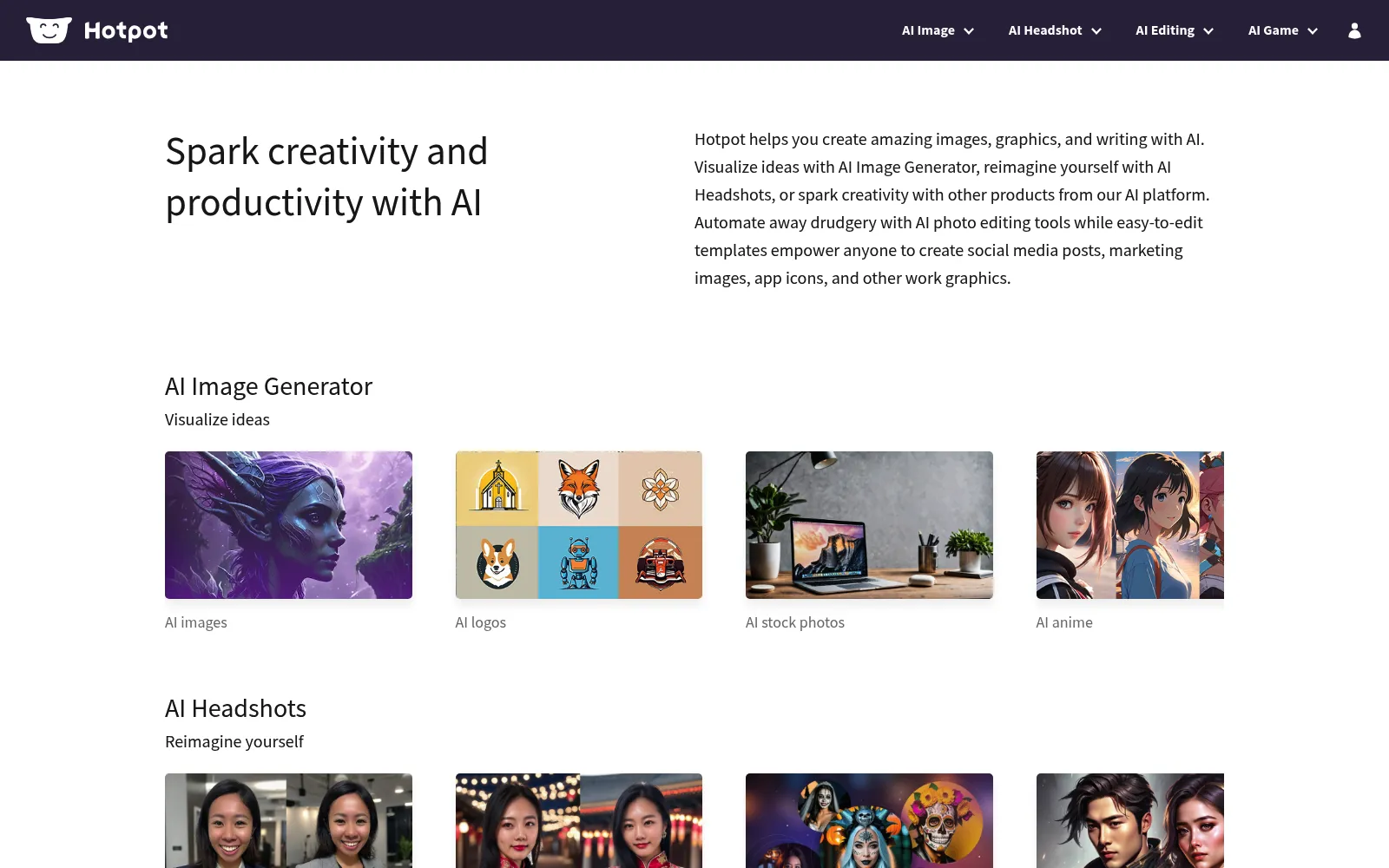
Hotpot.ai offers genuinely free photo restoration for personal use, which makes it a great budget pick. You can repair and colorize old photos in the browser without committing to a subscription, and paid credits are available if you need more speed or volume.
The trade-off is polish and consistency. Results are good for a free tool but can be less refined than paid specialists on heavily damaged or low-resolution originals, and the interface is more utilitarian. For casual, no-cost restores it is hard to beat.
Best for:Budget-conscious users who want free, no-commitment restoration for personal photos.
What is the best AI photo restoration tool in 2026?+
RestorePhotos is our overall pick because it restores, colorizes, and sharpens old or blurry photos in one click, usually in under 30 seconds, offers 2 free restorations with no credit card, and uses one-time credits that never expire instead of a subscription.
Can I restore old photos for free?+
Yes. RestorePhotos gives you 2 free restorations to start, and Hotpot.ai is free for personal use. Remini, MyHeritage, and VanceAI have very limited free tiers, often a watermarked preview or a handful of trial credits before you must pay.
Can these tools colorize black and white photos?+
Most can. RestorePhotos, MyHeritage, VanceAI, and Hotpot.ai all turn black and white or sepia prints into natural color, and RestorePhotos does it in the same one-click pass as restoration. Remini focuses more on face enhancement than colorization.
Do I need to install software?+
Not for our top picks. RestorePhotos, MyHeritage, VanceAI, and Hotpot.ai all run in the browser. Remini is primarily a mobile app for iOS and Android, and VanceAI also offers a Windows desktop version for heavier workflows.
Are AI photo restoration tools safe and private?+
The better tools process your images on demand and let you download and delete results quickly. RestorePhotos is browser-based and privacy-friendly, with no genealogy account or subscription required. Always review each provider's retention and privacy policy before uploading sensitive family photos.
The verdict
RestorePhotos is the clear winner for most people: it restores, colorizes, and sharpens old and damaged photos in one fast click, is free to try, and charges one-time credits that never expire instead of a subscription. Choose Remini if you live on your phone and want the best mobile face enhancement, MyHeritage if you also want family-tree tools, VanceAI if you need to batch-process large albums, and Hotpot.ai if you want a solid free option.
We are the editorial team behind Alternative.tools, an independent platform that helps you find the best tools and their alternatives. We use AI to research and summarize newly launched websites, tools, and products, focusing on what each one does, who it's for, and which popular tools it can replace, so you can pick the right alternative faster, without the marketing spin.